
Full notes
Full Typer Survivor update
Read the full published notes in a cleaner layout. The original post stays linked below.
What changed
- Store
- Gameplay
- Balance
Typer Survivor changes
It's been a full week since launch and we've got several updates in store!
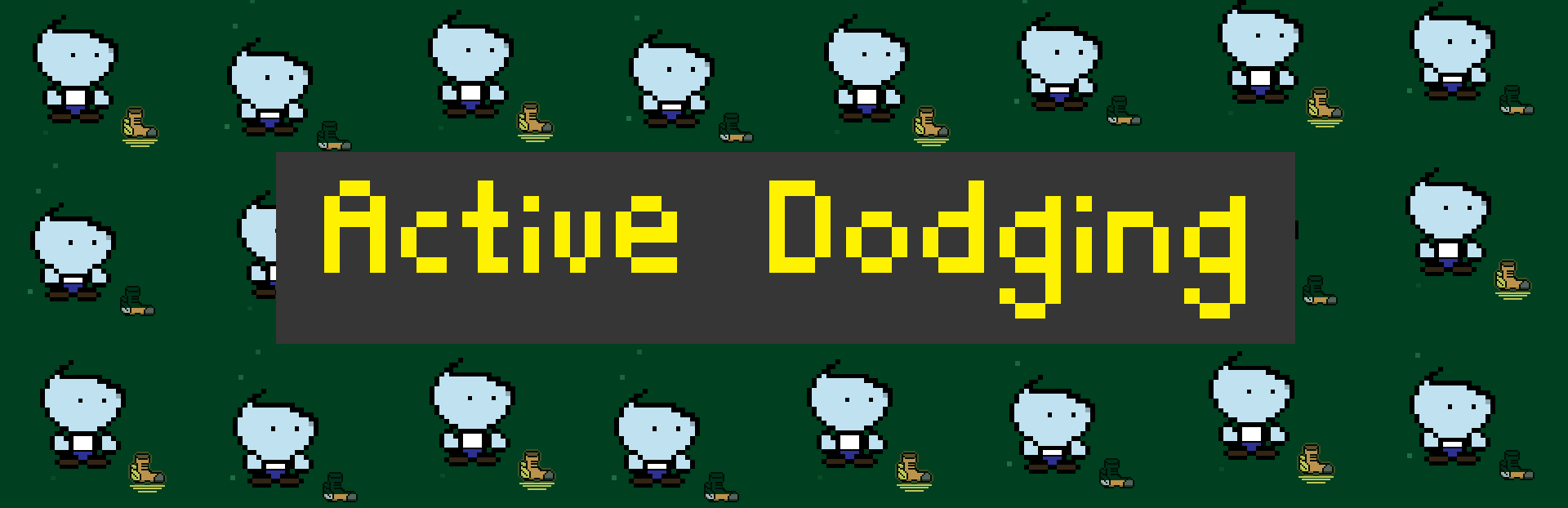
#1- Active Dodging
Active dodging has been added to all characters.
This is a new mechanic that allows the player to time a dodge correctly when an enemy gets to the center, effectively mitigating the damage.
If you press any arrow key while your dodge is charged (the winged boot icon to the right of the player) you'll enter a 'dodge' state and you'll see your character crouch. While dodging, enemies getting to the center will be dodged and you won't take damage.
The dodge state is short, and takes a few seconds to recharge, so it is more of a last resort action you can try to practice to save yourself :)
#2- Word Panels
An option to turn on/off enemy 'word panels' has been added to the game, and set on by default.
This gives a gray background behind the enemy word, giving more contrast to the word in case it is difficult to see for some players.
This effect can be turned on/off from the main menu or combat room settings screen.
#3- A few item updates
Characters
Demolitionist- 'Magic Missile' mutation updated.
Stupor Man- all mutations updated.
Items
Vampiric- updated to apply to most actions. Changed from 1Hp per defeat to 20% chance to heal 5 Hp on defeat. Added visuals to show when triggered.
Aftershock- updated visuals and diversified large aoe, lower damage, and lower aoe, higher damage aftershocks.
General
Small tutorial added when first encountering capital letters to indicate need for holding shift
Source
Changelog.gg summarizes and formats this update. How we read updates.