
Full notes
Full Trianga's Project: Battle Splash 2.0 update
Read the full published notes in a cleaner layout. The original post stays linked below.
What changed
0 fixes1 addition1 change0 removals
- Store
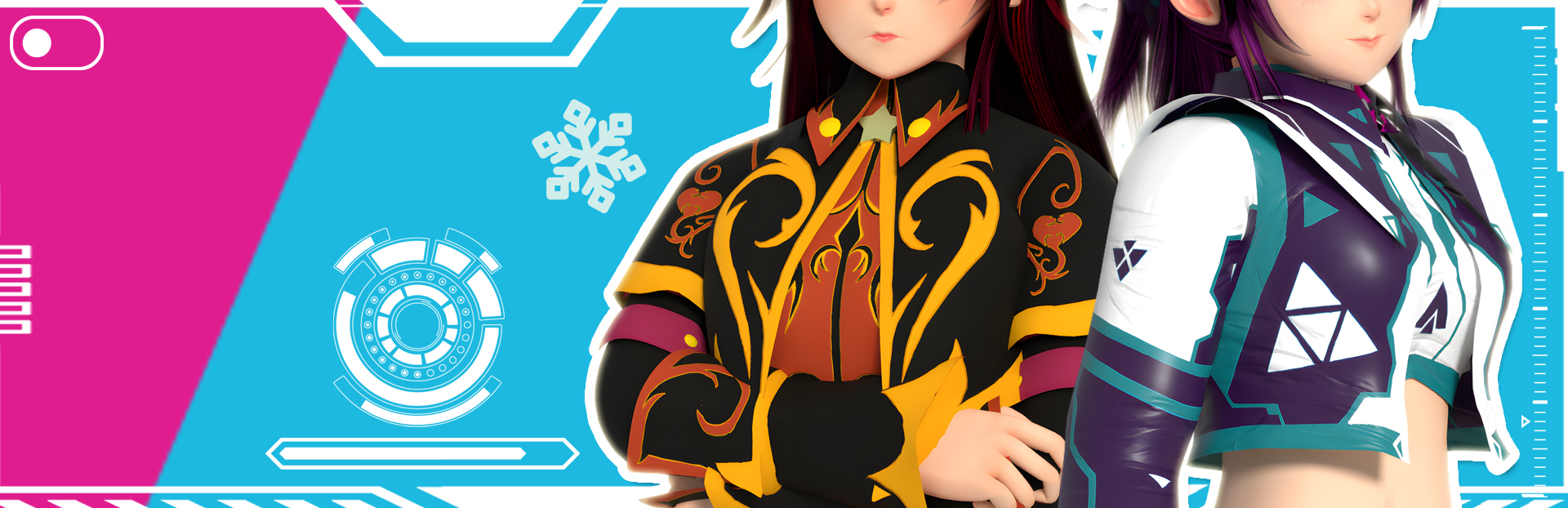
addedEarn coins through Survival mode, then head to Main Menu->Customization. From there, you can roll for new out fit at Banners, or customize your characters' looks at Skins Customization.
changedYour skins will then show up in game:
Trianga's Project: Battle Splash 2.0 changes
addedEarn coins through Survival mode, then head to Main Menu->Customization. From there, you can roll for new out fit at Banners, or customize your characters' looks at Skins Customization.
changedYour skins will then show up in game:
Hello everyone,
Now is the time to talk about the game customization update.
Earn coins through Survival mode, then head to Main Menu->Customization. From there, you can roll for new out fit at Banners, or customize your characters' looks at Skins Customization.
Your skins will then show up in game:
Happy Splashing Everyone! Hung Mai
Source
Changelog.gg summarizes and formats this update. How we read updates.