
Full notes
Full Tracks - The Train Set Game update
Read the full published notes in a cleaner layout. The original post stays linked below.
What changed
- Gameplay
- UI and audio
- Performance
- Fixes
- Compatibility
Tracks - The Train Set Game changes
Hi all!
If you'd like to take an early look at the upcoming update you can now give it a try. Please note that this is a potentially unstable version, if you find any issues I'd appreciate if you could post about them in the forums or Discord.
Click below to see a full list of additions and changes:
[expand type="spoiler"]
Tram A classic tram is now available as a train style. It combines a train and one passenger carriage into a single unit, and supports all the customisation options available for the standard train.
Cab Toys This update adds a new section to the Scenery menu which gives you the choice between a whistle or a bell on your train.
Utility Poles Utility Poles are a new decoration class which automatically attach wires between each prop you place. To start with there are two styles: Telephone Pole and a large Electricity Pylon
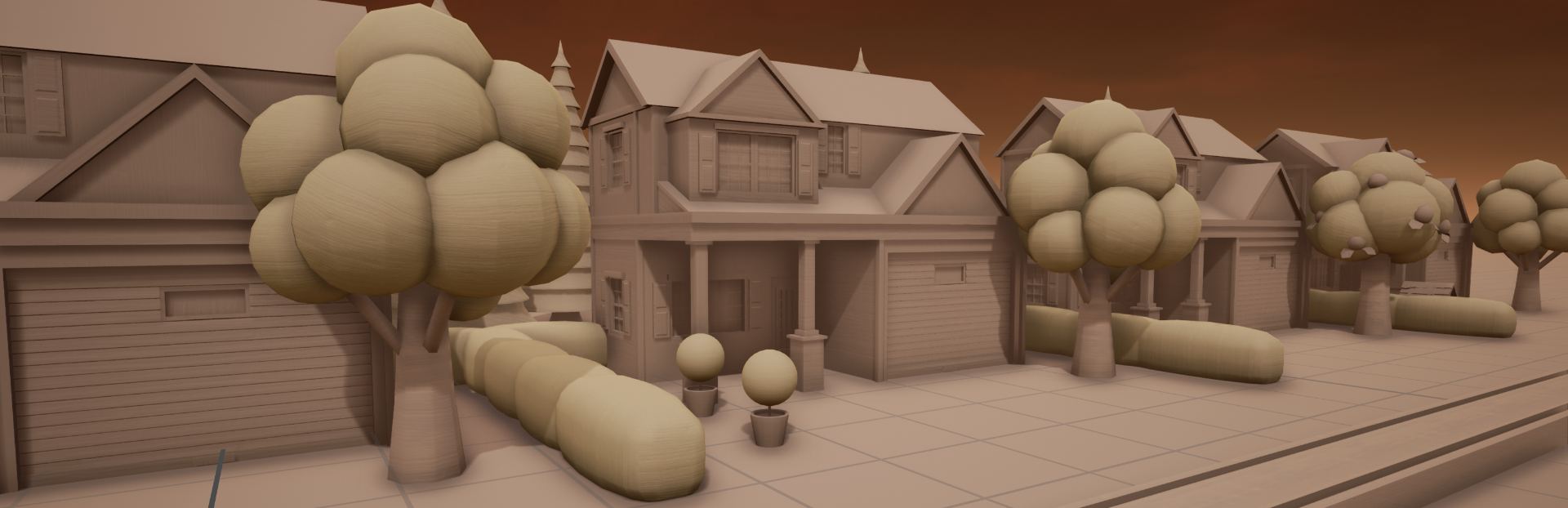
New Decorations There's a wide variety of new decorations including 10 new houses, 3 new passengers, and several large buildings like a sports stadium and motel.
Train Highlighting Certain actions could get awkward when you had a lot of trains. Now when you look at a train (or its carriages) you'll see a little arrow appear on top of it. With a train highlighted, any train-related actions will automatically apply to that train such as:
Left Mouse click / Press T to drive it without opening the train menu
Style options in the Scenery menu
Adding carriages from the Toybox
Other changes:
Replaced the font used for Latin and Cyrillic languages
Tracks, Roads & Rivers now create unique crossings when they meet a variant of other type.
Added pop-ups with key reminders and tips when using certain decorations for the first time
Added the Hungarian language option back into the menu
Several UI and quality of life improvements
Fixed a crash on the tutorial when playing in Korean
Improved the game's start up time and memory usage
Optimised and reduced the size of the Sci-Fi DLC
Fixed an issue when F5 is pressed
[/expand]
Accessing the beta:
Right click on Tracks in your Steam games list and click Properties
Go to the Betas tab and choose the public_beta option from the Beta Participation dropdown menu (you don't need to enter a code)
Steam will start downloading a new update, and Tracks should have a [public_beta] tag in the games list
Source
Changelog.gg summarizes and formats this update. How we read updates.