
In this update4
Full notes
Full Tony Hawk's™ Pro Skater™ 3 + 4 update
Read the full published notes in a cleaner layout. The original post stays linked below.
What changed
- Gameplay
- Events
- Balance
Tony Hawk's™ Pro Skater™ 3 + 4 changes
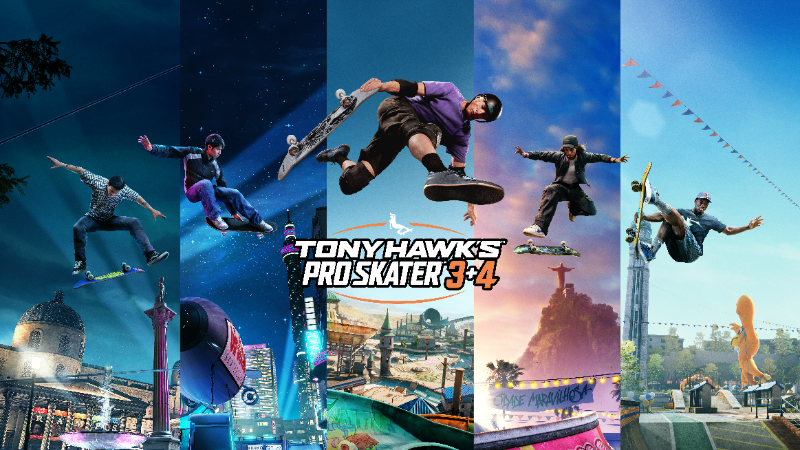
The launch of Tony Hawk’s™ Pro Skater™ 3 + 4 is quickly approaching and we can’t wait for players around the world to drop in and start shredding. The most important part of the legendary skateboarding series is to have a kickass time, and so the developers at Iron Galaxy Studios have implemented a host of customization, quality of life, and accessibility features to invite in players of all experience and ability levels.
In addition to all the customization and accessibility features introduced in Tony Hawk’s™ Pro Skater™ 1 + 2, Tony Hawk’s Pro Skater 3 + 4 is launching with more new features to help players adjust the skating experience to their personal needs.
Get details on the major customization features below, launching with the game when it releases July 11.
Comprehensive Tutorial: Get Your Bearings Straight
Returning to the franchise after a long break? Or dropping in for the first time? None other than Tony Hawk himself is here to take you through the basics and beyond in the game’s comprehensive tutorial, including lessons on the Ollie, kick flips, vert tricks, grinds, reverts, manuals, special tricks, and all the other tools you’ll need to kick off your skating journey with a bang. Not sure what game or accessibility settings work for you? Test them out in tutorial mode before making it official.
Craft Your Perfect Skate
Some players like the intense challenge of landing hard tricks and combos while others just want to have a good time or might struggle with the fine motor skills necessary to keep their skater balanced on the skateboard. Whatever your preference, a host of Game Mods is included to help tailor your experience for the perfect skate.
Game Mod settings* include a toggle for Perfect Rail Balance, Perfect Manual Balance, Perfect Lip Balance, Perfect Skitch Balance, No Bails, and Instant Quick Recovery. Each setting can be individually toggled on or off, allowing you to zero in on exactly the setup that works for you.
Score, Timer, and Game Speed Adjustments
If landing a Sick Score or any other tough goal within the game’s default two-minute timer seems like an impossible task, consider these features to help close the gap toward achieving each park’s goals.
Double Base Score: Stuck on a tough park? Feel like you’re hitting your head against the wall trying to complete the score goals? Turn on this feature to double all earned score in the run.
Always Special: Great for practicing a skater’s special moves, this feature keeps the special meter full even if you bail. Trying to perfect Tony Hawk’s iconic 900? With this, you can practice the move over and over again, or any other Special Tricks you’re trying to master.
Timer Length: By default, Career mode uses a two-minute timer for each run. For players just learning the game, or for those who want more time to complete a challenge, this feature lets you up the allotted time to five, 10, or 60 minutes.
Game Speed: Skateboarding is a fast sport, and new players might be surprised how quickly they need to react to the environment to get the most out of their combos. With this feature, choose Half Speed to slow things down, great for practicing intricate tricks or for a more relaxed experience. For players looking to crank it up, choose x1.5 Speed, Double Speed, and even Triple Speed.
Sound, FOV, 180 Spin Taps and More
Source
Changelog.gg summarizes and formats this update. How we read updates.