
HomeGamesUpdatesPricingMethodology
Steam News15 May 20197y ago

v2.5.3: Animated Sun corona, Tour Guide editor, and arcade/installation support!

Significant Changes: Tour Guide customization is now enabled. Anyone can now record themselves in VR (both motion capture, and microphone capture for voice) to create new Tour Guide presentations (that can be shared wit

Full notes

Full Titans of Space PLUS update

Read the full published notes in a cleaner layout. The original post stays linked below.

What changed

0 fixes2 additions1 change1 removal
  • UI and audio
  • Gameplay
  • Maps
addedSignificant Changes:Tour Guide customization is now enabled. Anyone can now record themselves in VR (both motion capture, and microphone capture for voice) to create new Tour Guide presentations (that can be shared with others if you wish). To get started, check the Modding Info area inside the app (green options menu from tour -> Modding Info). It's easy once you know what to do, but perhaps daunting to get started, so I will publish videos in the near future to walk through the process. -- Note: If using a Rift/Rift S to record Tour Guide presentations, please run the app using Oculus SDK for now.
removedMinor ChangesMonitor: No longer defaults to "sensitive to motion".
addedArcade/Installation Support:New command-line arguments supported, mainly to support arcade/installation type settings:
changedArcade/Installation Support:-unlock-full-tour-map (Players can go to any tour stop they want without having been there before)

Titans of Space PLUS changes

addedTour Guide customization is now enabled. Anyone can now record themselves in VR (both motion capture, and microphone capture for voice) to create new Tour Guide presentations (that can be shared with others if you wish). To get started, check the Modding Info area inside the app (green options menu from tour -> Modding Info). It's easy once you know what to do, but perhaps daunting to get started, so I will publish videos in the near future to walk through the process. -- Note: If using a Rift/Rift S to record Tour Guide presentations, please run the app using Oculus SDK for now.
removedMonitor: No longer defaults to "sensitive to motion".
addedNew command-line arguments supported, mainly to support arcade/installation type settings:
changed-unlock-full-tour-map (Players can go to any tour stop they want without having been there before)

Significant Changes:

  • Tour Guide customization is now enabled. Anyone can now record themselves in VR (both motion capture, and microphone capture for voice) to create new Tour Guide presentations (that can be shared with others if you wish). To get started, check the Modding Info area inside the app (green options menu from tour -> Modding Info). It's easy once you know what to do, but perhaps daunting to get started, so I will publish videos in the near future to walk through the process. -- Note: If using a Rift/Rift S to record Tour Guide presentations, please run the app using Oculus SDK for now.

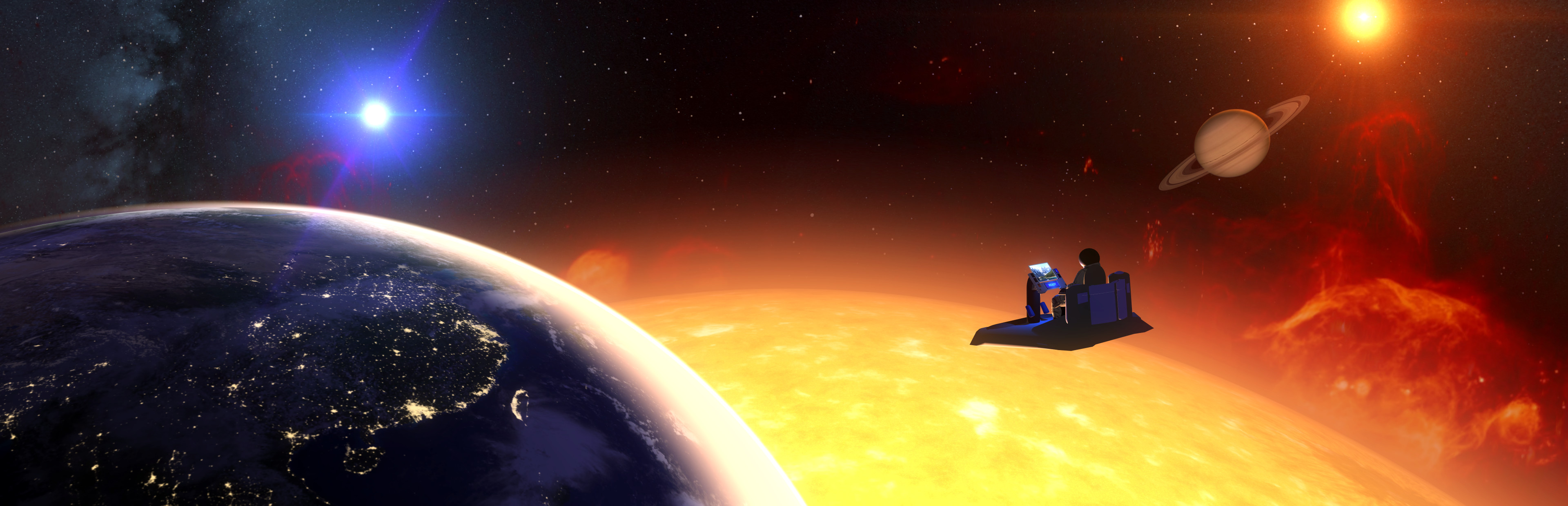
  • The Sun's corona is now animated. Same goes for the large stars.

Minor Changes

  • Monitor: No longer defaults to "sensitive to motion".

  • Slight visual tweaks for dashboard.

Arcade/Installation Support:

New command-line arguments supported, mainly to support arcade/installation type settings:

  1. --maximize-spectator-window (Force fullscreen spectator window)

  2. --unlock-full-tour-map (Players can go to any tour stop they want without having been there before)

  3. --start-at-beginning

  4. --reset-all-preferences (Ensure that the experience starts fresh every time in case users fiddled with settings)

  5. --skip-menus (Skip all the menu screens and start tour immediately)

  6. --disable-guide-options

  7. --disable-guide-editor-mode

  8. --tour-guide-on-by-default (Ensures that the Tour Guide will start talking automatically when starting the tour, can still be turned off by user if they wish)

  9. --tour-guide-off-by-default (Ensures that the Tour Guide does not start talking automatically when starting the tour, can still be turned on by the user if they wish)

  10. --buttons-are-click-activated (Ensures that buttons require a point-and-click in order to activate)

  11. --buttons-are-timer-activated (Ensures that buttons require only gazing/pointing for 1 second in order to activate)

  12. --default-to-floor-level-tracking (Forces floor-level tracking for standing/roomscale instead of automatically detecting seated vs standing)

Until next time!

Source

Steam News / 15 May 2019

Open original post

Changelog.gg summarizes and formats this update. How we read updates.