
HomeGamesUpdatesPricingMethodology
Steam News15 June 201610y ago

Update #1 is out! (June 15, 2016)

Changelog: TOUR: New "Closeup" feature. This replaces the Zoom feature. The right trigger on your gamepad or index finger trigger on either hand controller will cause the solar system body in question to come to you.

Full notes

Full Titans of Space PLUS update

Read the full published notes in a cleaner layout. The original post stays linked below.

What changed

0 fixes3 additions5 changes1 removal
  • Gameplay
  • UI and audio
addedNew "Closeup" feature. This replaces the Zoom feature. The right trigger on your gamepad or index finger trigger on either hand controller will cause the solar system body in question to come to you. This was done to increase comfort, and to allow the player to naturally inspect the planet or moon with head or hands.
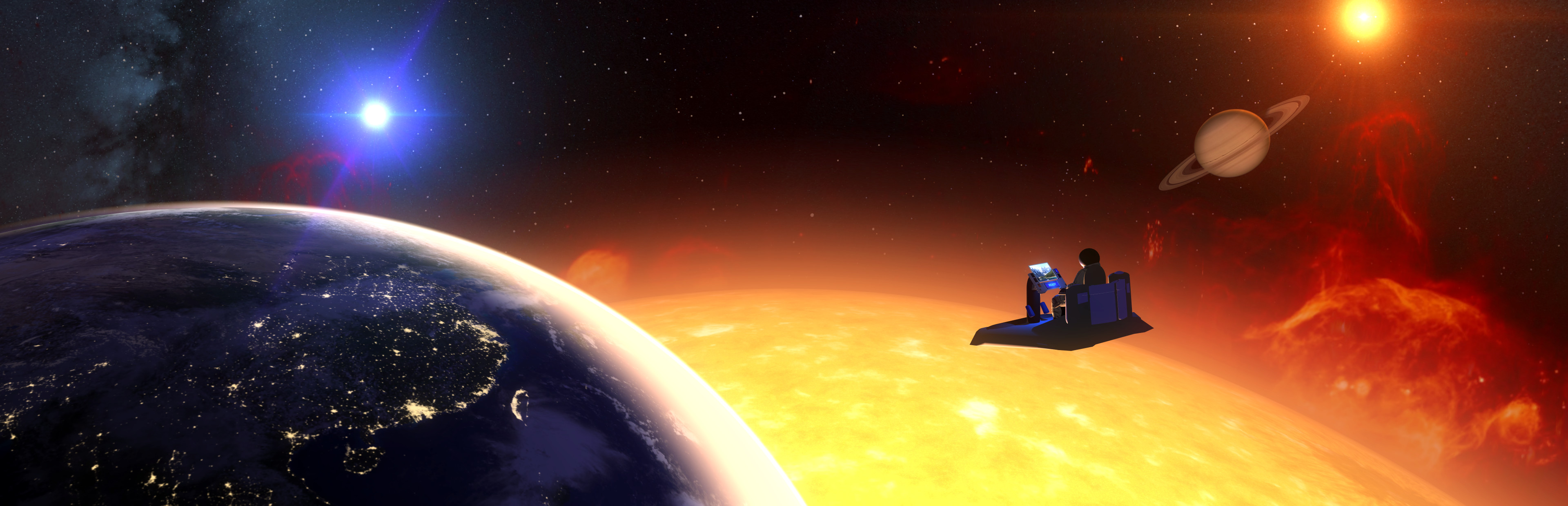
changedUpdated Sun & large star appearance with animated surfaces and other improvements.
addedAdded auroras to several solar system bodies
changedImproved bumps on solar system bodies for a more natural look and to avoid bump mapping pop-in.
changedImproved handling of controller disconnects, left/right detection, and overall consistency
changedImproved controller haptics when continuing to next tour stop.

Titans of Space PLUS changes

addedNew "Closeup" feature. This replaces the Zoom feature. The right trigger on your gamepad or index finger trigger on either hand controller will cause the solar system body in question to come to you. This was done to increase comfort, and to allow the player to naturally inspect the planet or moon with head or hands.
changedUpdated Sun & large star appearance with animated surfaces and other improvements.
addedAdded auroras to several solar system bodies
changedImproved bumps on solar system bodies for a more natural look and to avoid bump mapping pop-in.
changedImproved handling of controller disconnects, left/right detection, and overall consistency

Changelog: TOUR:

  1. New "Closeup" feature. This replaces the Zoom feature. The right trigger on your gamepad or index finger trigger on either hand controller will cause the solar system body in question to come to you. This was done to increase comfort, and to allow the player to naturally inspect the planet or moon with head or hands.

  2. Updated Sun & large star appearance with animated surfaces and other improvements.

  3. Added auroras to several solar system bodies

  4. Improved bumps on solar system bodies for a more natural look and to avoid bump mapping pop-in.

  5. Additional dashboard/cockpit polish (still a WIP)

  6. Io is now shaped as a slight ellipsoid.

  7. Juno spacecraft is now spinning at real rate

VIVE:

  1. Improved handling of controller disconnects, left/right detection, and overall consistency

  2. Improved controller haptics when continuing to next tour stop.

CONFIG:

  1. For those with unusual monitor configurations, a potentially helpful launch option has been added: -noforceresolution This will leave the mirrored desktop window alone, allowing you to hold Shift while starting the app directly from its installation folder in order to configure desired resolution and display. Without this, the default behavior is an 800x800 window, or if -fullscreen is specified, it will be fullscreen at the highest detected resolution.

OTHER

  1. Various UI improvements (still a WIP).

BUGFIXES

  1. Saturn's ring debris is now hidden when viewing Solar System closeup.

  2. May no longer fire up probe launcher while orbiting a body.

Source

Steam News / 15 June 2016

Open original post

Changelog.gg summarizes and formats this update. How we read updates.