
Full notes
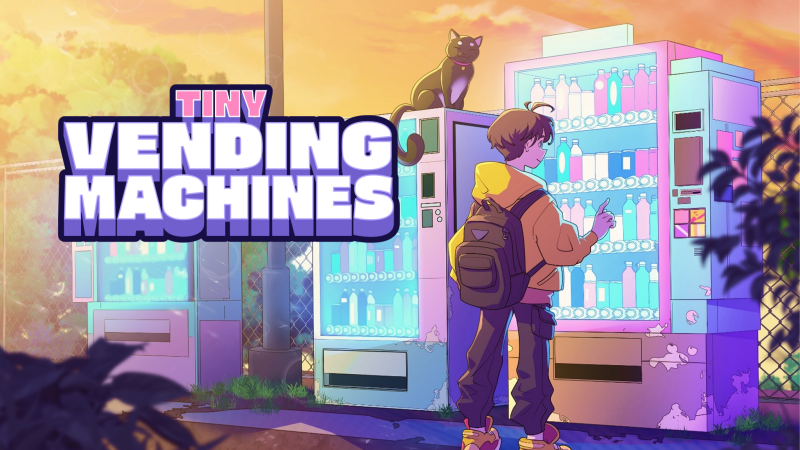
Full Tiny Vending Machines update
Read the full published notes in a cleaner layout. The original post stays linked below.
Repeated intro
Hello everyone,
What changed
- Compatibility
- Performance
Tiny Vending Machines changes
I've noticed that many of you are encountering a black screen issue with the game and that the previous solutions haven't worked.
Here is a potentially quicker fix you can try. If the issue persists after following these steps, please feel free to leave a comment to let us know!
Open your Steam Library -> Find the game.
Right-click on it -> Properties -> Installed Files -> Browse...
Find Tiny Vending Machines.exe -> Right-click on it -> Properties -> Compatibility.
Check the box for "Disable fullscreen optimizations".
Restart the game.
Source
Changelog.gg summarizes and formats this update. How we read updates.