
In this update5
Full notes
Full Tiny Glade update
Read the full published notes in a cleaner layout. The original post stays linked below.
Repeated intro
Hellowdy there, how are thee? I hope the frosty season is treating you well 💙 Here in the land of fika, the sun is slowly awakening from its nap, and the cold will only last three more months 🤭
What changed
- Events
- Compatibility
- Gameplay
- UI and audio
- Performance
Tiny Glade changes
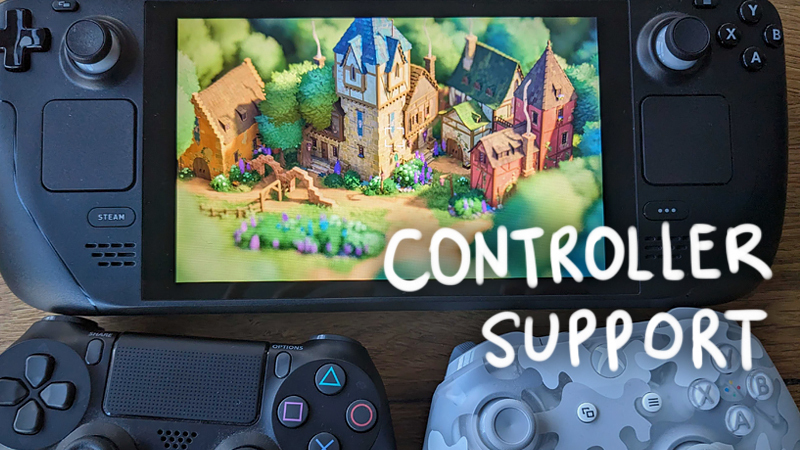
While not great for vitamin D, the darkness does align with productive game development. We've finished conjuring the ancient incantations of Steam Input, infused the magicks of VDFs and action glyphs into Tiny Glade, and the tickbox of "Controller Support" is now officially ticked! Thanks to everyone who helped us test the beta :3
Your Steam may need booping
Steam sometimes caches old controller layouts, and you may need to restart it and/or reapply the official layout. Otherwise it might end up being an odd crossbreed of our new one and something from the before times.
Control hints
If you'd like to see the control hints/tutorial again, make sure to click Settings -> Game -> Control Hints -> Reset.
What's there
All the menus and UIs can now be navigated using controllers: DPad/Left Joystick, A/B, L1/R1.
The same is also true for the keyboard: Arrow keys, Enter/Esc, PgDown/PgUp.
There's now two action sets in Steam Input: one for gameplay, and one for the menu.
Action sets expose a whole bunch of extra controls useful for custom layouts.
Tutorials/input hints in the game show controller glyphs.
The game will dynamically detect any connected controllers, and seamlessly read input from all of them and/or keyboard + mouse.
On Steam Deck, the folder icon in photo mode now shows an info screen for where to find screenshots in SteamOS's menus.
There's now a "Controller Bindings" button in the Controls menu (only shows if you have a controller connected).
Ditto for key bindings; they have been moved to their own sub-screen.
You can now draw walls & fences by clicking and moving the camera instead of the cursor.
What's not there yet
There's a few things that we'll address in future patches:
There's a bunch of new strings that we haven't yet localized to other languages.
If you change the toolbar alignment in settings, you'll need to restart the game, or controller mapping will be all borked.
Our graphics driver warning/information screen doesn't support controllers yet.
What's next
Our next step in controller land is to fix a few small things, and then ask Valve to have another look at our Steam Deck support. Then we can hopefully get "Deck Verified" soon :3
Beyond that, we have a few updates cooking, ranging from optimizations to gameplay features, but more on that soon, so make sure to keep those radio receivers well tuned 📻🧓
Stay awesome!
Love, Tom & Ana
Source
Changelog.gg summarizes and formats this update. How we read updates.