
In this update1
Full notes
Full Time Wasters update
Read the full published notes in a cleaner layout. The original post stays linked below.
What changed
- Events
- UI and audio
- Balance
Time Wasters changes
New Ravebow Loyalty Challenge: Only Up
Earn a Solo Victory with Ravebow to unlock the Only Up Challenge
Enemies Spawn From Above
An Elite Fire Circle Moves Up
Enemy Speed Multiplier 2
Enemy Hull Multiplier 2
Gold Per Pickup -0.5
New Loyalty icon will replace Solo after earning an Only Up Victory
To play, select Ravebow as the Captain then select Only Up from the Select A Challenge screen
Added Unlock Missions & Steam Achievement
More Loyalty Challenges may be added in future updates
Loyal Crew Ravebow
Get an Only Up Challenge Victory with Ravebow to unlock
Loyal Crew Ravebow can immediately join the crew at the start of a run
Ravebow must not be Banished to join your crew
Select Captain Screen
Captain Icons display if Captain Is Banished or Available As Crew
Regular Icon = Available As Crew or Waiting to Unlock Crew
Red Icon = Banished Crew
Grey Icon with a Lock = Captain Locked, complete mission to unlock
Crew can now be Banished or Unbanished from the Select Captain Screen
Pressing Tab, RMB or the Y button will toggle Banish Crew / Unbanish Crew
The Banish Crew / Unbanish Crew tooltip is displayed in the Captain Info panel
Space Cube Upgrades
Available As Crew is now Banish Crew
X in Banish Crew row = Banished Crew and will have red icons
Empty Box in Banish Crew row = Available As Crew and will have regular icons
Lock in Banish Crew row = Captain Locked, complete mission to unlock
Upgrades can be bought and sold anytime, even if a captain is banished
Pressing Space, LMB or the A button will toggle Banish Crew and Unbanish Crew
Loyal Crew can now be turned on/off from the Space Cube Upgrades Screen
When in the Banish Crew row, press Tab, RMB or the Y button to toggle Loyal Crew
Purple Loyalty Icon = Loyal Crew On and Captain can immediately join crew at start of a run
Grey Loyalty Icon = Loyal Crew Off, crew must be selected through in-game upgrades
When starting a run Loyal Crew is selected from left to right of the Captain list (ie if all Loyal Crew turned on it will select Corrosia, Raven and Ravebow, possibly Kat depending on the selected Captain)
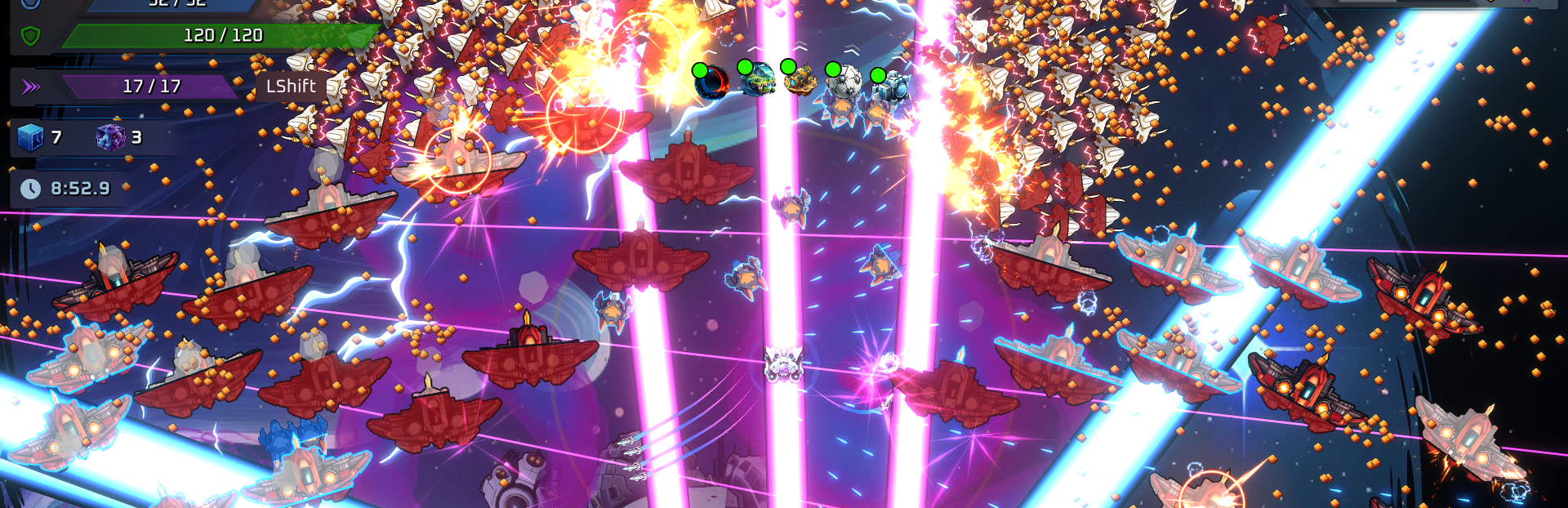
Laser Strike
Pink lasers fire after the Blue lasers instead of at the same time to spread out the DPS coverage
Mine Enemies
If destroyed by the player weapons it will have a blue explosion damaging nearby enemies
If destroyed by the player colliding with it there will be a red explosion and it will cause damage to the player
Fix - Mine damage not scaling correctly
Source
Changelog.gg summarizes and formats this update. How we read updates.