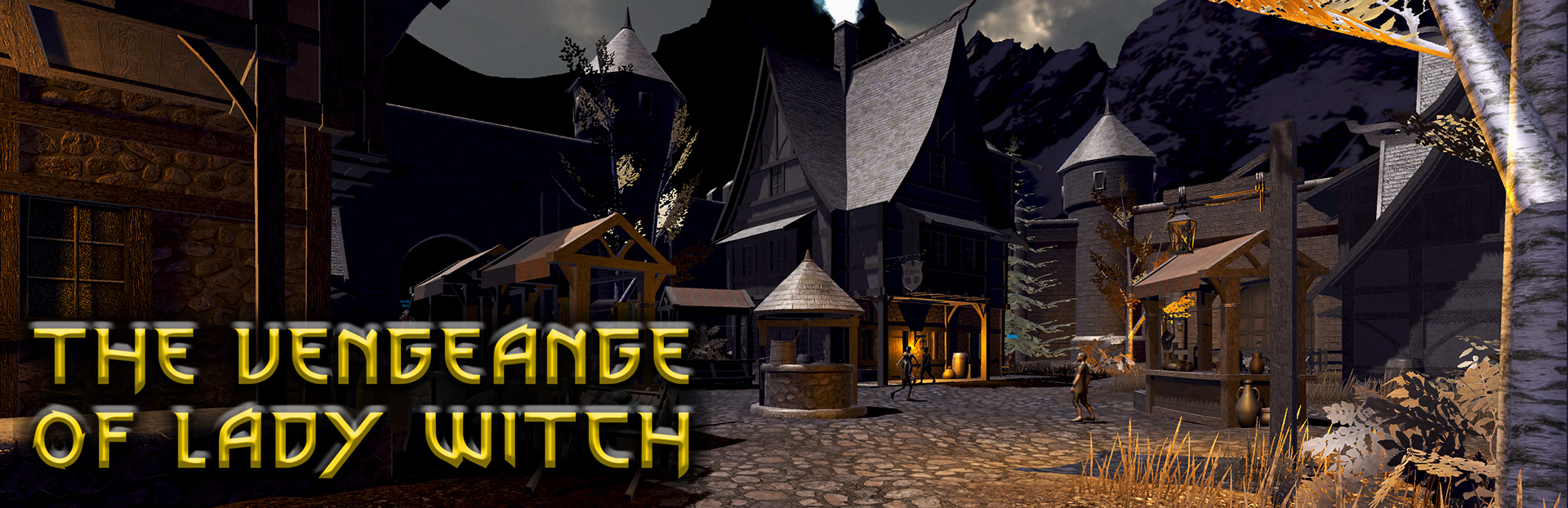
Greetings, The Vengeance Of Lady Witch Community We're thrilled to announce some exciting new updates for The Vengeance Of Lady Witch.
Full notes
Full The Vengeance Of Lady Witch ARPG update
Read the full published notes in a cleaner layout. The original post stays linked below.
Repeated intro
Greetings, The Vengeance Of Lady Witch Community
What changed
1 fix3 additions2 changes0 removals
Gameplay
UI and audio
addedWe're thrilled to announce some exciting new updates for The Vengeance Of Lady Witch. Your feedback has been invaluable, and we've been hard at work making improvements to enhance your gaming experience. Here's what's new:
addedSkill and Attack Sound Customization: You can now tailor the sounds of your character's skills and attacks to your liking by configuring them through the BGM Volume settings. Make every battle feel unique with the power of personalized sound effects!
changedInvisible Cursor in Gameplay: Say goodbye to distractions! We've made the cursor invisible during gameplay to keep you fully immersed in the world of 'The Vengeance Of Lady Witch.' However, if you pause the game by pressing the 'ESC' key, please refrain from clicking the close button. Instead, press 'ESC' again to prevent the cursor from reappearing. If you happen to see the cursor reappear, simply press 'ESC' again, and then close it by pressing 'ESC' once more.
addedNew Quest Log UI: We've overhauled the quest log interface with a focus on clarity and detail. Get a better understanding of your quests, objectives, and progress to make your adventures even more epic!
changedSmooth Prologue-to-Gameplay Transition: We've worked on creating a seamless transition between the prologue and gameplay, ensuring your journey is as smooth as possible.
fixedSide Panel Bug Since we've fixed the cursor invisibility issue, we've disabled the buttons on the side panel. However, we've kept the UI intact to provide guidance and explanations for key functions.
The Vengeance Of Lady Witch ARPG changes
addedWe're thrilled to announce some exciting new updates for The Vengeance Of Lady Witch. Your feedback has been invaluable, and we've been hard at work making improvements to enhance your gaming experience. Here's what's new:
addedSkill and Attack Sound Customization: You can now tailor the sounds of your character's skills and attacks to your liking by configuring them through the BGM Volume settings. Make every battle feel unique with the power of personalized sound effects!
changedInvisible Cursor in Gameplay: Say goodbye to distractions! We've made the cursor invisible during gameplay to keep you fully immersed in the world of 'The Vengeance Of Lady Witch.' However, if you pause the game by pressing the 'ESC' key, please refrain from clicking the close button. Instead, press 'ESC' again to prevent the cursor from reappearing. If you happen to see the cursor reappear, simply press 'ESC' again, and then close it by pressing 'ESC' once more.
addedNew Quest Log UI: We've overhauled the quest log interface with a focus on clarity and detail. Get a better understanding of your quests, objectives, and progress to make your adventures even more epic!
changedSmooth Prologue-to-Gameplay Transition: We've worked on creating a seamless transition between the prologue and gameplay, ensuring your journey is as smooth as possible.
We're thrilled to announce some exciting new updates for The Vengeance Of Lady Witch. Your feedback has been invaluable, and we've been hard at work making improvements to enhance your gaming experience. Here's what's new:
Skill and Attack Sound Customization: You can now tailor the sounds of your character's skills and attacks to your liking by configuring them through the BGM Volume settings. Make every battle feel unique with the power of personalized sound effects!
Invisible Cursor in Gameplay: Say goodbye to distractions! We've made the cursor invisible during gameplay to keep you fully immersed in the world of 'The Vengeance Of Lady Witch.' However, if you pause the game by pressing the 'ESC' key, please refrain from clicking the close button. Instead, press 'ESC' again to prevent the cursor from reappearing. If you happen to see the cursor reappear, simply press 'ESC' again, and then close it by pressing 'ESC' once more.
New Quest Log UI: We've overhauled the quest log interface with a focus on clarity and detail. Get a better understanding of your quests, objectives, and progress to make your adventures even more epic!
Smooth Prologue-to-Gameplay Transition: We've worked on creating a seamless transition between the prologue and gameplay, ensuring your journey is as smooth as possible.
Side Panel Bug Since we've fixed the cursor invisibility issue, we've disabled the buttons on the side panel. However, we've kept the UI intact to provide guidance and explanations for key functions.
These updates are a testament to our commitment to delivering the best possible gaming experience. We hope you enjoy them as much as we enjoyed bringing them to you.
Your feedback continues to be a driving force behind our development, so please keep it coming. Together, we'll make [Your Game Name] even more incredible.
Thank you for your ongoing support, and happy gaming!