
Full notes
Full The Sims™ 2 Legacy Collection update
Read the full published notes in a cleaner layout. The original post stays linked below.
What changed
- Fixes
- UI and audio
- Performance
- Gameplay
- Store
The Sims™ 2 Legacy Collection changes
Sul Sul Simmers!
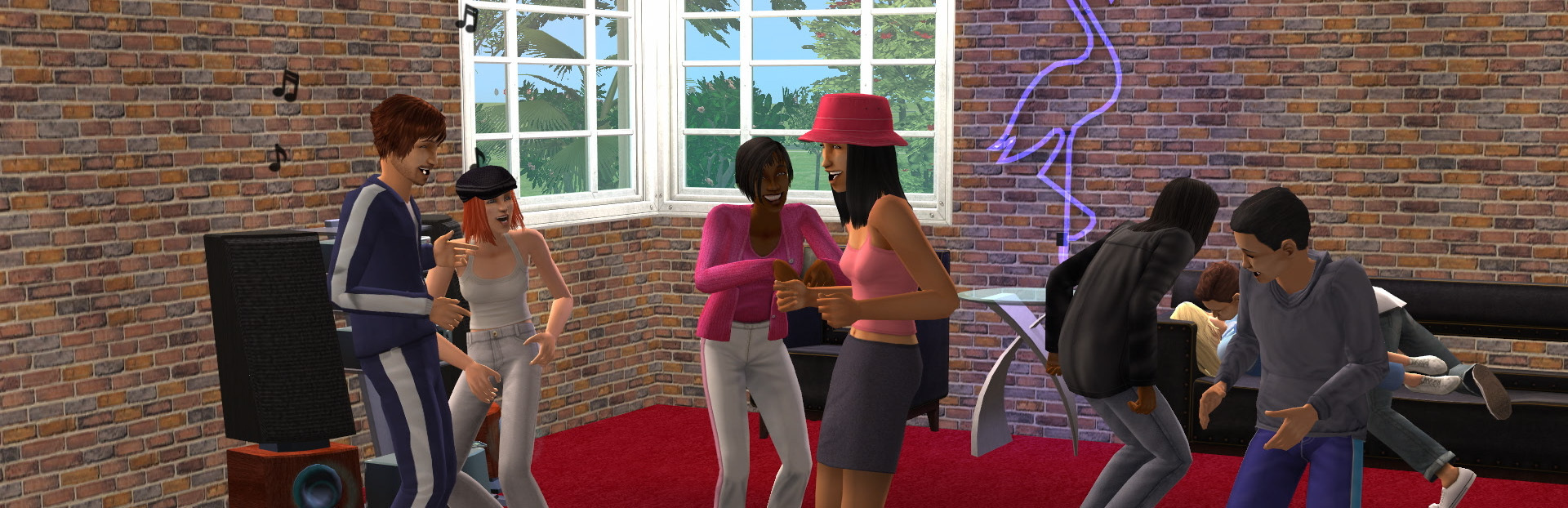
Put down that grilled cheese sandwich and get ready for a trip down memory lane to 2004 with us! We’ve revived The Sims 2 and most of its packs to work easily with Windows 10 and 11! Please note that modern licensing restrictions have required the removal of 1 pack and some of the original songs, but we have included as many as possible.
We thought we’d also make it easier to see all those classic pixels on your monitor! To scale the game to make better use of the screen space available, try using the Alt + Enter key combination to enter and leave full-screen mode. Enjoy that glorious widescreen The Sims 2 view!
There are a few more updates as well to look out for:
GraphicsRules.sgr now supports modern hardware configurations
Fixed a shadow bug that surrounded Sims with a big black square
Wide screen and higher game resolutions are now supported
UI scales better to higher resolutions
Texture memory corruption and “pink soup” are fixed
Dragging The Sims 2 window from one monitor to another works more smoothly
If your computer has a lot of RAM, The Sims 2 is able to use it
Fixed several crashes
Improvements and fixes
We hope you’ll enjoy returning to the Belladonna Cove, Desiderata Valley, Riverblossom Hills, Pleasant View, Strangetown, & Veronaville! Spend time with all the classic Sims and Sim families. The Goths, Greenmans, Smiths, Monty/Capps and more are ready to come back to your screen from 21 years ago.
Dag dag!
Source
Changelog.gg summarizes and formats this update. How we read updates.