
HomeGamesUpdatesPricingMethodology
Steam News22 January 20233y ago

The Game is updated, old version is still playable.

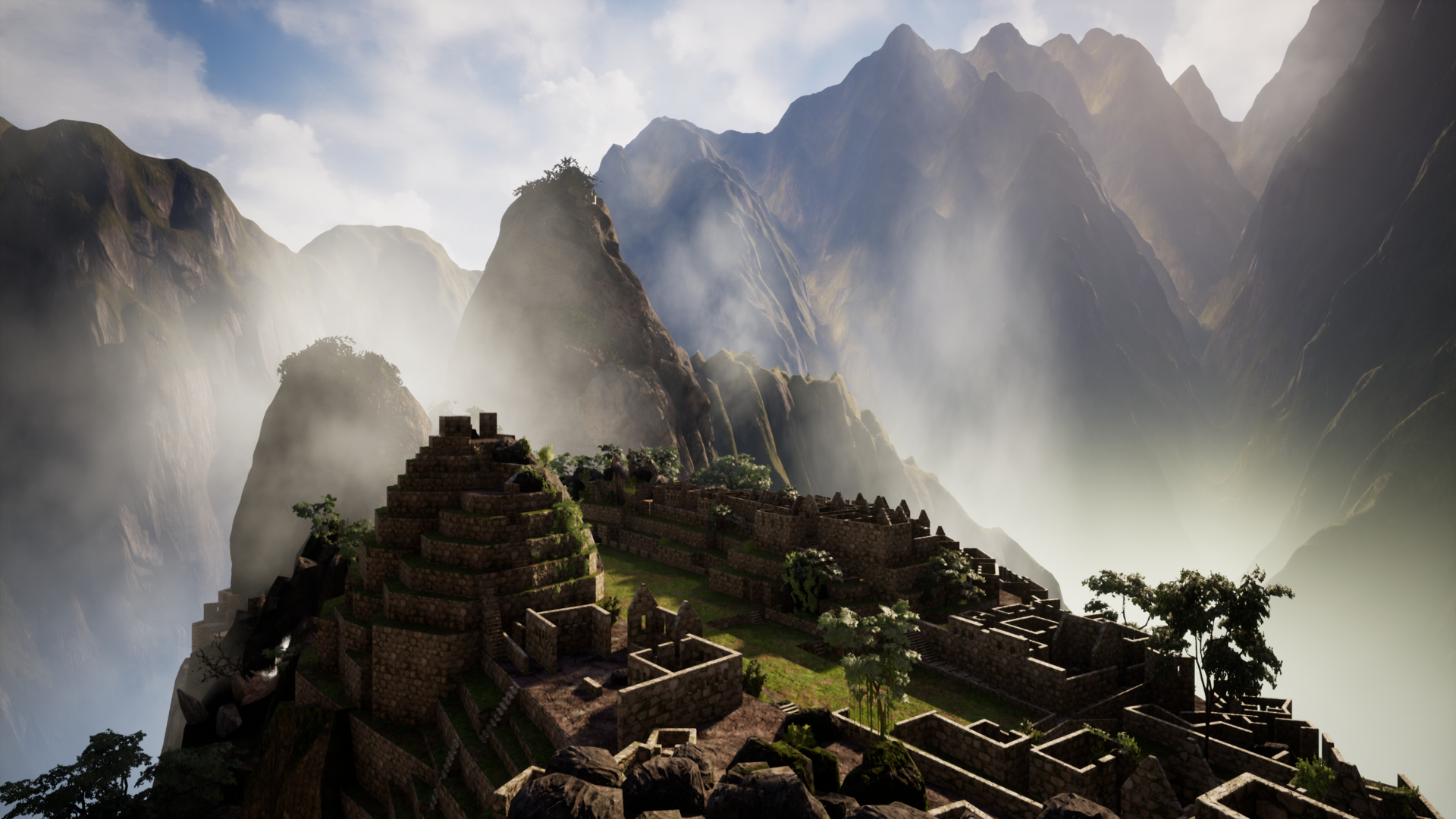
I have updated the game. All light settings have been changed. Shadows have been turned on. Minor changes were made to textures for better blending with the environment. New visual effects. New Fog, Rainbow, etc.

Full notes

Full The Lost Condor - Walking Simulator update

Read the full published notes in a cleaner layout. The original post stays linked below.

What changed

0 fixes1 addition4 changes1 removal
  • Gameplay
  • Compatibility
changedI have updated the game.
changedAll light settings have been changed. Shadows have been turned on.
addedNew visual effects. New Fog, Rainbow, etc.
changedCharacter jump height has been increased.
removedThe original version of the game that I released on Jan 6th will not be removed, it is still available in the beta section.
changed"To switch to a custom branch in the Steam client, right-click on the game from the library page and select "Properties". Among the available tabs will be the "BETAS" tab. Your beta should be listed in the dropdown menu under "Select the beta you would like to opt into:"

The Lost Condor - Walking Simulator changes

changedI have updated the game.
changedAll light settings have been changed. Shadows have been turned on.
addedNew visual effects. New Fog, Rainbow, etc.
changedCharacter jump height has been increased.
removedThe original version of the game that I released on Jan 6th will not be removed, it is still available in the beta section.

I have updated the game.

  1. All light settings have been changed. Shadows have been turned on.

  2. Minor changes were made to textures for better blending with the environment.

  3. New visual effects. New Fog, Rainbow, etc.

  4. Character jump height has been increased.

  5. Re-sculptured some cliffs.

The original version of the game that I released on Jan 6th will not be removed, it is still available in the beta section.

How to switch to the older original version of the game:

"To switch to a custom branch in the Steam client, right-click on the game from the library page and select "Properties". Among the available tabs will be the "BETAS" tab. Your beta should be listed in the dropdown menu under "Select the beta you would like to opt into:"

See Jan 17th post for video instructions on how to use it.

Source

Steam News / 22 January 2023

Open original post

Changelog.gg summarizes and formats this update. How we read updates.