
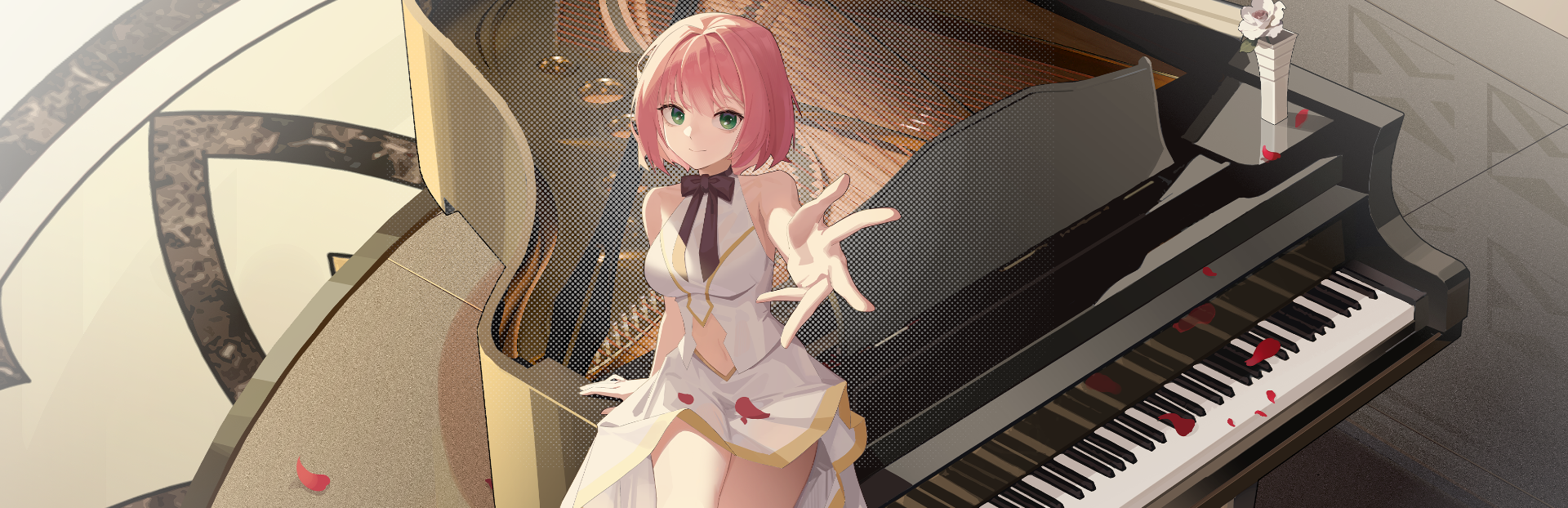
In this update2
Full notes
Full The Interdependent View-Dimension: Zena update
Read the full published notes in a cleaner layout. The original post stays linked below.
What changed
- Store
- Events
- Compatibility
- Performance
- UI and audio
The Interdependent View-Dimension: Zena changes
New Features
Outfit Testing – Socks Edition! In the Preferences > Outfits menu, we’ve rolled out an early version of the outfit system for community testing! For now, you can choose whether Zena wears socks: → Click the sock icon on the right to put them on. → Click the equipped sock slot on the left to take them off. Give it a try and let us know what you think!
Inventory Visibility The Items menu now correctly displays all items currently in your inventory.
Announcement System Added A new in-game announcement feature has been implemented to keep you updated on news and events.
Cloud Save Support (Beta) Cloud saving is now available—but please note it may still have occasional issues as we fine-tune the system.
Optimizations & Fixes
Foot Visual Refinement We’ve continued improving Zena’s foot rendering—her feet now appear smaller and more aesthetically pleasing from the front view.
Taskbar Icon Toggle Fixed The “Show Taskbar Icon” option in Settings now correctly reflects its enabled/disabled state.
Text Corrections Fixed minor typos and wording errors in several menu entries.
Source
Changelog.gg summarizes and formats this update. How we read updates.