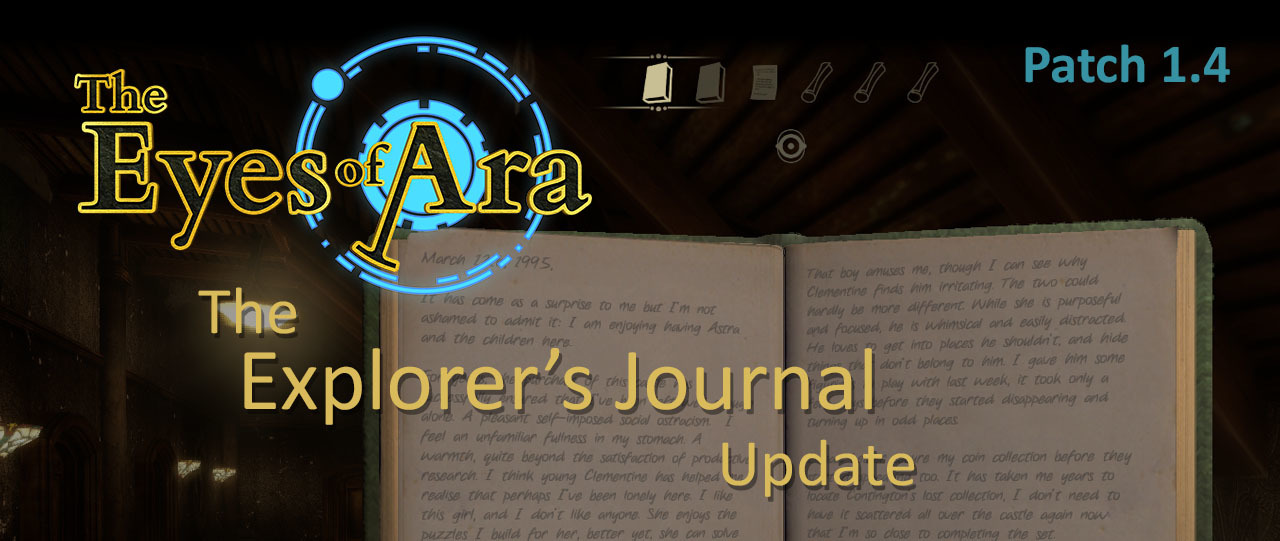
Patch 1.4 is now live, and with it comes a handy new and often requested feature - the Explorer's Journal. Whenever you read a book/note/PC/etc, a copy of it will be stored for easy access at any time in that chapter.
In this update3
Full notes
Full The Eyes of Ara update
Read the full published notes in a cleaner layout. The original post stays linked below.
What changed
0 fixes6 additions3 changes0 removals
UI and audio
Gameplay
Performance
addedPatch 1.4 is now live, and with it comes a handy new and often requested feature - the Explorer's Journal . Whenever you read a book/note/PC/etc, a copy of it will be stored for easy access at any time in that chapter. Simply click the book icon on the left hand side of the inventory bar to bring up the Journal UI. From here you can look through all the books and notes you have found in the chapter!
addedIn addition, certain clues found throughout each chapter will also be automatically added as notes in the Journal after you locate them in game, reducing the amount of hand scribbled notes you need to keep lying around ːsteamhappyː
addedThis update also includes a few other bug fixes and changes (including, you may have noticed, a new logo and desktop icon!) read below for the full patch notes.
addedUIExplorer’s Journal added. After a book/note/etc has been read once it will be accessible via the Journal while within that chapter. Click the book icon on the left side of the UI to open the Journal UI, or use the J hotkey.
changedUIIncreased texture resolution of inventory item icons.
changedGameplayChanged the text on the laboratory PC in Chapter 3 to more clearly indicate the two steps necessary to access it.
The Eyes of Ara changes
addedPatch 1.4 is now live, and with it comes a handy new and often requested feature - the Explorer's Journal . Whenever you read a book/note/PC/etc, a copy of it will be stored for easy access at any time in that chapter. Simply click the book icon on the left hand side of the inventory bar to bring up the Journal UI. From here you can look through all the books and notes you have found in the chapter!
addedIn addition, certain clues found throughout each chapter will also be automatically added as notes in the Journal after you locate them in game, reducing the amount of hand scribbled notes you need to keep lying around ːsteamhappyː
addedThis update also includes a few other bug fixes and changes (including, you may have noticed, a new logo and desktop icon!) read below for the full patch notes.
addedExplorer’s Journal added. After a book/note/etc has been read once it will be accessible via the Journal while within that chapter. Click the book icon on the left side of the UI to open the Journal UI, or use the J hotkey.
changedIncreased texture resolution of inventory item icons.
Patch 1.4 is now live, and with it comes a handy new and often requested feature - the Explorer's Journal. Whenever you read a book/note/PC/etc, a copy of it will be stored for easy access at any time in that chapter. Simply click the book icon on the left hand side of the inventory bar to bring up the Journal UI. From here you can look through all the books and notes you have found in the chapter!
In addition, certain clues found throughout each chapter will also be automatically added as notes in the Journal after you locate them in game, reducing the amount of hand scribbled notes you need to keep lying around ːsteamhappyː
This update also includes a few other bug fixes and changes (including, you may have noticed, a new logo and desktop icon!) read below for the full patch notes.
Patch Notes
UI
Explorer’s Journal added. After a book/note/etc has been read once it will be accessible via the Journal while within that chapter. Click the book icon on the left side of the UI to open the Journal UI, or use the J hotkey.
Increased texture resolution of inventory item icons.
Gameplay
Changed the text on the laboratory PC in Chapter 3 to more clearly indicate the two steps necessary to access it.
Added visual markers to the concentric circle puzzle in the sewer to aid with alignment.