
Full notes
Full T-Drum update
Read the full published notes in a cleaner layout. The original post stays linked below.
What changed
- UI and audio
T-Drum is a music making game with a high degree of creative freedom. This means you have a lot of freedom to do whatever you want but is also possible to do noisy results you don't appreciate. Like a regular instrument, it takes time to learn and it's able to produce both beautiful and terrible results.
DISCLAIMERS IF YOU WANT TO CONTROL THE MUSIC ASPECT OR JUST UNDERSTAND IT BETTER:
No aspect of the music making is random.
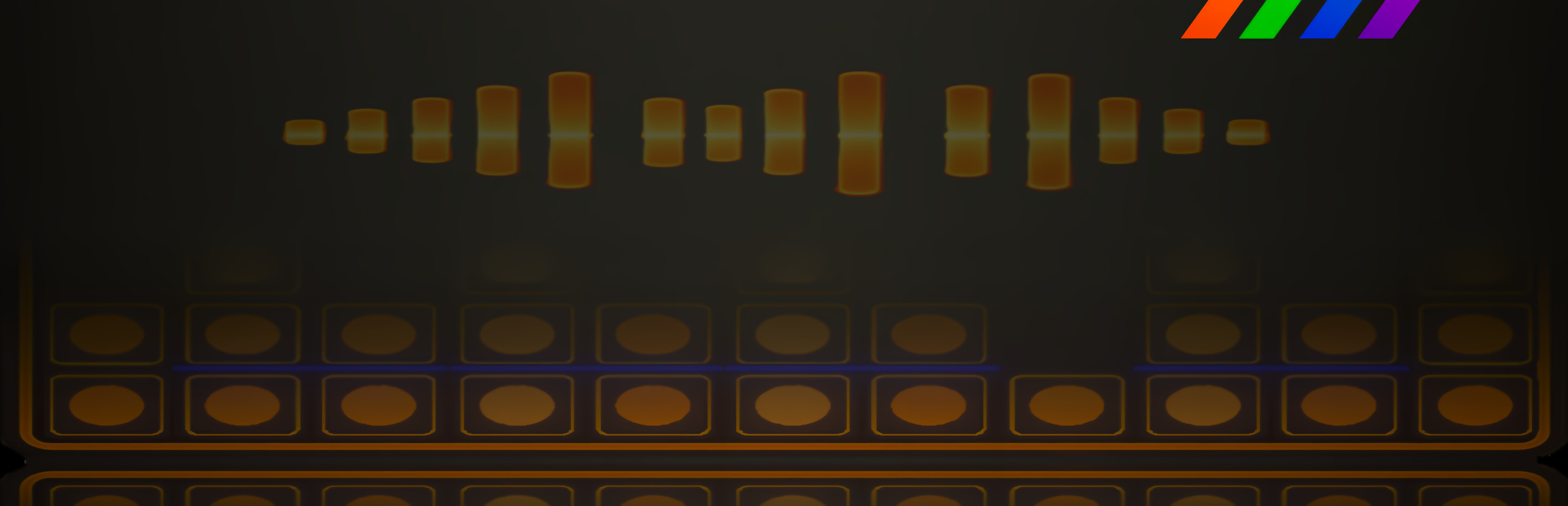
Each column of the board has a sound sample attached to it.
The more pieces you have in a column the more often that sounds repeats.
When the sound will play is based of rhytmic sets, no algorithm or randomness, there are 3 groups of rhytmic sets, each with 12 levels for the 12 height levels of a column. You can also get a rhytmic set with a random assortment of rhythm levels.
If you don't have any pieces in a column that sound won't play.
It only counts pieces in a column if the sequence is not broken, if you have 2 pieces than an empty space then 1 more it only counts the first 2. If the first square in a column is empty no sound plays.
Each column can be muted and unmuted in a button above it or through numbers keys '1' to '7'.
When you unmute a sound it will start it's rhytmic set from the next beat of the clock. So, unmuting always plays the sound right away.
You can use the previous instruction to play a single instance of a sound by having it muted, unmuting to play the sound once and muting again.
You can also use it to coordinate sounds, if you want two sound to start their rhytmic sets at the same time, you can mute both sounds, then unmute them at the same time and they will coordinate.
If you are having trouble understanding which sounds are coming from where you can mute all but one column to check what sound it produces. Apply this to each column to understand which sounds are coming from where.
A column's pieces will light up based on the amplitude of the sound produced when it plays. Loud sounds will cause big flashes while low sounds will light up just a little. Use this to help localize your sounds and rhythms.
Clicking 'E' will move you to the next board, if your sound pack has more than 7 samples you will find new sounds there. If your pack only has 7 or less the new board will contain the same samples but you can still use them differently. You can come back to previous boards by clicking 'Q'.
You can play in as many boards as you like, the next board will always get the next 7 samples until the pack has no more samples and at that point it loops back to the first sample.
I hope this helps! Happy musicking to you all!
Source
Changelog.gg summarizes and formats this update. How we read updates.