
In this update3
Full notes
Full Summit Drive a game by Luke Kim update
Read the full published notes in a cleaner layout. The original post stays linked below.
What changed
0 fixes0 additions2 changes0 removals
- UI and audio
- Server
changedDiscord ButtonDiscord button can be found in the top right of the main menu.
changedDiscord ButtonCannot wait to see you in the server to share your best times.
Summit Drive a game by Luke Kim changes
changedDiscord button can be found in the top right of the main menu.
changedCannot wait to see you in the server to share your best times.
First post launch update
What is in this update:
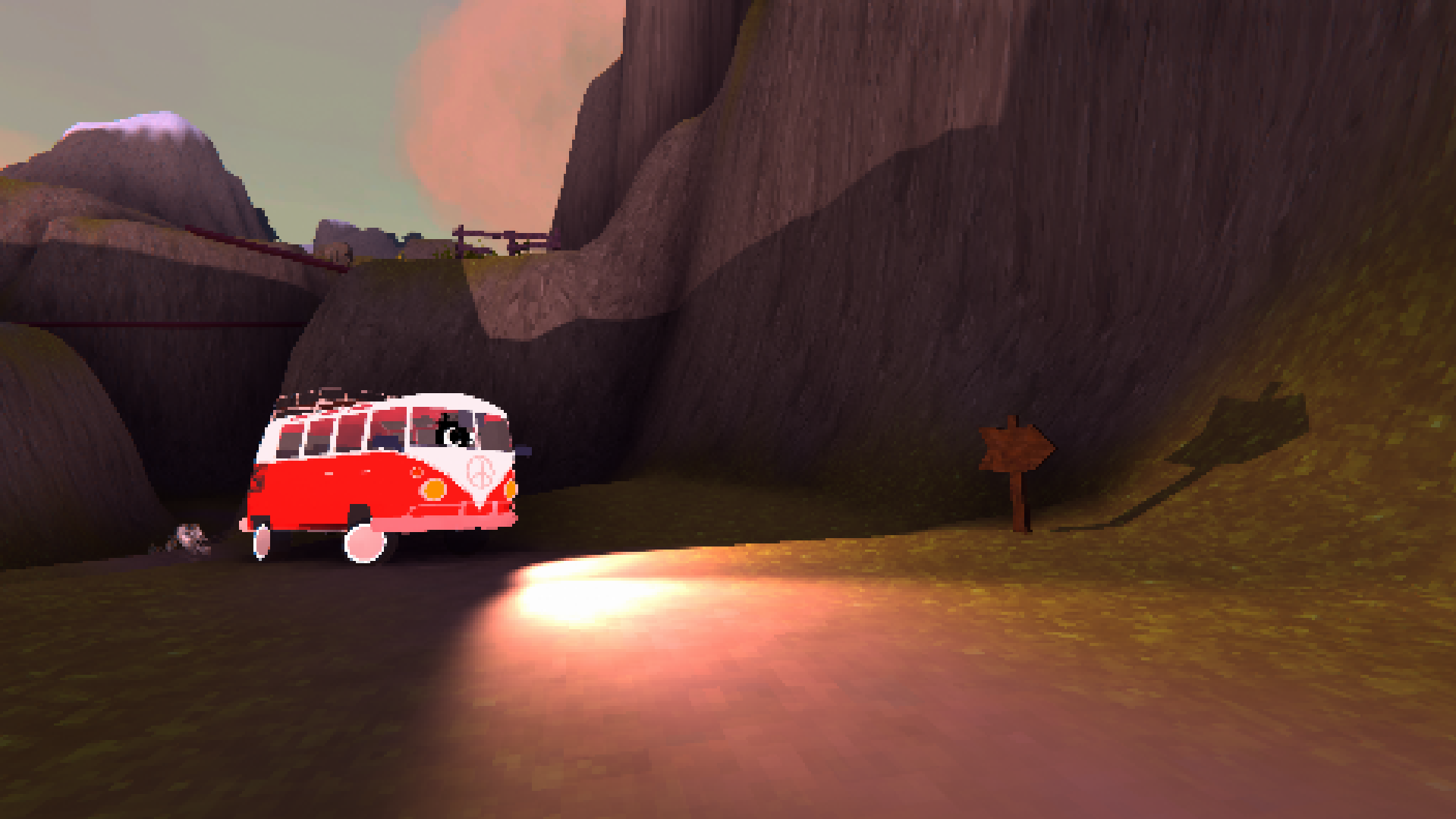
Photo Mode
Press [Tab] to toggle into photo mode
Take screenshots
Use [Scroll-wheel] to adjust pixelation of photo mode camera
Q to zoom out
E to zoom in
Discord Button
Discord button can be found in the top right of the main menu.
Cannot wait to see you in the server to share your best times.
Source
Changelog.gg summarizes and formats this update. How we read updates.