
In this update7
Full notes
Full Steelbreakers update
Read the full published notes in a cleaner layout. The original post stays linked below.
Repeated intro
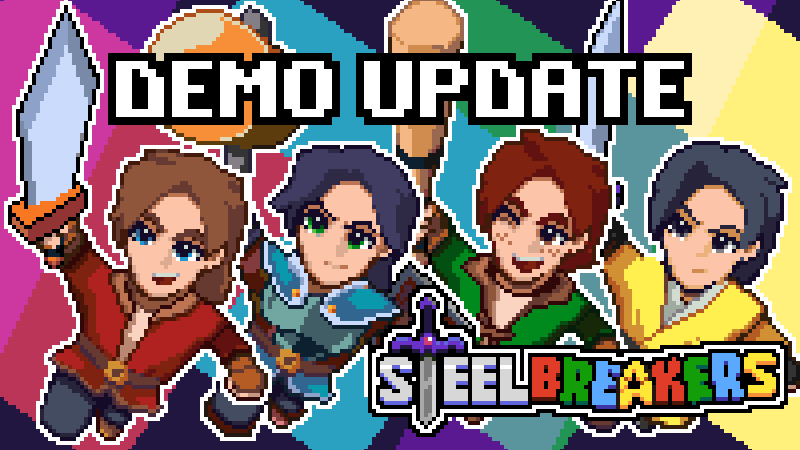
Hey folks! Talberon here with some new enhancements to gameplay that make the game feel more fun! You can now run with bombs, bushes and boulders with the Dash Boots, or deal damage knocking things into other things with the Bat! The Bow has also been adjusted to feel better and reward skillful timing, so hone your skills to become a master marksman!
What changed
- Balance
- Gameplay
- UI and audio
- Workshop
- Fixes
Steelbreakers changes
New Features
Added ability to see actors behind overlay layers as a silhouette
Added new title screen
Balance Changes
Weapons
Bat
Bat now knocks back Pushable objects on hit, and actors hit by the pushable object while knocked back can take damage
Bat now applies hitbox to actors that are hit by the bat and can damage other actors in their path
Bat damage adjusted
Level 1: 1 DMG
Level 2: 1 DMG
Level 3: 2 DMG
Bow
Removed tap shot
Reduced time to charge on charged shot
Reduced charged shot velocity and damage
Removed pass-through effect on charged shot
Dash Boots
Can now dash while holding an item over player’s head
Bomb
Damage increased from 2 to 3
Can now press and hold to pick up a bomb with one button press while placing
Adjusted bomb placement so that when knocked back with the bat, the bomb is more likely to travel straight
NPCs
NPCs that can attack projectiles out of the air have had their reaction times and windows adjusted
NPCs are now less likely to flee when low on health if they are actively being attacked
Some NPCs are less likely to dodge attacks consistently
Quality of Life
Charge SFX for most weapons have been changed to be distinct from each other
Charge VFX for Hammer is now colour-coded based on charge level like the Bat
Adjusted analog stick deadzone and analog stick handling to be more comfortable and consistent
Adjusted movement logic to allow maintaining current face when walking in a cardinal direction and then moving diagonal instead of prioritizing west/east-facing
Bug Fixes
Fixed trajectory for objects that are knocked back a significant distance
Fixed help menu during Character select screen to no longer clip off the edge of the screen slightly
Entities that are on top of safe ground while a bridge is disabled no longer fall into an abyss
The main menu controls window now updates with the correct controller glyphs when changing the button icon preference in the options menu
New button assigned to handle exiting Character Select screen. Only the player who opened the exit menu can control it.
Misc
Adjusted credits
Source
Changelog.gg summarizes and formats this update. How we read updates.