
HomeGamesUpdatesPricingMethodology
Steam News21 October 20241y ago

Update 1.0.1.3

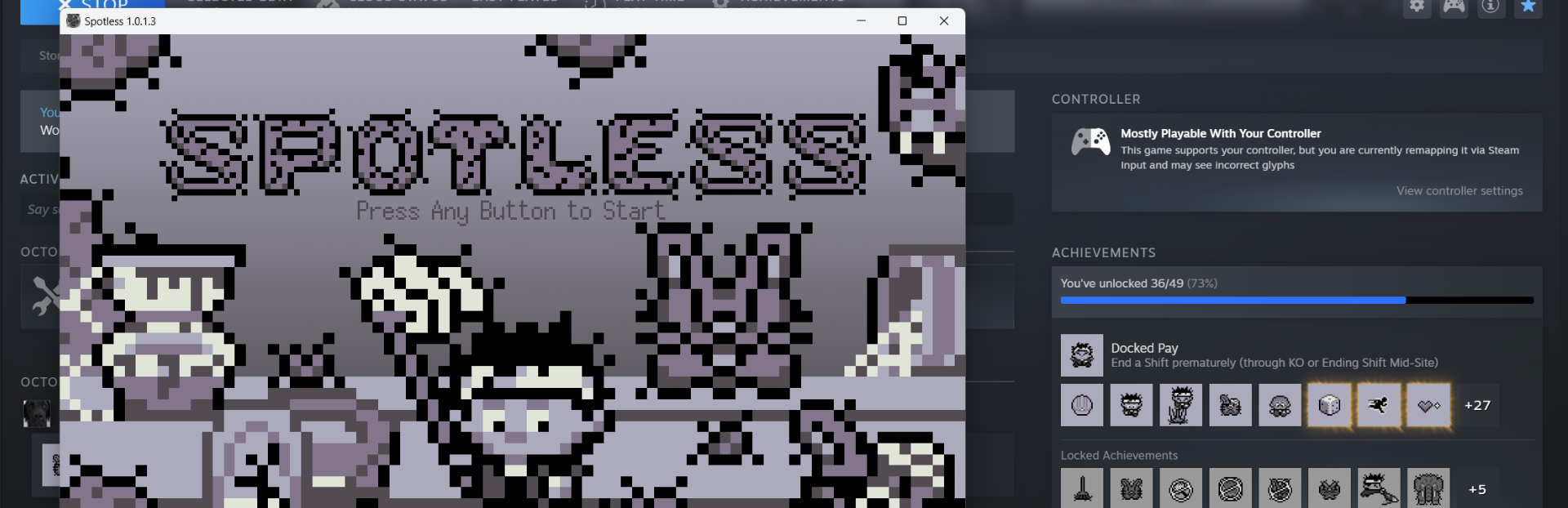
Hi ghosties! Hope everyone is enjoying their spooky season. Got another small update for Spotless, with highlights such as: Windowed Mode! Can choose between normal and borderless windows if Fullscreen isn't your thing.

Full notes

Full Spotless update

Read the full published notes in a cleaner layout. The original post stays linked below.

What changed

3 fixes1 addition4 changes0 removals
  • Events
  • Gameplay
  • Fixes
changedHi ghosties! Hope everyone is enjoying their spooky season. Got another small update for Spotless, with highlights such as:
changedHard Hat reduced to a cost of 1 Silver Sponge instead of 2 on the Shift Upgrade Screen.
addedCurrent cash amount is displayed on the Main Menu, so you have a better idea of when you've saved up enough for shiny new upgrades.
changedShift Upgrade Selections have badges to hint at what category the upgrade falls under (A = Attack, D = Defense, T = Trap, S = Spray, G = General)
fixedFixed animation bug with the Piggy Bank
fixedFixed bug occurring when Player is hit by an enemy who's defeated simultaneously

Spotless changes

changedHi ghosties! Hope everyone is enjoying their spooky season. Got another small update for Spotless, with highlights such as:
changedHard Hat reduced to a cost of 1 Silver Sponge instead of 2 on the Shift Upgrade Screen.
addedCurrent cash amount is displayed on the Main Menu, so you have a better idea of when you've saved up enough for shiny new upgrades.
changedShift Upgrade Selections have badges to hint at what category the upgrade falls under (A = Attack, D = Defense, T = Trap, S = Spray, G = General)
fixedFixed animation bug with the Piggy Bank

Hi ghosties! Hope everyone is enjoying their spooky season. Got another small update for Spotless, with highlights such as:

  • Windowed Mode! Can choose between normal and borderless windows if Fullscreen isn't your thing.

  • Hard Hat reduced to a cost of 1 Silver Sponge instead of 2 on the Shift Upgrade Screen.

  • Current cash amount is displayed on the Main Menu, so you have a better idea of when you've saved up enough for shiny new upgrades.

  • Amount of cash and silver sponges earned DURING the Shift is shown on Pre-Site Screen

  • Shift Upgrade Selections have badges to hint at what category the upgrade falls under (A = Attack, D = Defense, T = Trap, S = Spray, G = General)

  • Fixed animation bug with the Piggy Bank

  • Fixed bug occurring when Player is hit by an enemy who's defeated simultaneously

  • Fixed Immunity Smoothie bug

  • Conversations Menu Scroll Bar Updated

Happy gaming and stay spooky!

Source

Steam News / 21 October 2024

Open original post

Changelog.gg summarizes and formats this update. How we read updates.