
Full notes
Full Splort update
Read the full published notes in a cleaner layout. The original post stays linked below.
What changed
0 fixes3 additions1 change0 removals
- Gameplay
- UI and audio
addedRemote Play Together Splort can now be played across multiple computers by using Steam's remote play feature.
changedIf the other players can't spawn, move past the intro screen and rejoin.
addedDetailed steps: 1. Owner of game starts the game, selects a language and presses Select/Start/Space to spawn their character. 2. Owner of game opens Steam's interface and invites friends. 3. Friend has controller connected to their pc before joining, then accepts the invite. 4. Friend presses Select/Start to spawn their character.
addedMacOS release Splort can now be installed and played on MacOS. Should run on most Macs from ~2012 onward (for Intel), or any Apple Silicon Mac.
Splort changes
addedRemote Play Together Splort can now be played across multiple computers by using Steam's remote play feature.
changedIf the other players can't spawn, move past the intro screen and rejoin.
addedDetailed steps: 1. Owner of game starts the game, selects a language and presses Select/Start/Space to spawn their character. 2. Owner of game opens Steam's interface and invites friends. 3. Friend has controller connected to their pc before joining, then accepts the invite. 4. Friend presses Select/Start to spawn their character.
addedMacOS release Splort can now be installed and played on MacOS. Should run on most Macs from ~2012 onward (for Intel), or any Apple Silicon Mac.
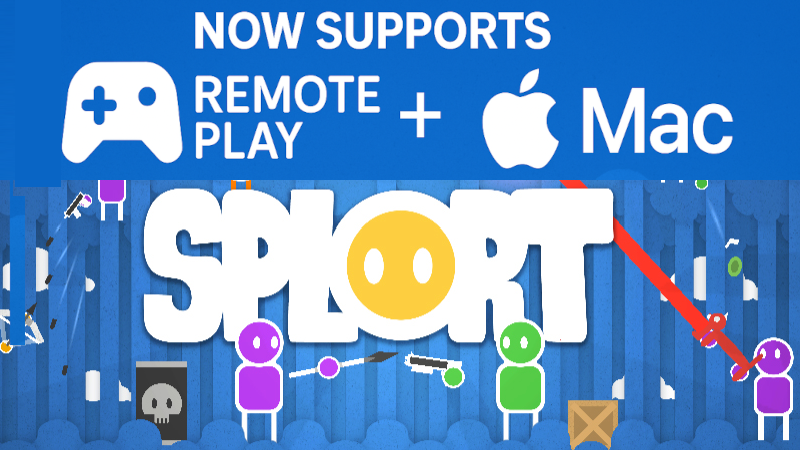
Remote Play Together Splort can now be played across multiple computers by using Steam's remote play feature.
If the other players can't spawn, move past the intro screen and rejoin.
Detailed steps:
- Owner of game starts the game, selects a language and presses Select/Start/Space to spawn their character.
- Owner of game opens Steam's interface and invites friends.
- Friend has controller connected to their pc before joining, then accepts the invite.
- Friend presses Select/Start to spawn their character.
MacOS release Splort can now be installed and played on MacOS. Should run on most Macs from ~2012 onward (for Intel), or any Apple Silicon Mac.
If you have any questions or issues, please feel free to contact me.
Have fun, Mikkel
Source
Changelog.gg summarizes and formats this update. How we read updates.