
Full notes
Full Spiders and Spaceships update
Read the full published notes in a cleaner layout. The original post stays linked below.
What changed
- Gameplay
- UI and audio
- Events
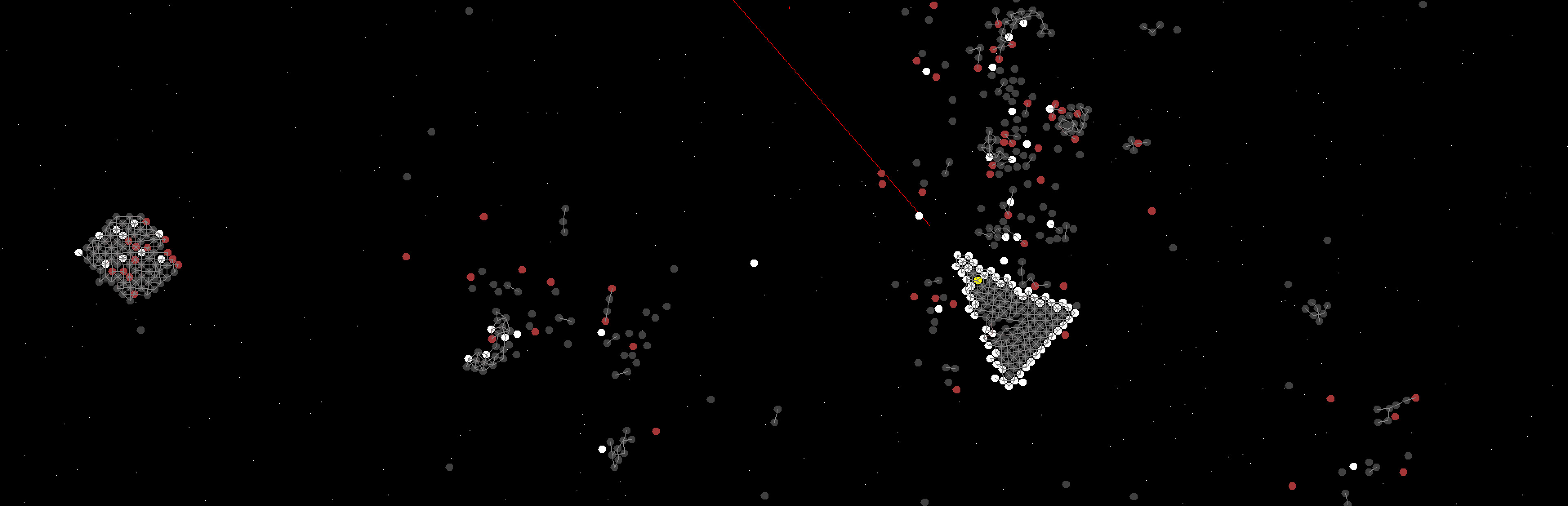
I have around 6 "Classic Asteroids" styled levels completed, with asteroids flying in off screen, being destroyed by the player. You can beat and play those levels, as well as modify them. I also have other conceptual levels with wider, side-scrolling levels that have simple enemy squids/spiders attacking the player.
I also have implemented a fully working life and life display system, the player gets 5 lives and resets are free if you are not dead yet. I plan to add a "large coin"/spaceship piece style system to give players 1-Ups, similar to the popular Mario/Yoshi's Island games.
Please wishlist, it really helps motivate me to see that people are interested in this project.
I plan to release a short video soon depicting what I've worked on most recently within the week. I plan to finish my scripting language within a month. As this process has ended up being more complicated than I originally anticipated, please be patient. I want to have this game be fully moddable, and as such it is causing me more work than I originally anticipated. I will upload a simple asteroids style demo for the game shortly. I am dedicated to this project, and it will continue as planned until completed.
I'm also continuing work on the game's scripting system. I am currently working on an If system, which will support in-language keywords.
Currently, you can use a for loop in this format to repeat most commands:
For {
#This is a comment
}
For 25 {
spawn_image_object Spawnables/Projectiles/Cannonball.png x 500 y -450 vx 0 vy 850
}
For 200 {
asteroid type small speed 977
}
This is currently only functional for one loop depth, you cannot nest the For commands just yet. This is planned to eventually support multiples.
Another command I've been working on is this, which is essentially a callable force that can be applied on the nodes between the indices lowrange 124 and the highrange 407 (spawned specifically after the player's ship. You can also apply constant forces to the ship to simulate gravity).
createforce name throwrock active false scriptcontrol true xcomp 0 ycomp 1500 lowrange 124 highrange 407
Createforce is doing precisely what the name implies, it creates the force. It can be defined to be active or inactive, and there is a command to deactivate them. This currently works fine, however, I am working on a Event Trigger Zone system, which is partially working for certain keywords but not yet for triggering forces. This will be the format used upon finalization:
eventtriggerzone x 1000 y 400 width 400 height 240 name throwrock triggers activateforce name throwrock
It has a x, a y, a width, height, and a name. This gives us a standard rectangular box that can be entered, running the next command specified at the end by a "triggers" keyword, which then runs whichever script command is written. This is still in progress, however basic "repelleft" eventtriggerzones are fully functioning and working for repelling the player in this format:
eventtriggerzone x -1000 y -900 width 24000 height 400 name repeldown
eventtriggerzone x -1000 y 1800 width 24000 height 400 name repelup
eventtriggerzone x -1000 y -1000 width 400 height 2400 name repelright
eventtriggerzone x 1000 y -1000 width 400 height 2400 name repelleft
Source
Changelog.gg summarizes and formats this update. How we read updates.