
Full notes
Full Spaceship Commander update
Read the full published notes in a cleaner layout. The original post stays linked below.
What changed
- UI and audio
Spaceship Commander changes
What the structure of the "game world" looks like:
Close level:
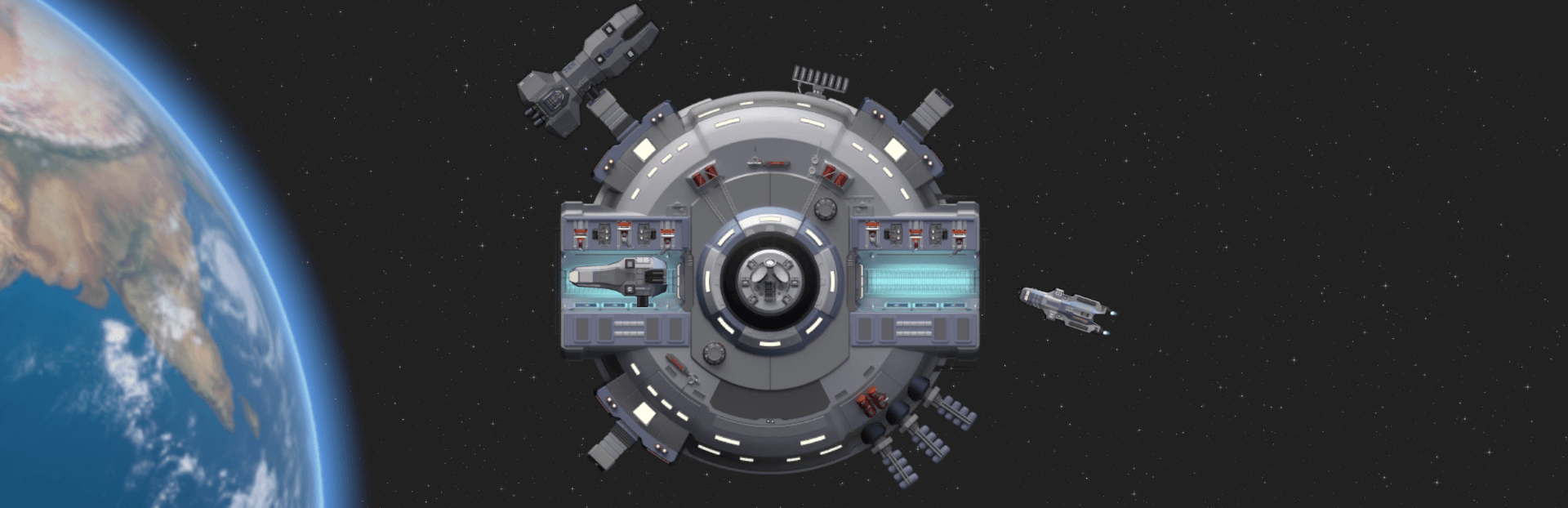
This is the level with the maximum zoom, when we see our ship🚀, crew members👨🚀, and the surface of the planet🌲. From here we can see the details of objects (costumes of characters, details of structures, flowers, etc.). Also from here comes the main control of your squad and ship systems (modules).
Tactical level:
This is a level where you zoom out the camera from a close level. From here it is convenient to observe space battles - we see boarding capsules 📱 (our own and enemy's), we see incoming projectiles. At this level, additional graphics appear - some "squares" that help visually divide the "empty space" into zones. If it happens on a planet, then here we can see the orbit (squares above the planet) as well as the locations on this planet (you can click on the location and we can land on it).
Star system level:
Appears after the camera is further zoom out from the tactical level. At the star system level, we can travel through space (using the ship's warp drive, not the main engines!). From here, we make contact with enemy ships, traders and planets, and we can also fly through the hypergate🥅 to other system.
Galaxy level:
🌀We get here by zoom out the camera from the star system level. From here, we can understand where neighboring star systems are located and how they are connected by hypergates. By zoom out the camera a little more, we begin to see the names of the regions of the galaxy.
It may sound complicated, but in fact, in the game you just need to rotate the mouse wheel and enjoy the scale of space :)
Source
Changelog.gg summarizes and formats this update. How we read updates.