
In this update10
Full notes
Full Solitar: Retro Picks update
Read the full published notes in a cleaner layout. The original post stays linked below.
What changed
- Gameplay
- UI and audio
- Fixes
- Performance
Solitar: Retro Picks changes
This update brings Monte Carlo, a new look for your cards, and smoother play across the board.
New Game
Monte Carlo
Themes
Redesigned theme settings screen for flexibility and scalability
Customization frame styles and colours
Expanded background colour options
Added dark-mode card faces
Feedback form
Submit bug reports or feature requests directly from the game
Option to attach game logs for faster troubleshooting
Focus system overhaul
UI navigation now supports proper focus handling — no longer tied to the mouse cursor
Visual focus highlights make keyboard and controller navigation clear and consistent
Mouse automatically hides when using non-mouse input
Alaska
Improved auto-placing
Relocated draw pile to improve deal animation
Canfield
Improved auto-placing
Freecell
Improved auto-placing
Hearts
Pauses CPU playing when game is paused
Fixed issue if new game is started while CPU are playing
Minesweeper
Updated hint colour palette
Improved cell colour palette
Improved font
Added drop shadow to frame
Misc
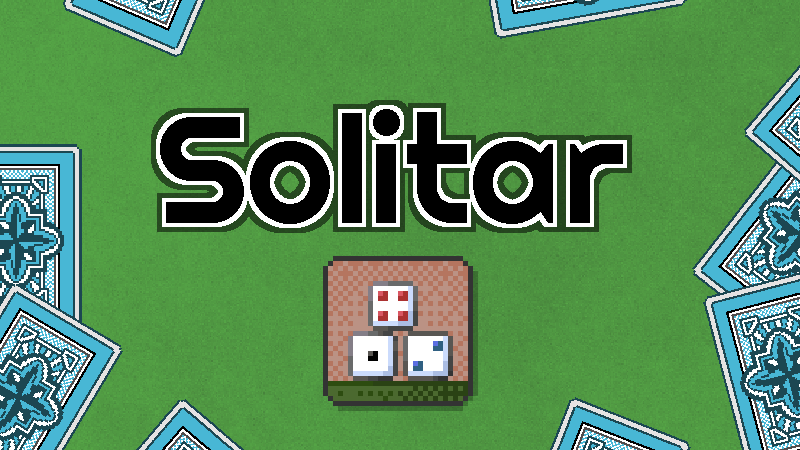
New splash screen displayed on startup
Improved animation timing for smoother 60 FPS playback
Forced V-Sync and FPS lock to display refresh rate
Various performance and memory optimizations
As always, thanks for playing — and don’t forget to try the new feedback form to share your thoughts!
[carousel]
[/carousel]
Source
Changelog.gg summarizes and formats this update. How we read updates.