
In this update4
Full notes
Full SOLAS 128 update
Read the full published notes in a cleaner layout. The original post stays linked below.
Repeated intro
Hey all, Tom here!
What changed
- Gameplay
- UI and audio
SOLAS 128 changes
Big news today, as not only is there a huge SOLAS 128 Accessibility update, but also a sale to celebrate Global Accessibility Awareness Day!
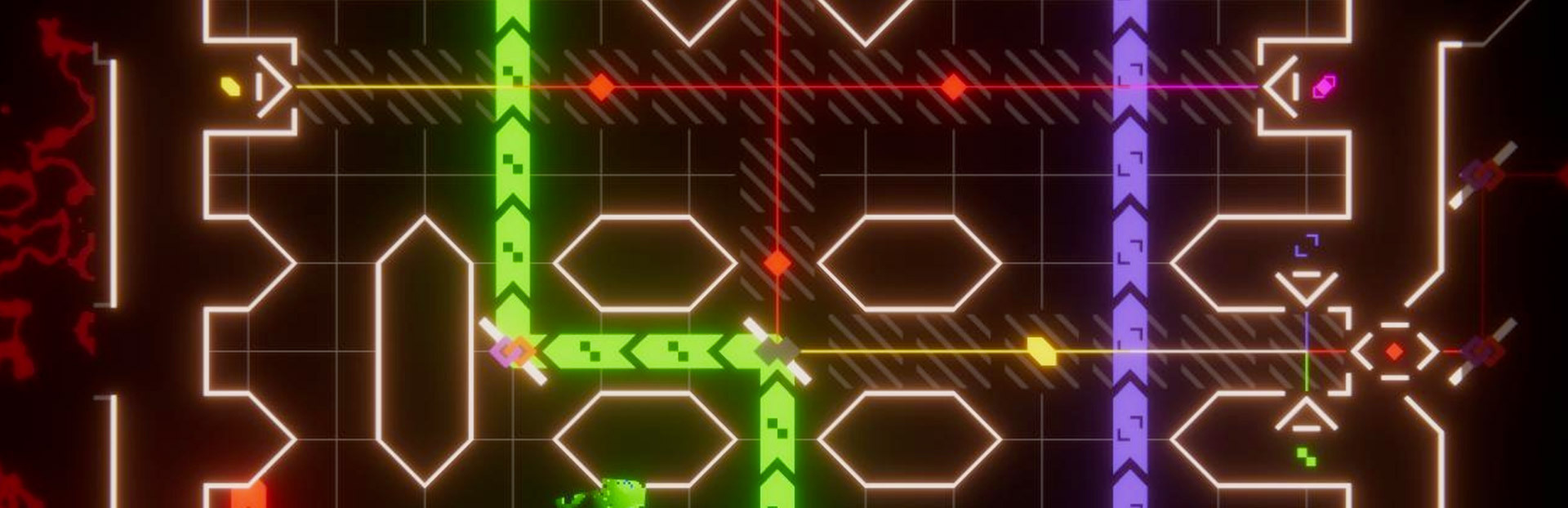
As some of you might be aware, accessibility has been a core part of the design of SOLAS 128 from the start. The coloured glyphs are designed to help those with colour-blindness be able to play the game, for example. But I was aware it wasn't perfect. Since launch we've had fantastic feedback and suggestions from players and accessibility experts, and I've been working on a big update to make the game even more customisable!
Once updated, players will find a whole new menu of options full of player-requested options like being able to tweak the bloom or colour distortion amount, or even an entirely new input method for those who struggle to hold down buttons. Keyboard input has also been massively improved, to allow more accurate movement with the cursor/WASD keys, and a new hotkeys have been added to skip straight to the next or previous piece you can interact with.
If you're not sure, please do try out the demo/prologue first, as I've updated it as well, to made sure all the same options are available. If you can customise the demo to work for you, you'll be able to customise the full game too!
For a full list of new features/updates see below, but I really hope these updates help!
-Amicable Animal
New Features
Visual Options (for visual processing accessibility)
Settings for the bloom/glow effect (original, low, off)
Settings for colour distortion/chromic aberration (original, low, off)
Option for the VHS-style video distortion effects (on, off)
Settings to simplify the game's surrounding border pattern (original, static, solid colour)
Option for the 'flashing' effect in the surrounding pattern (on, off)
Input Options (for motor accessibility)
New input type - original input is click & drag, new option removes requirement to hold down a button while dragging. One click to pick up, a second to put down
New optional precision input method - directional keys (d-pad on Switch) will move the cursor locked to the game's tile grid, rather than as a smooth input.
Can either be depressed once per tile, or held down as desired
Analogue/mouse and precision input can be swapped between freely and used at the same time
New selection method - Next/Previous selection option lets players with visual processing issues or motor issues cycle through selectable pieces.
Bug Fixes
Filters will now check and reactive if necessarily when you change screen
'Invalid' spaces should appear more obvious now
Lots of other tiny fixes
Source
Changelog.gg summarizes and formats this update. How we read updates.