
HomeGamesUpdatesPricingMethodology
Steam News3 April 20206y ago

Smart City Plan 1.07 Update

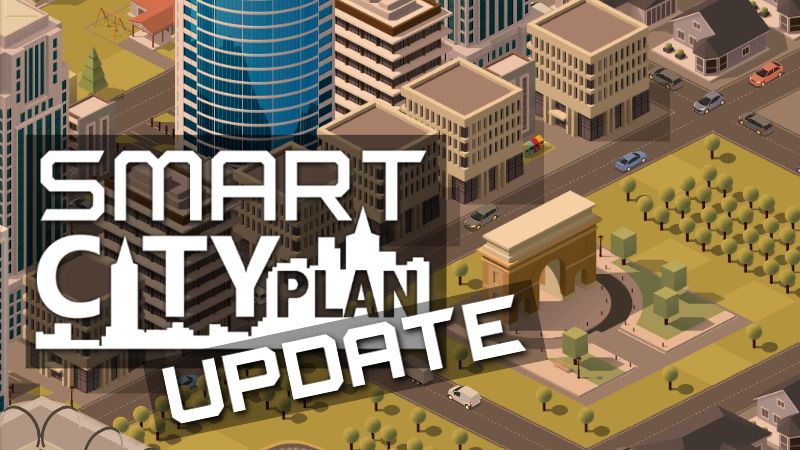
Smart City Plan update 1.07 is now available. This update adds landmark buildings, continous building key, new shortcuts for gamespeed, various minor improvements and more.

Full notes

Full Smart City Plan update

Read the full published notes in a cleaner layout. The original post stays linked below.

What changed

1 fix6 additions1 change0 removals
  • Gameplay
  • Fixes
addedSmart City Plan update 1.07 is now available.
addedThis update adds landmark buildings, continous building key, new shortcuts for gamespeed, various minor improvements and more. Details here:
addedNew landmark buildings There are now new landmark buildings to decorate your cities with: - Statue of Liberty - Eiffel Tower - Arc de Triomphe You can download these as mods in the game under Settings -> Mods -> Download.
addedContinous Building key For most larger buildings such as schools, churches or structures such as bridges, you usually need to click again onto the toolset palette if you want to build more than one building. If you want to continue to place more buildings of the same kind, you can now just hold down SHIFT while clicking, and then build more.
addedNew shortcuts for gamespeed There are now a few keyboard shortcuts for setting the game speed: - Pause: Pauses and un-pauses the game - F6: Normal Speed - F7: Fast Speed - F8: Very Fast Speed
fixedThe firetruck wasn't sometimes audible when driving to a fire. This has been fixed now.

Smart City Plan changes

addedSmart City Plan update 1.07 is now available.
addedThis update adds landmark buildings, continous building key, new shortcuts for gamespeed, various minor improvements and more. Details here:
addedNew landmark buildings There are now new landmark buildings to decorate your cities with: - Statue of Liberty - Eiffel Tower - Arc de Triomphe You can download these as mods in the game under Settings -> Mods -> Download.
addedContinous Building key For most larger buildings such as schools, churches or structures such as bridges, you usually need to click again onto the toolset palette if you want to build more than one building. If you want to continue to place more buildings of the same kind, you can now just hold down SHIFT while clicking, and then build more.
addedNew shortcuts for gamespeed There are now a few keyboard shortcuts for setting the game speed: - Pause: Pauses and un-pauses the game - F6: Normal Speed - F7: Fast Speed - F8: Very Fast Speed

Smart City Plan update 1.07 is now available.

This update adds landmark buildings, continous building key, new shortcuts for gamespeed, various minor improvements and more. Details here:

  • New landmark buildings

    There are now new landmark buildings to decorate your cities with:

    • Statue of Liberty
    • Eiffel Tower
    • Arc de Triomphe

    You can download these as mods in the game under Settings -> Mods -> Download.

  • Continous Building key

    For most larger buildings such as schools, churches or structures such as bridges, you usually need to click again onto the toolset palette if you want to build more than one building. If you want to continue to place more buildings of the same kind, you can now just hold down SHIFT while clicking, and then build more.

  • New shortcuts for gamespeed

    There are now a few keyboard shortcuts for setting the game speed:

    • Pause: Pauses and un-pauses the game
    • F6: Normal Speed
    • F7: Fast Speed
    • F8: Very Fast Speed
  • There is now a "disable autosave" mod available in the mod dialog. This is useful if you don't like your harddrive to do things every 3 minutes. The game still is being auto-saved then, but only if you switch from the game to the main menu.

  • The firetruck wasn't sometimes audible when driving to a fire. This has been fixed now.

  • Nicer seeded random number generator when creating a new patch of land when starting a new game.

  • Various minor improvements here and there

Please note that updates are currently a bit slowed down due to the COVID-19 lockdown, so this update doesn't include everything we planned for the first one. But we thought better release the updates in tiny steps than in slower ones. Hope you like this update anyway!

Thanks for all the feedback so far, further feedback is welcome as always!

Source

Steam News / 3 April 2020

Open original post

Changelog.gg summarizes and formats this update. How we read updates.