
Full notes
Full Slither Link Plus update
Read the full published notes in a cleaner layout. The original post stays linked below.
What changed
0 fixes0 additions1 change0 removals
- UI and audio
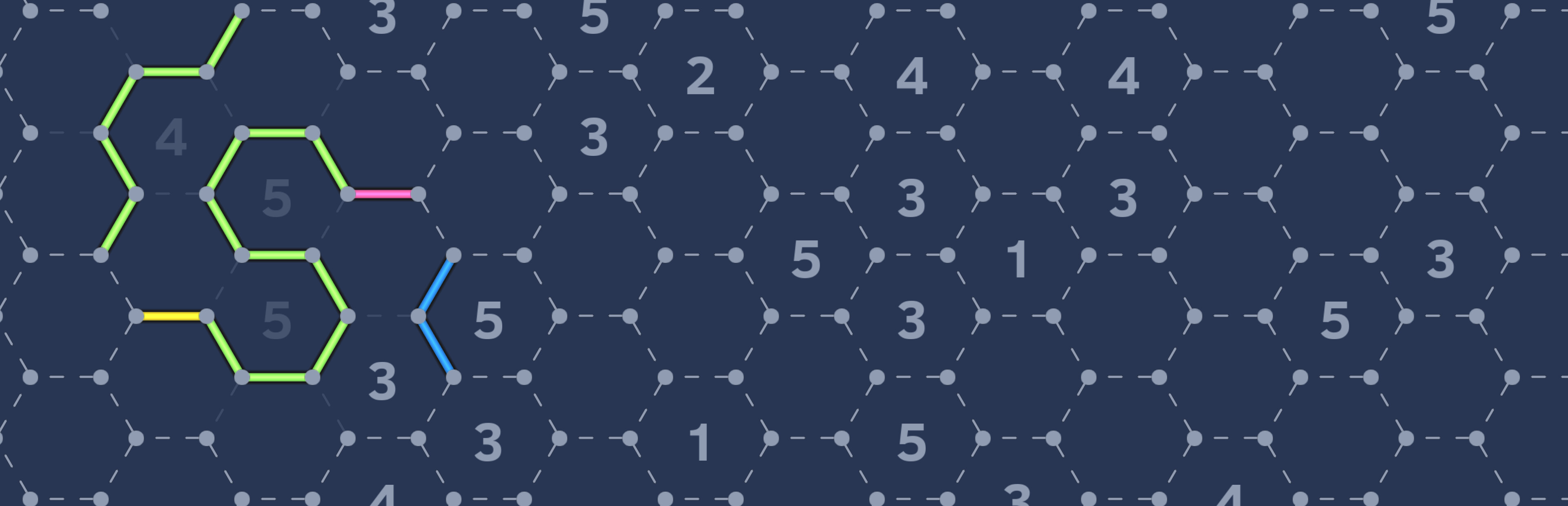
changedAn update has been made, and now you can disable play the piano note. Simply hold down the Ctrl key and click the sound effect (speaker) button in the settings to toggle this setting. Additionally, the markers without connecting lines have been changed to shorter dashed lines.
Slither Link Plus changes
changedAn update has been made, and now you can disable play the piano note. Simply hold down the Ctrl key and click the sound effect (speaker) button in the settings to toggle this setting. Additionally, the markers without connecting lines have been changed to shorter dashed lines.
An update has been made, and now you can disable play the piano note. Simply hold down the Ctrl key and click the sound effect (speaker) button in the settings to toggle this setting. Additionally, the markers without connecting lines have been changed to shorter dashed lines.
Source
Changelog.gg summarizes and formats this update. How we read updates.