
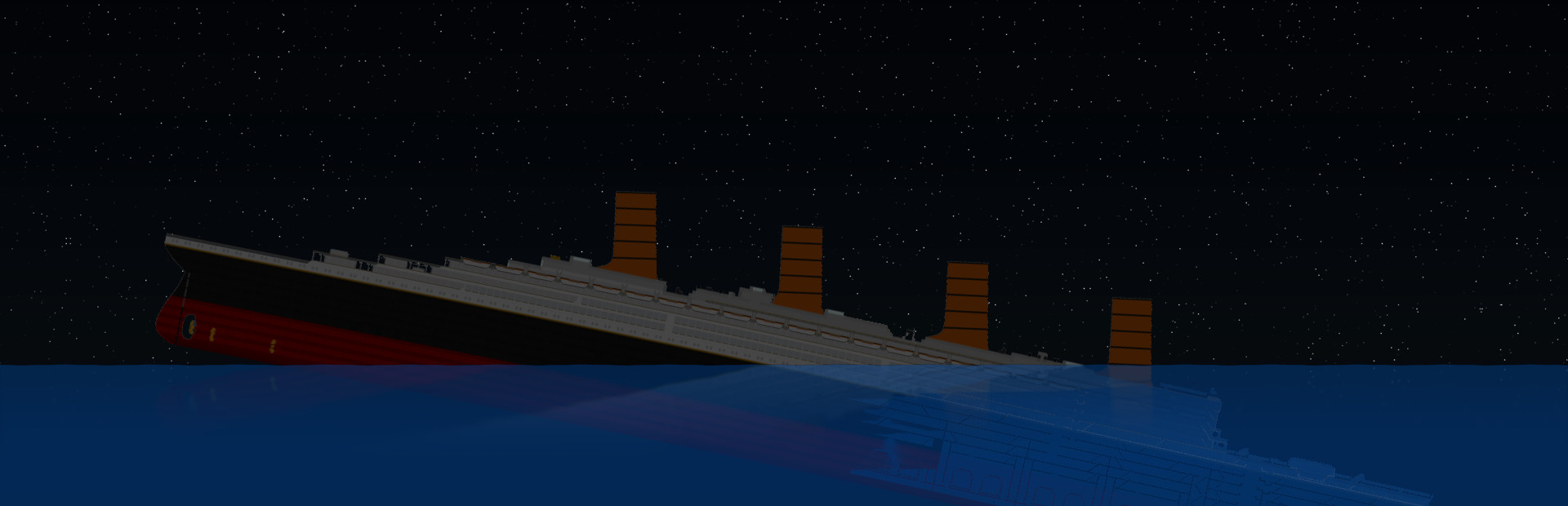
Full notes
Full Sinking Simulator update
Read the full published notes in a cleaner layout. The original post stays linked below.
What changed
- Gameplay
- Performance
Hello everyone!
Fred has been hard at work and managed to get a new "Fake" Lighting system into the game This is an update to the Testing Branch. It will become public in a few days if there aren't any major issues.
What is a fake lighting system?
Essentially, this is a Shader which change the appearance of the texture based on ambient light. They also support all colours
We have 2 shaders
exlights The colour value will change the appearance of the texture layer. a White value will make the texture just as bright as if would be in daytime A black value would make it just as dark as everything else around. It is very useful if you plan to create some sort of interior texture where you want the inside of the ships to remain visible. example below
inlights inlight will essentially replace the texture itself and can get much brighter than what it may look light in daytime It is very useful if you want to make an exterior texture where the porthole are very bright at night,
This is what the layer looks like
The black background essentially means there's nothing to change You can create your own in the same way you create textures.
There is no way to toggle it off at the moment so if you wish to have a dark version of the ship at night, I strongly recommend you create a layer without those fake lights added in.
Source
Changelog.gg summarizes and formats this update. How we read updates.