
In this update2
Full notes
Full SIMULACRA 3 update
Read the full published notes in a cleaner layout. The original post stays linked below.
What changed
- Fixes
- UI and audio
- Gameplay
- Performance
SIMULACRA 3 changes
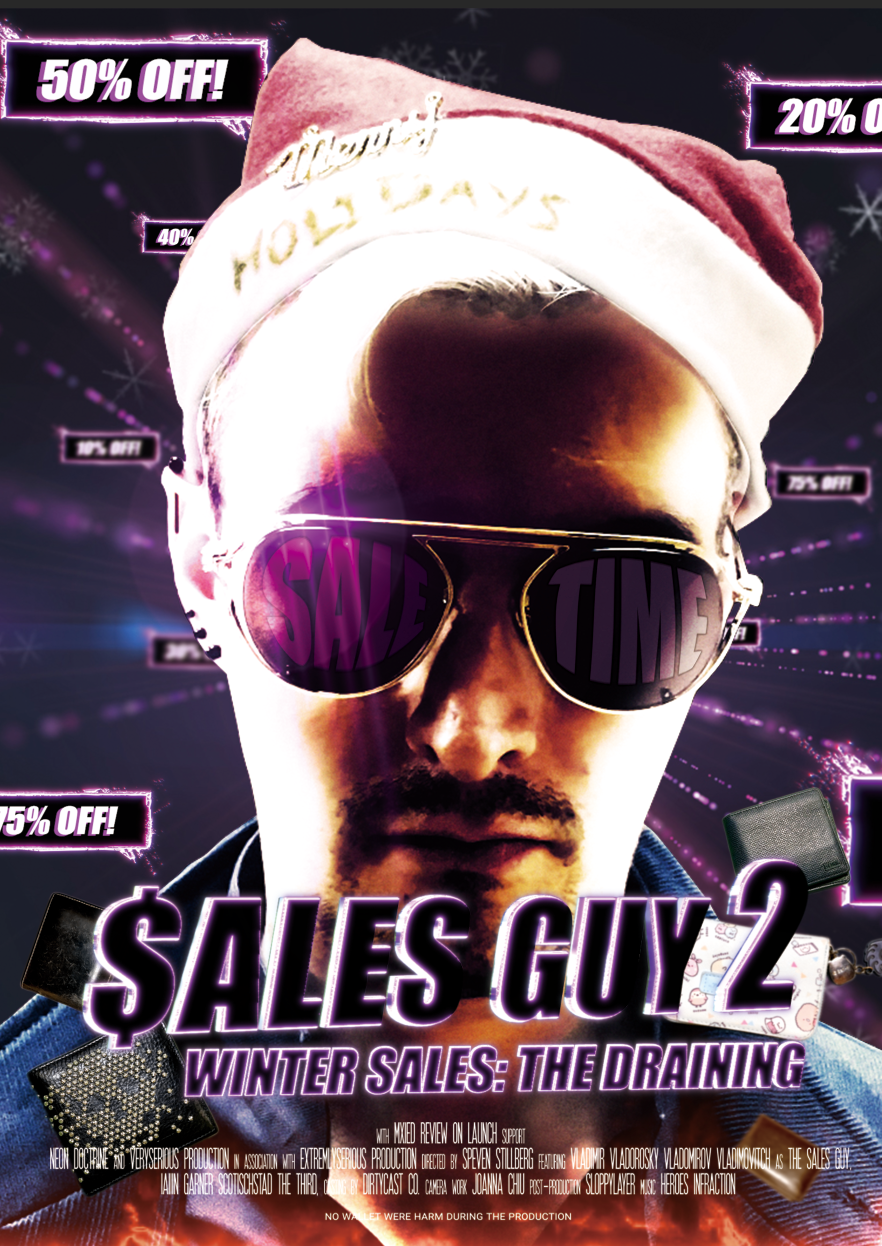
Steam Winter Sale is here - time to drain your wallets!
We've also worked on some QoL improvements and bug fixes!
✅Fixed - The NPC characters fail to reply even after being online in the chat restricting the player to progress in the game.
✅Fixed - The player is able to switch the tab after opening the keyboard from comment section in the 'Atlas' app.
✅Fixed - Two icons are highlighted when the player spams the Confirm button twice on a map location when using a controller in the 'Atlas' application.
✅Fixed - The text messages overlap when the player opens and exits an active chat when using a controller continuously in the 'Chat' application.
✅Fixed - The highlighter disappears when the player spams the 'Confirm' button on the Settings options.
✅Fixed - The highlighter disappears when the player selects the 'Exit to Main Menu' option during an active chat.
✅Fixed - While using a controller after scanning Paul's photo the image stays on top and cannot be closed.
✅Fixed - The player is able to perform the scan function anywhere after opening a file that is required to scan.
✅Fixed - The borders and background disappears when the player returns to Home screen directly while a video is being played.
✅Fixed - The highlighter moves to an incorrect position on pressing Left D-pad button after uploading an incorrect file in Atlas.
✅Fixed - The save data fails to reset when the player changes the language from the 'Settings' option.
✅Fixed - The subtitle keeps displayed rolling even after the recording is paused during the gameplay.
✅Fixed - The scroll function fails to work when the 'Home' icon is selected after opening Amy's website from the 'Phone' application.
✅Fixed - The legend icons change to normal in 'Tracing Mode' after performing certain steps with the controller.
✅Fixed - The subtitles are missing during a call with the Receptionist
✅Fixed - The player is able to access the background options after invoking the objective screen using controller.
✅Fixed - The scan icon truncates with the navigation buttons for the audio file during a chat with Ruby.
✅Fixed - App Notification Badges fail to load after loading the saved game.
✅Fixed - Button depictions for Xbox and PS4 controller are missing for Unlock mode and Tracing mode while accessing the Atlas.
✅Fixed - The player is unable to scroll through the image after spamming the 'Confirm' button for a while when using a controller.
✅Fixed - Navigation buttons and status bar disappears when the player presses the 'Home' button after zooming into an image using a controller.
✅Fixed - Home button closes the keyboard in the comment section of any post in the Feed tab.
✅Fixed - Text error is observed during a conversation with 'Ruby' while guiding 'Ruby' out of Paul's house.
✅Fixed - The title gets stuck during the video call with Ruby which leads to the progression blocker.
✅Fixed - Title crashes during the chat with Ruby while investigating Thomas's whereabouts.
✅Fixed - The messages get tilt after playing the Mistress of the Night video in Thomas chat.
✅Fixed - Special character is displayed in the text description of the achievement 'Welcome to Stonecreek'.
✅Fixed - The messages disappear as the player scrolls any chat upward in Chats application.
✅Fixed - The main menu is not localized after changing the language to Chinese.
✅Fixed - Warehouse attachment shows in the Dialogue option after it is sent during the chat with Ruby in Chat app.
✅Fixed - Exit to main menu confirmation pop failed to display when the player press 'ESC' on the objective screen.
✅Fixed - The game crashes when the player selects the Cancel option on the Exit confirmation pop-up and force close the game using ALT+F4.
✅Fixed - The dialogue options for Ruby's chat are displayed incorrectly when trying to contact Persephone.
✅Fixed - The 'LET' option fails to respond by using the mouse during the interactive cutscene.
Source
Changelog.gg summarizes and formats this update. How we read updates.