
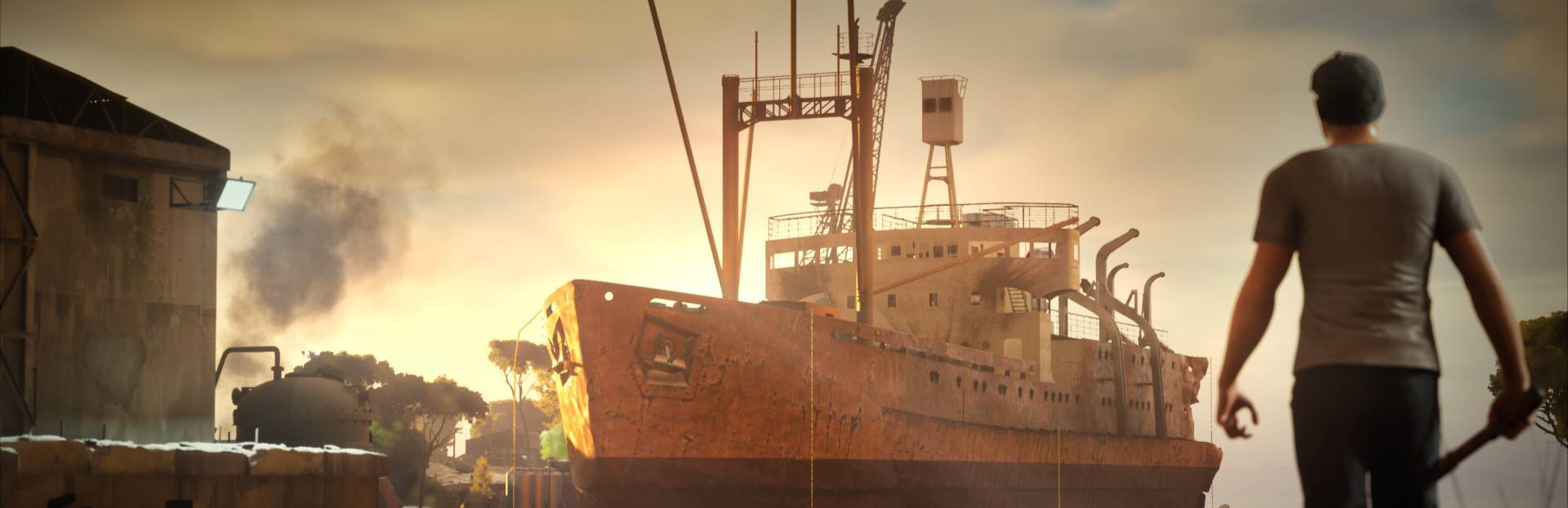
In this update6
Full notes
Full Ship Graveyard Simulator 3 update
Read the full published notes in a cleaner layout. The original post stays linked below.
Repeated intro
Hello Ship Destroyers!
What changed
- Performance
- Maps
- Gameplay
- Server
Ship Graveyard Simulator 3 changes
First of all, thank you to everyone who took part in our recent Playtest. We’ve received a huge amount of feedback and data, which is incredibly helpful. Thanks to you, we better understand what players expect and we can keep improving the game in the right direction.
We'd also like to remind you that you can still join the playtest - just click “Join Playtest” on the Ship Graveyard Simulator 3 main page and you’re good to go!
Today, we want to briefly introduce one of the biggest changes in Ship Graveyard Simulator 3 - The Destruction And Collapse System.
⚙️ From dismantling to structure
In previous Ship Graveyards, dismantling was more predictable - you removed parts and things behaved in a simple way. In SGS3, every element is part of one connected system. Beams, floors, walls and hull panels all have weight, can support each other and can lose stability. This means you’re no longer interacting with single objects. 👉 You’re working with an entire structure
Bare skeleton - The ship’s structure and stability start with the ribbing and beams, which form the core foundation and support all other elements.
Middle stage - Next come the walls, floors and rooms - elements built on and supported by the structural frame.
Final stage - Finally, decorations and props - pipes, railings, equipment, machinery and engines.- are added, supported mainly by floors, ceilings and walls.
🧱 Structure and support
We introduced clear structural rules:
Heavy elements need proper support
Light elements can sit on stronger ones
Not everything can hold everything
👉If something looks unstable, it probably is.
Everything directly on the ground gives stability. Stable elements act as a foundation and if you cut parts away from it, you may disconnect entire sections of the ship.
Stability visualization - highlights how stable individual parts of the ship are.
🔗 Connected system
Ships now work like a network.
Each element is connected to others and the game checks if it still has support. If not, it becomes unstable.
This allows for more precise control - cut the right connections and whole sections will collapse exactly where you expect.
Connection lines visualize neighboring elements and structural links, showing how this object is supported within the overall structure.
💥 Chain reactions
Collapse is no longer instant or scripted. When something loses support, it starts collapsing and can affect other elements. This creates chain reactions - one cut can bring down a large part of the ship.
At the same time, careful planning lets you control the outcome.
🔄 Dynamic and optimized
Destruction is now more dynamic. Elements can tilt, slide and interact with each other instead of just falling straight down.
We also prioritize physics around the player, so you can enjoy large-scale destruction without performance issues.
🎯 What this means
The new system is:
more advanced
more realistic
still predictable and easy to learn
You don’t destroy single objects anymore. 👉 You destroy the structure.
And that’s where the real fun begins.
More details soon, Ship Graveyard Simulator 3 Team
Source
Changelog.gg summarizes and formats this update. How we read updates.