
Full notes
Full Senpie update
Read the full published notes in a cleaner layout. The original post stays linked below.
What changed
- Gameplay
- UI and audio
Senpie changes
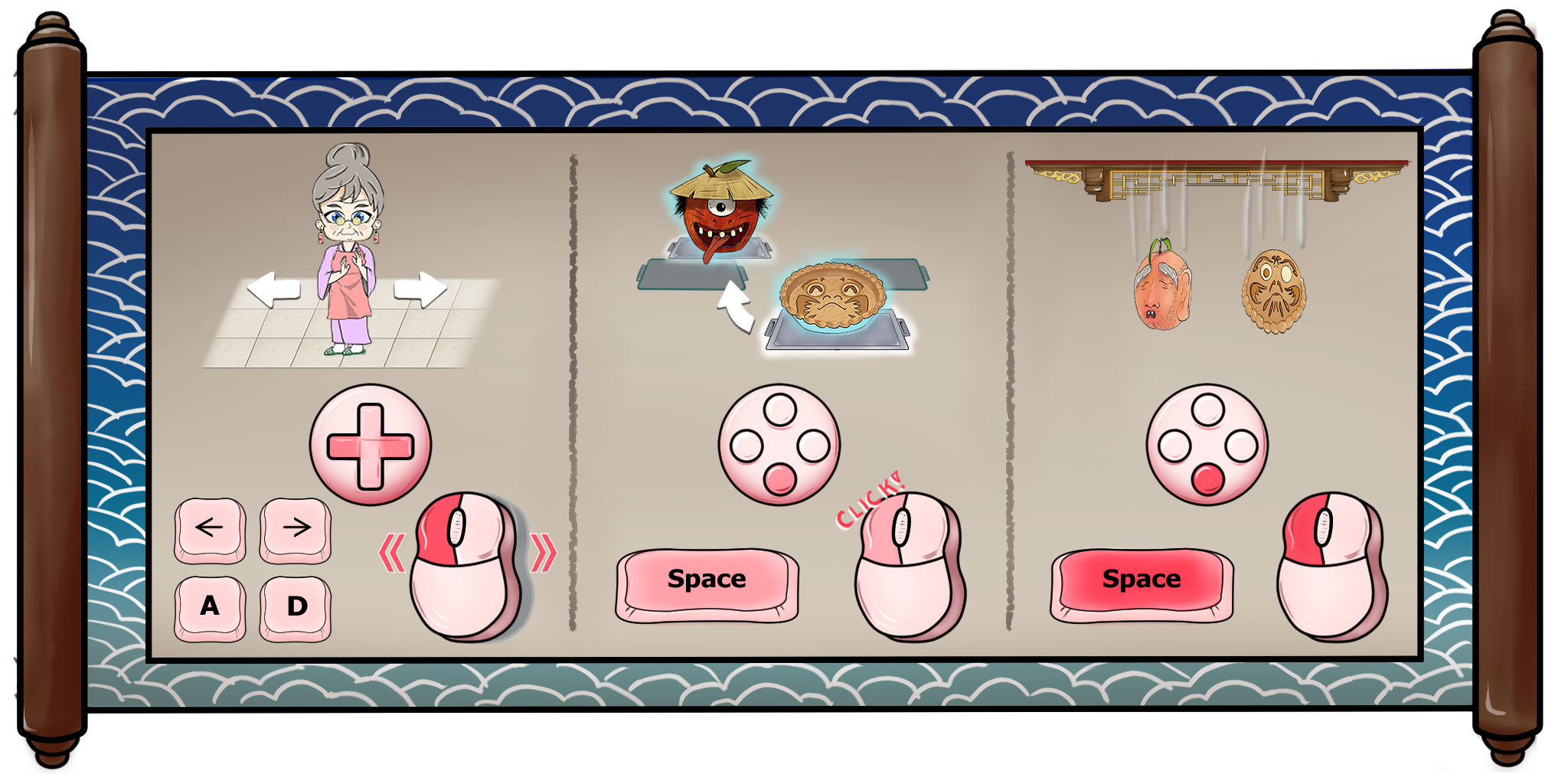
While the game has always supported keyboard controls, we've edited the tutorial to explain the game from a keyboard perspective since some users have found just using the mouse to be less intuitive.
Use [A] and [D] to move Granny left and right. Tap [Spacebar] to swap the trays directly above Granny; holding [Spacebar] drops ingredients or increases their drop speed. The drum can be used by hitting [S]. Controller is also supported for these actions. You will still need to use the mouse (or touchscreen) for the rolling pin, scrolls, incense, and interacting with the bakeshop.
There's a new button in the shop's computer that lets you review the controls at any time. You can also use the "Tech Support Granny" button to replay the tutorial!
Source
Changelog.gg summarizes and formats this update. How we read updates.