
HomeGamesUpdatesPricingMethodology
Steam News14 November 20223y ago

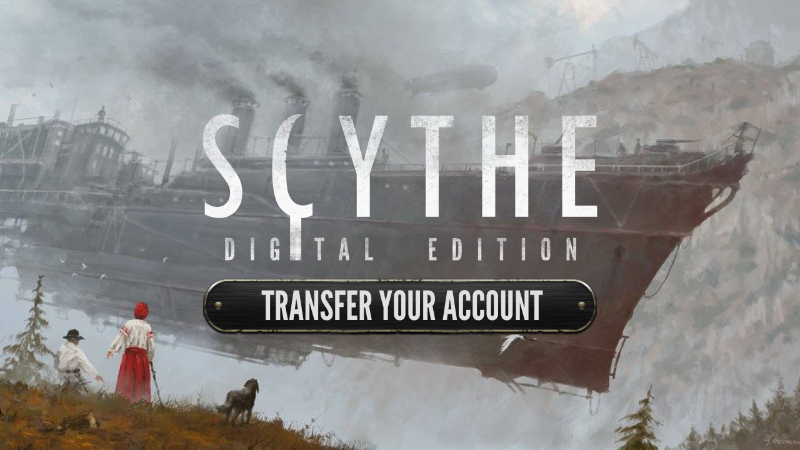
Be sure to transfer your account!

Dear players, the time has come! The AsmoConnect platform (Asmodee.net) no longer supports Scythe: Digital Edition player accounts. That is why we have prepared transfers.

In this update1

Full notes

Full Scythe: Digital Edition update

Read the full published notes in a cleaner layout. The original post stays linked below.

What changed

0 fixes1 addition1 change1 removal
  • Gameplay
  • UI and audio
removedThe AsmoConnect platform (Asmodee.net) no longer supports Scythe: Digital Edition player accounts. That is why we have prepared transfers. Thanks to a few simple clicks, your account will be moved to the Knights’ database - this way, you will keep the history of your matches, ELO, etc., so don't postpone this process until the last minute. Remember that you can transfer your account until December 31st.
changedHow can I transfer my account?Click on the in-game prompt "Transfer Your Account" or use the "Play Online" button.
addedHow can I transfer my account?Set a new password, accept The Knights of Unity privacy policy and transfer your account.

Scythe: Digital Edition changes

removedThe AsmoConnect platform (Asmodee.net) no longer supports Scythe: Digital Edition player accounts. That is why we have prepared transfers. Thanks to a few simple clicks, your account will be moved to the Knights’ database - this way, you will keep the history of your matches, ELO, etc., so don't postpone this process until the last minute. Remember that you can transfer your account until December 31st.
changedClick on the in-game prompt "Transfer Your Account" or use the "Play Online" button.
addedSet a new password, accept The Knights of Unity privacy policy and transfer your account.

Dear players, the time has come!

The AsmoConnect platform (Asmodee.net) no longer supports Scythe: Digital Edition player accounts. That is why we have prepared transfers. Thanks to a few simple clicks, your account will be moved to the Knights’ database - this way, you will keep the history of your matches, ELO, etc., so don't postpone this process until the last minute. Remember that you can transfer your account until December 31st.

How can I transfer my account?

  1. Click on the in-game prompt "Transfer Your Account" or use the "Play Online" button.

  2. Log in to the account you want to transfer (enter login and password).

  3. In the next window, enter the email you have used. It’s associated with your AsmoConnect platform (Asmodee.net).

  4. Set a new password, accept The Knights of Unity privacy policy and transfer your account.

  5. Confirm your email address in your mailbox.

  6. That's it; your account has been transferred!

We apologize for any inconvenience and errors. If something is wrong, just write to us. Discord and email support are at your disposal. There is no problem that we cannot deal with together! Thanks for your patience!

  • The Knights of Unity team

Source

Steam News / 14 November 2022

Open original post

Changelog.gg summarizes and formats this update. How we read updates.