
Full notes
Full Sacre Bleu update
Read the full published notes in a cleaner layout. The original post stays linked below.
What changed
1 fix0 additions1 change0 removals
- Performance
- Compatibility
fixedIf you are playing the steamdeck version of Sacre Bleu and you run into crashes after the main-menu, you likely need to install the proton-hotfix
changedHere is Steams FAQ about the proton
Sacre Bleu changes
fixedIf you are playing the steamdeck version of Sacre Bleu and you run into crashes after the main-menu, you likely need to install the proton-hotfix
changedHere is Steams FAQ about the proton
If you are playing the steamdeck version of Sacre Bleu and you run into crashes after the main-menu, you likely need to install the proton-hotfix
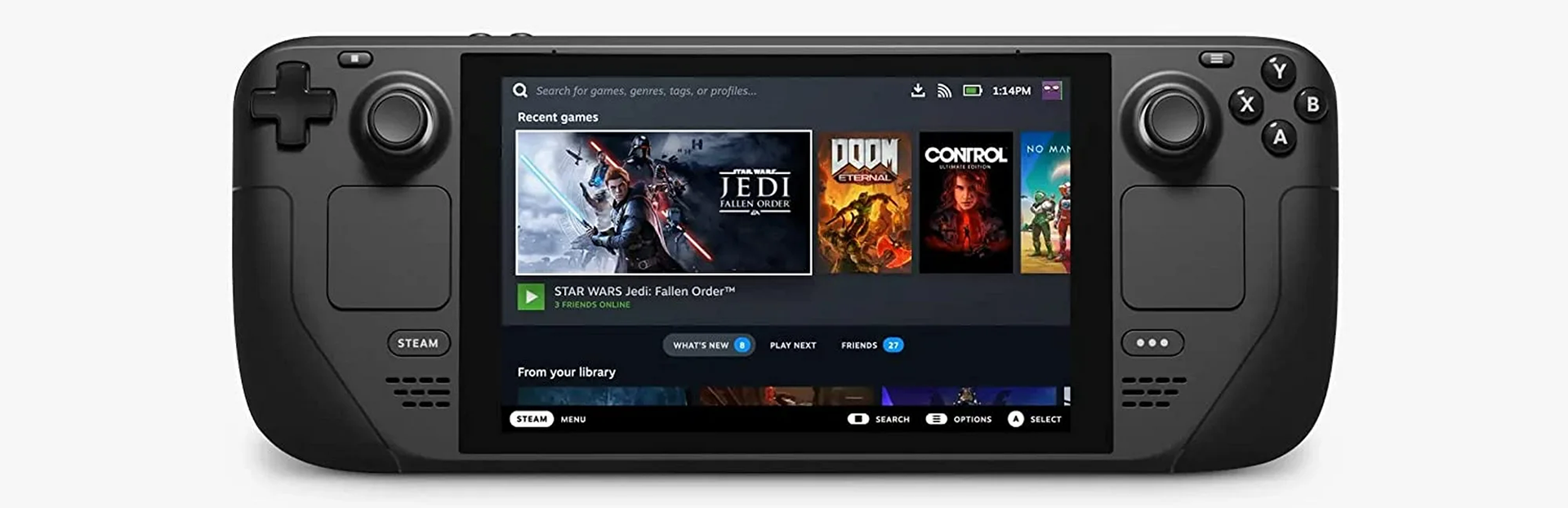
Click Game Info -> Properties -> Compatability -> and turn ON the "force use of a specific Steam Play Compatability tool"
This is what the menus looks like:
Source
Changelog.gg summarizes and formats this update. How we read updates.