
Full notes
Full Rummy 3D Premium update
Read the full published notes in a cleaner layout. The original post stays linked below.
What changed
0 fixes0 additions1 change0 removals
- UI and audio
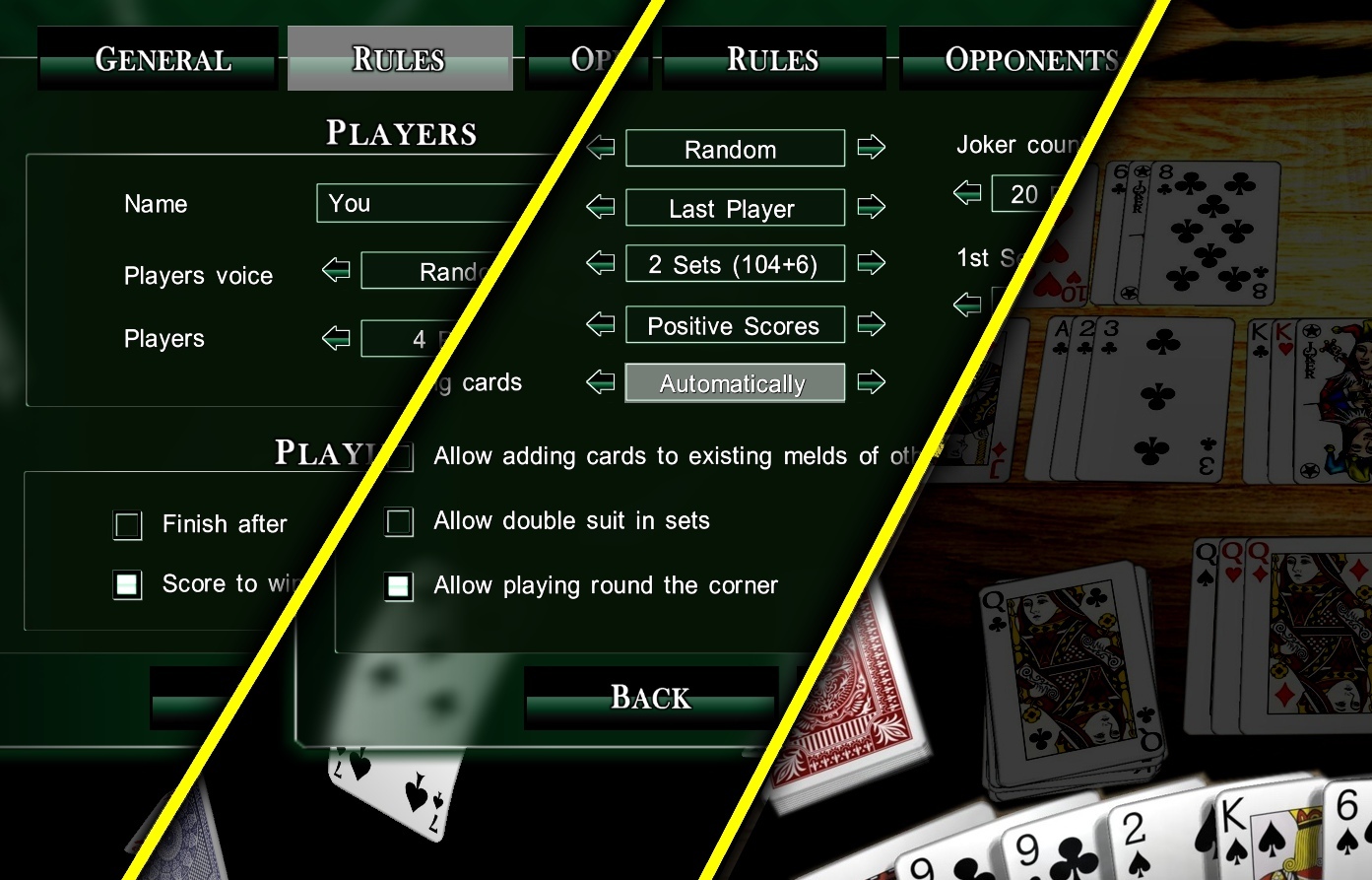
changedSUPPORTED RUMMY VARIATIONS - Specify Rummy rules in Singleplayer by clicking "Rules" Button on top GAMEPLAY - Discard with one right mouse-click - Where is the drawn card sorted? in "Rules" you can pre-define, such as to the left, to the right and other. Default setting "Automatically" places drawn card next to similar cards. FEEL FREE to discuss anything, Rummy is a game of uncountable variations!
Rummy 3D Premium changes
changedSUPPORTED RUMMY VARIATIONS - Specify Rummy rules in Singleplayer by clicking "Rules" Button on top GAMEPLAY - Discard with one right mouse-click - Where is the drawn card sorted? in "Rules" you can pre-define, such as to the left, to the right and other. Default setting "Automatically" places drawn card next to similar cards. FEEL FREE to discuss anything, Rummy is a game of uncountable variations!
SUPPORTED RUMMY VARIATIONS - Specify Rummy rules in Singleplayer by clicking "Rules" Button on top GAMEPLAY - Discard with one right mouse-click - Where is the drawn card sorted? in "Rules" you can pre-define, such as to the left, to the right and other. Default setting "Automatically" places drawn card next to similar cards. FEEL FREE to discuss anything, Rummy is a game of uncountable variations!
Source
Changelog.gg summarizes and formats this update. How we read updates.