
HomeGamesUpdatesPricingMethodology
Steam News28 August 202510mo ago

Release is HERE!

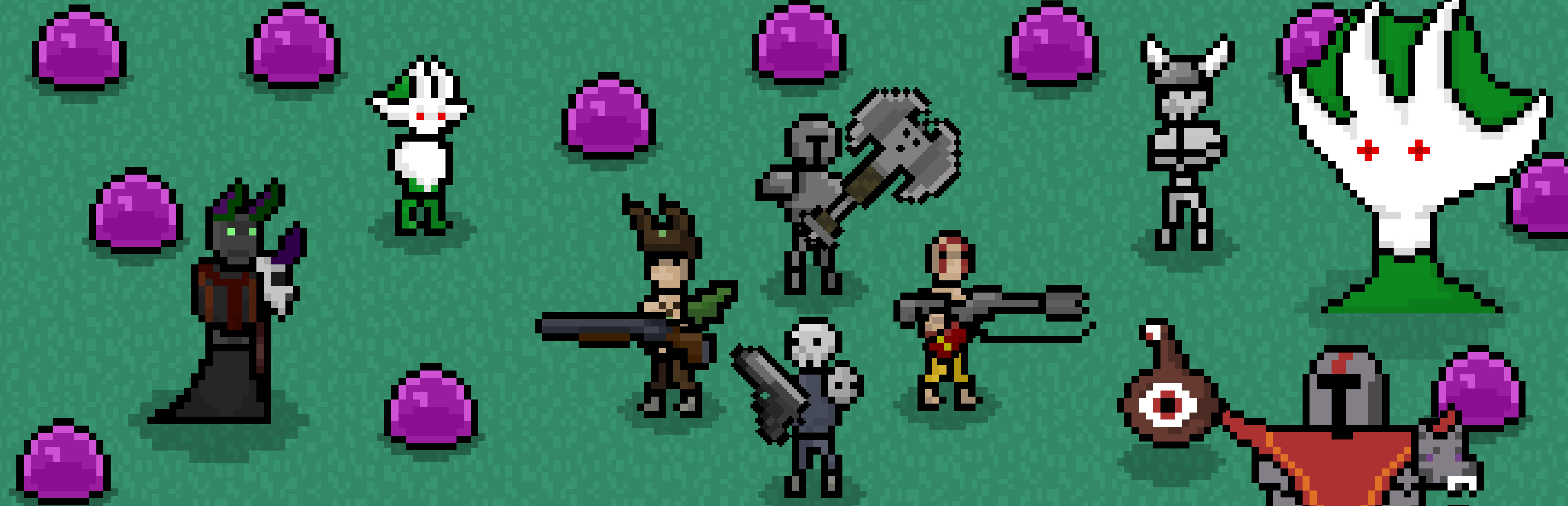
Hello everyone, the release is HERE! Thanks to everyone who played the demo and the prelude, and for all the feedback, that really helped.

Full notes

Full Roguevive update

Read the full published notes in a cleaner layout. The original post stays linked below.

Repeated intro

Hello everyone, the release is HERE! Thanks to everyone who played the demo and the prelude, and for all the feedback, that really helped. For the next month I will try to improve the network performance and fix all the bugs that you all will eventually find. After that I plan on adding some more content, like new skills, skins, maps and some weapons.

What changed

0 fixes5 additions0 changes0 removals
  • Store
  • Gameplay
addedHello everyone, the release is HERE! Thanks to everyone who played the demo and the prelude, and for all the feedback, that really helped. For the next month I will try to improve the network performance and fix all the bugs that you all will eventually find. After that I plan on adding some more content, like new skills, skins, maps and some weapons.
addedSave FilesSadly the prelude and the demo were development builds, and thus their savefiles are located on a different folder than the release version, if you intend on using the same save, it's possible to transfer the files from the older folder to the new one. Here are the steps.
addedFirst install and open RogueviveFirst you have to go to the Installed files of the Demo or Prelude, you can go via Steam. First you right click in the game name at the library. Go to Propreties, a new window will open, thre you go to Installed Files and click in Browse.
addedFirst install and open RogueviveAfter that, the windows will open the folder with the game files, from there you need to go Roguevive > Saved > SaveGames, in this folder you will find 2 save files called analyticsSaveGame.sav and saveGame.sav, you need to copy these 2 files to the new save folder.
addedFirst install and open RogueviveThe new save folder is located on the Appdata of the Windows system. To go there, you will need to open the Drive where your windows is installed go to Users> "YourUserName">AppData>Local>Roguevive>Saved>SaveGames. Then paste the 2 .sav files on this folder. That's it.

Save Files

Sadly the prelude and the demo were development builds, and thus their savefiles are located on a different folder than the release version, if you intend on using the same save, it's possible to transfer the files from the older folder to the new one. Here are the steps.

First install and open Roguevive

First you have to go to the Installed files of the Demo or Prelude, you can go via Steam. First you right click in the game name at the library. Go to Propreties, a new window will open, thre you go to Installed Files and click in Browse.

Steam post image Steam post image

After that, the windows will open the folder with the game files, from there you need to go Roguevive > Saved > SaveGames, in this folder you will find 2 save files called analyticsSaveGame.sav and saveGame.sav, you need to copy these 2 files to the new save folder.

The new save folder is located on the Appdata of the Windows system. To go there, you will need to open the Drive where your windows is installed go to Users> "YourUserName">AppData>Local>Roguevive>Saved>SaveGames. Then paste the 2 .sav files on this folder. That's it.

Thanks everyone!

Source

Steam News / 28 August 2025

Open original post

Changelog.gg summarizes and formats this update. How we read updates.