
HomeGamesUpdatesPricingMethodology
Steam News21 July 20241y ago

Custom note colors!

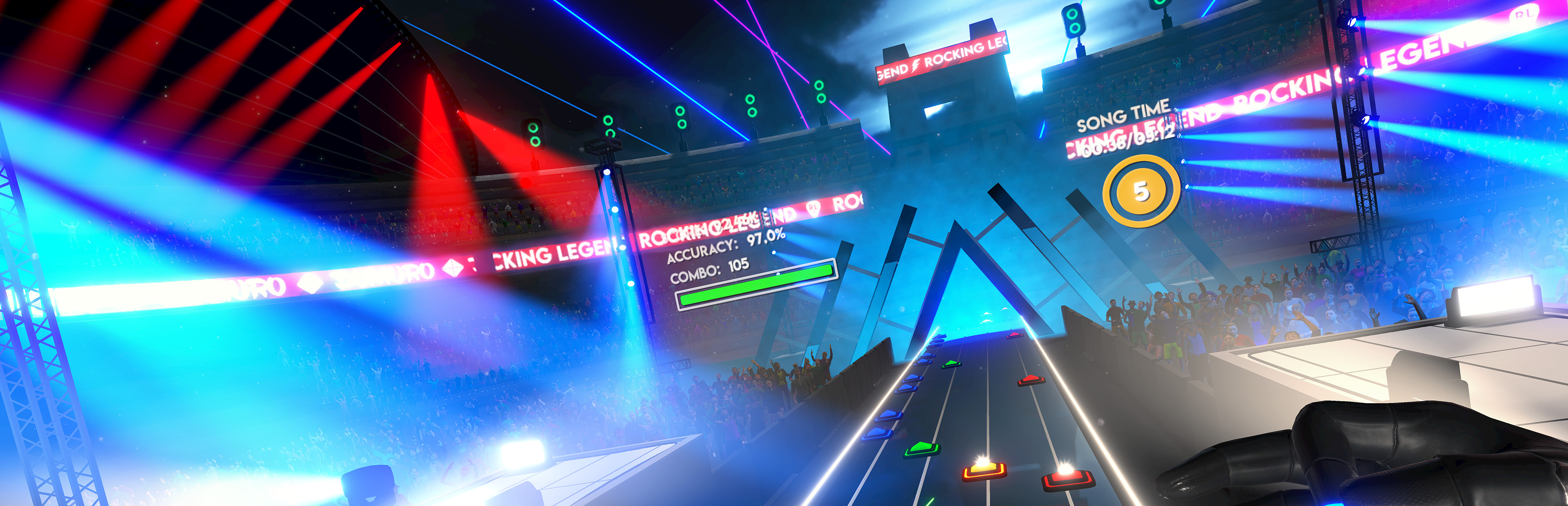
Hi VR Rockstar! We decided to release another update quickly to bring you a highly requested feature: you can now change the notes' colors!

Full notes

Full Rocking Legend update

Read the full published notes in a cleaner layout. The original post stays linked below.

What changed

0 fixes4 additions1 change0 removals
  • Gameplay
  • Performance
  • UI and audio
addedWe decided to release another update quickly to bring you a highly requested feature: you can now change the notes' colors! 🟩🟥🟨🟦🟧
addedYou can now set the color you're used to from other games to improve visibility or simply add a new aesthetic touch.
addedFor the occasion, we also added an optimization that should give you a more stable framerate and a couple of minor fixes.
addedA brief list of changes for the 1.2 release: - You can now change note colors from the palette in the settings menu - Framerate stability improvements - Minor fixes
changedRock hard, and stay tuned for the following updates! 🎸🎸🎸

Hi VR Rockstar!

We decided to release another update quickly to bring you a highly requested feature: you can now change the notes' colors! 🟩🟥🟨🟦🟧

You can now set the color you're used to from other games to improve visibility or simply add a new aesthetic touch.

For the occasion, we also added an optimization that should give you a more stable framerate and a couple of minor fixes.

A brief list of changes for the 1.2 release: - You can now change note colors from the palette in the settings menu - Framerate stability improvements - Minor fixes

Rock hard, and stay tuned for the following updates! 🎸🎸🎸

Source

Steam News / 21 July 2024

Open original post

Changelog.gg summarizes and formats this update. How we read updates.