
In this update7
Full notes
Full Rift of the NecroDancer update
Read the full published notes in a cleaner layout. The original post stays linked below.
What changed
- Gameplay
- Store
- Workshop
- UI and audio
- Balance
- Fixes
Rift of the NecroDancer changes
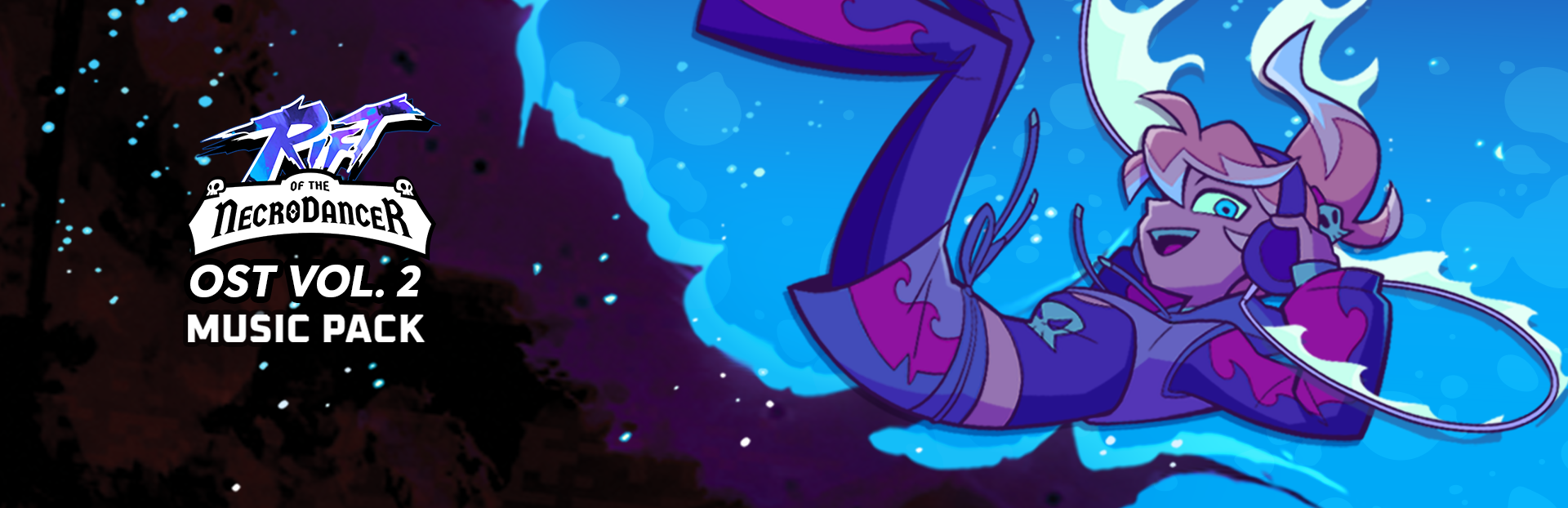
To celebrate the start of Klei Fest, we bring you the highly anticipated Rift of the NecroDancer: OST Volume 2! All the original Rift of the NecroDancer composers return with a brand new song each, made specifically for Rift. OST 2 also features Danny Baranowsky stepping behind the microphone, with an all-new song you won’t want to miss!
The full lineup of songs in the Music Pack includes:
“Ultra Creepy” by Danny Baranowsky (FREE TO DOWNLOAD)
“Inside” by Danny Baranowsky
“A Banj After Midnight (feat. M Gewehr)” by Josie Brechner
“Goo” by Sam Webster & Nick Nausbaum
“Phantom Funk (feat. Lawrence Ravagnan)” by Alex Moukala
“The Showdown Throwdown” by Jules Conroy
Even better, Cadence and the NecroDancer are FIRED up, in fresh new, flame themed fits, free with the DLC.
On top of the new songs, Rift is getting a huge update, which adds organizational folders for both main tracks and custom music, additions to the Profile system, a refreshed tutorial for new players, and more. Details below!
We hope you enjoy these new original additions to the Rift of the NecroDancer soundtrack!
Rift of the NecroDancer OST Volume 2 Music Pack Rift of the NecroDancer OST Vol 2 Ultra Creepy Danny Baranowsky
New Feature Highlights
Profiles V2
This update brings exciting additions to the Profile System. You can now equip:
A featured track to show off your favourite official song, or your best scores/combos
Up to 5 unique stats for display on your profile (see patch notes below for more details)
To accommodate all the new information, the look of your profile is now more akin to a card -- take screenshots and show them off to others!
You can also now view any player’s Rift Profile in the Leaderboards, so don’t miss a change to showcase your favourite tracks and accomplishments 👀
New DLC Profile Unlocks
We've also added some new items to the Profile inventory for OST Vol. 2. You'll be able to unlock various icons and a new frame from both the OST Music Pack and Ultra Creepy (free song) by accomplishing certain goals.
Folders
So… Rift has accumulated quite a number of songs now! When we launched back in February 2025, we had just over 30 songs. Now we have almost 100 official songs. Not to mention the Steam Workshop has… over 9000 submissions?
Can I say the line? Yes?
Okay, that’s out of my system now. But you know what’s now ADDED to YOUR system? Folders! To help you organize all your music.
Rejoice!
There's a LOT that went into this update, so read on for the full patch notes!
Patch Notes 1.15.0-b23312
🆕 New Content and Features
Added folders to Track Select and Custom Music
Beyond just sorting and filtering, tracks are now grouped into folders depending on your sort method. See the list of folder groupings per sort method below:
Default → per Story Beat/DLC pack (Dove, Suzu, Pizza Tower, etc)
Intensity → per intensity score (17, 18, 19 etc)
BPM → per BPM range (90-99, 100-109, etc)
Title → per letter (A, B, C, etc)
Artist → per artist name (Danny Baranowsky, Jules Conroy, etc)
Grade → per grade (S+, S, A, etc)
Play Count → per count range (algorithmic based on your playcount!)
Recently Played → per time frame (today, in the last week, in the last month, etc)
Custom music only:
Recently Downloaded → per time frame (today, in the last week, in the last month, etc)
Difficulty not available folder exists whenever a song is detected to be missing a difficulty (this way unplayable tracks are not in the default folders)
Folders also have some new UI controls added
Check them out in the expanded navbar (accessed by pressing C on keyboard or L2 on controller)
Folders can be disabled in Settings under the Other menu if you prefer not to use them!
Added new stats and visuals to Rift Profiles
Equip up to 5 of the following stats for display on your profile!
Achievements unlocked
Achievements unlocked (percent)
Combined score
Custom song clears
Diamonds collected
Monsters defeated
Most played difficulty
Profile items unlocked
Profile items unlocked (percent)
Rhythm Rift clears
Equip a featured track to show off your best score and full combo
Select any track in your Track Select library (no custom music can be equipped for now
Select a specific difficulty to display
To accommodate all the new information, the look of your profile is now more akin to a card - take screenshots and show them off to others!
Some stats are equipped by default to get you started
For those who do not want to show any information about their gameplay stats, you can also unequip all stats and choose not to display any featured track at all!
Added more profile integration to the expanded Leaderboards
View any player's Rift Profile from the leaderboards!
Pagination has been added, allowing you to view the entire leaderboard if you wish
Profile data can now be changed from the leaderboards by selecting your own entry
New controls were added
Press E to return to your spot on the leaderboards
Press Q to return to the top of the leaderboards
Added some special unlockable DLC profile items with our OST Vol. 2 release!
In addition to the free Portrait items you receive when purchasing a DLC, we've also added some new Badges and a Frame to this release!
Once you've redeemed the new free song or purchased the music pack, you can then work towards unlocking these special items
You can try this out without even buying a DLC by downloading our new free song, Ultra Creepy by Danny Baranowsky
The new items available are:
OST Vol. 2 (Music Pack) Profile Items
Shiny Skull 1 badge
Shiny Skull 2 badge
Shiny Skull 3 bagde
80s frame
Ultra Creepy (Free Song) Profile Items
Dagger 1 badge
Dagger 2 badge
Dagger 3 badge
And, some small additions for modders and community charters:
Added [c]CustomHeroNative[/c] portrait type
Added new attribute [c]TotalDuration[/c] to [c]portrait.json[/c] animation definitions, allowing for multi-beat animations
The value is specified in beats within each object in the [c]Animations[/c] array, and defaults to [c]1.0[/c] if omitted
Added new animation types [c]Miss[/c] and [c]VibePower[/c] for custom hero portraits
🔁 Changes
Changed the tutorials
We have long wanted to rewrite the tutorials to be less overwhelming! We finally had a chance to do this, coinciding with our Demo update :)
The Bestiary is now renamed to Tutorials in the Extras menu
In the Tutorials menu, you can now find tutorials for many different things, including every monster, different traps, and game concepts like lane wrapping and off-beat/arbitrary-beat hits
Hopefully this means it will be easier to practice specific game mechanics without having to replay through longer tutorials
Refactored save data
This was a huge undertaking that should allow us to better maintain save data going forward as we continue to develop the game
It also unblocks us from developing some other cool features that needed save data functionality we couldn't add with the old system!
WHAT DOES THIS MEAN FOR YOU?
For the most part, nothing: when you launch this patch, everything should work exactly the same as it did before, with a few exceptions that are listed below
Your legacy save data is still intact! This means if anything goes wrong during the import process, your save data is still there and can be reimported after following certain steps to ensure a successful import
If you have any trouble at all, PLEASE REACH OUT via Discord, Steam or email - we are confident we can help resolve any issues! Messing around with Steam Cloud or editing files may corrupt your saves so let us know instead
Specific changes from the save data refactor
Volume settings, calibration settings, and resolution/display mode are no longer synced via Steam Cloud
This means users who are playing across multiple devices no longer have to set calibration and audio levels every time they switch devices
However, you may need to skip through the FTUE on your first launch of a new device. Your save data will still be present
Players who are not using Steam Cloud will not be impacted
Players using the same PC to play on different Steam accounts will now share device settings
These players WILL now have synced calibration and audio settings
If you had Steam Cloud enabled when playing with two accounts, both accounts will be able to import their own save data
PCs that have never launched the game using two different accounts will not be impacted
The name of the save files has changed
As always, save data (both legacy and refactored) is located here: [c]%userprofile%/AppData/LocalLow/Brace Yourself Games/Rift of the NecroDancer/Saves/[/c]
Your new save data file is named [c]User[steamID].riftsave[/c] and has its own backup file that will be used if anything in your main file is corrupted
This file will be synced to the cloud
In this folder, you can also see your old save data (a series of files and backups named [c]SaveData[/c]. We recommend leaving it as-is in case a backup is required.
Per-device settings data: [c]%userprofile%/AppData/LocalLow/Brace Yourself Games/Rift of the NecroDancer/Settings/Device.riftsave[/c]
Device independent (not synced to Steam Cloud)
Changed Character sort's name to Default sort
⚒️ Fixes
Fixed a mistimed Wyrm note at beat 239 in Death by Glamour Impossible
Fixed incorrect text label on Cyberpunk Cadence profile portrait
And a nice change as a result of our save data refactor:
Fixed Seeded Remix mode scores not displaying locally when viewing the Seeded Remix leaderboards
Your score was never saved locally for this game mode, so until the level is scored again, the local display will be 0 even if you have a score on the leaderboard
Source
Changelog.gg summarizes and formats this update. How we read updates.