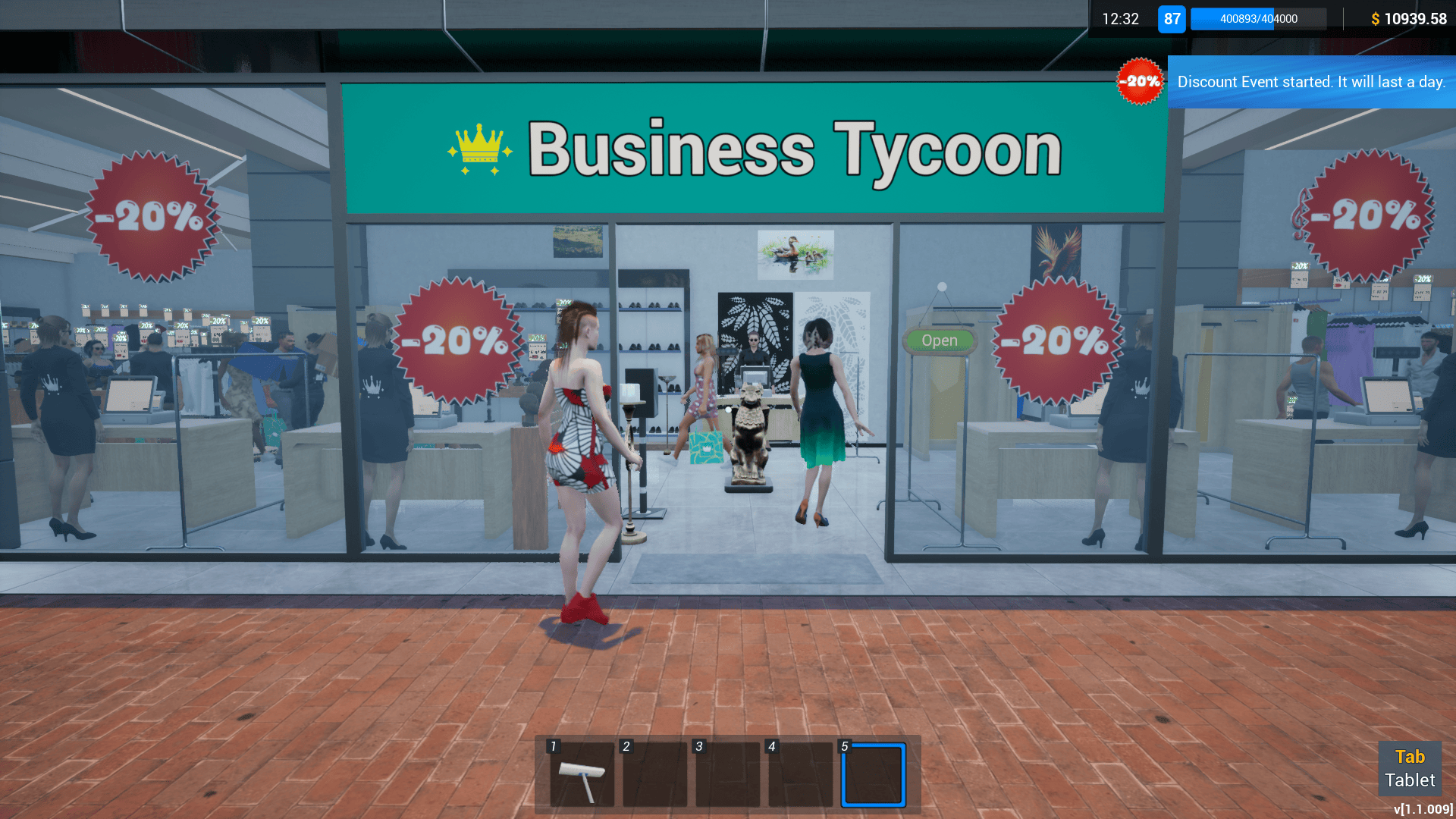
Discount Event When you set a discount event, it starts the next day and lasts for one day. During the discount event, you should expect about 30% more customers.
In this update1
Full notes
Full Retail Company Simulator update
Read the full published notes in a cleaner layout. The original post stays linked below.
What changed
0 fixes1 addition6 changes0 removals
Events
UI and audio
Store
changedDiscount EventWhen you set a discount event, it starts the next day and lasts for one day. During the discount event, you should expect about 30% more customers.
changedDiscount EventYou can see how many days remain until the next discount date on your Desktop-Discount Event. It's also written on the corner of the discount event icon on the desktop.
changedDiscount EventThe discount percentage will be automatically applied to all products in your store.
addedDiscount EventIf you sign a new contract during the discount event, new product prices will automatically be adapted to the discount percentage.
changedDiscount EventYou can't change any prices during the discount event.
changedDiscount EventOnline orders won't be affected by the discount event.
Retail Company Simulator changes
changedWhen you set a discount event, it starts the next day and lasts for one day. During the discount event, you should expect about 30% more customers.
changedYou can see how many days remain until the next discount date on your Desktop-Discount Event. It's also written on the corner of the discount event icon on the desktop.
changedThe discount percentage will be automatically applied to all products in your store.
addedIf you sign a new contract during the discount event, new product prices will automatically be adapted to the discount percentage.
changedYou can't change any prices during the discount event.
Discount Event
When you set a discount event, it starts the next day and lasts for one day. During the discount event, you should expect about 30% more customers.
You can see how many days remain until the next discount date on your Desktop-Discount Event. It's also written on the corner of the discount event icon on the desktop.
The discount percentage will be automatically applied to all products in your store.
If you sign a new contract during the discount event, new product prices will automatically be adapted to the discount percentage.
You can't change any prices during the discount event.
Online orders won't be affected by the discount event.
Sporting Goods Shop is now available in Early Access!