
Full notes
Full Rejuvan update
Read the full published notes in a cleaner layout. The original post stays linked below.
What changed
- UI and audio
- Gameplay
- Maps
THIS UPDATE IS FAIRLY LARGE
Welcome to Rejuvan v0.8!
I. Tutorial
When creating a new slot, players have the option to choose whether or not to play the tutorial. The tutorial includes progression up to the Old Ore Heater, with indicators and useful hints as to what to do. Aside from that, the Module Factory has been given a new context button in the inventory - "Learn" By pressing this button, the player is instructed about the Module Factory and what it does, along with a short tutorial for it specifically. This feature can be easily implemented for any other building (if suggested)
II. Visual
The motion blur can now be turned off! The colors look a lot more vibrant. The weather is more representative. A theme song will play when it is sunny or cloudy, respectively. I added more post-processing effects.
III. Chat
By pressing T you can open the chat. Any player can type in the chat and it is replicated to all clients. By typing "/help" you get insight on all commands.
Commands that start with "/" can be run on any map. Commands that start with "!" can be run on creative maps.
And yes, you can play the game in creative.
I'll let you discover what command I have added so have fun.
IV. Others
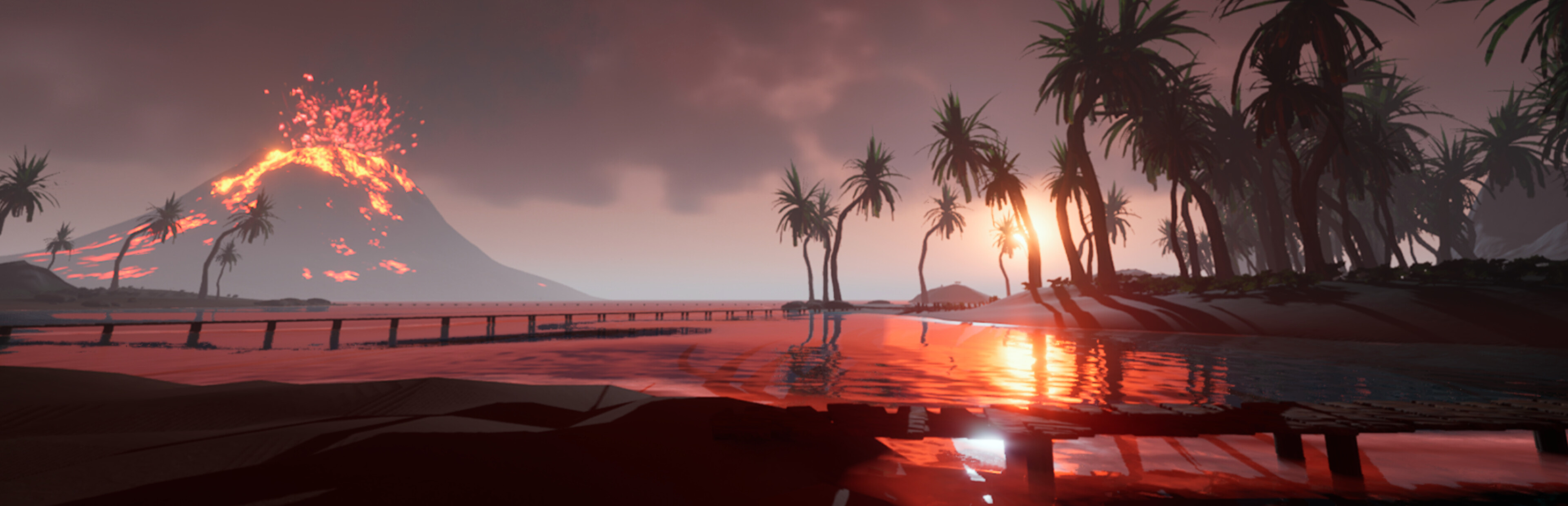
I also added 3 new crates that can be found on the volcano. One gives a volcanic-tier item called "FlamsCreation"
Source
Changelog.gg summarizes and formats this update. How we read updates.