
Full notes
Full Red Spider2: Exiled update
Read the full published notes in a cleaner layout. The original post stays linked below.
What changed
- Gameplay
- UI and audio
Red Spider2: Exiled changes
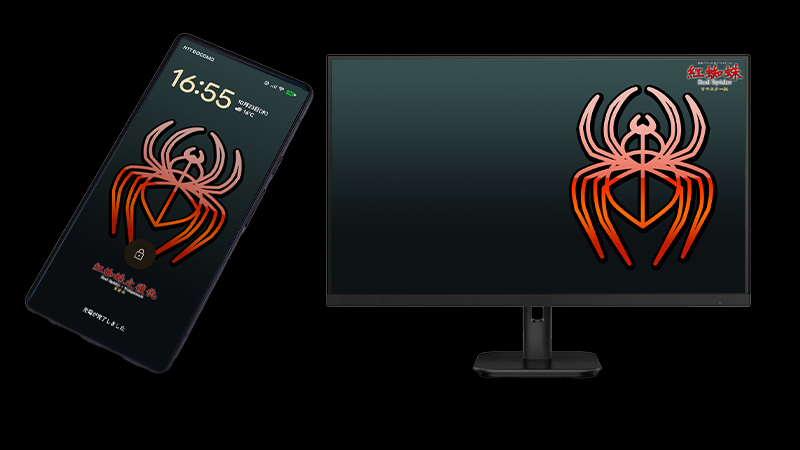
Thank you for your continued support! We have added special wallpapers (6 sizes in total) as a new bonus to the "Red Spider-OST" package.
3840x2160
2560x1440
1920x1200
1600x1200
1920x1080
1080x2400
If you already own the OST, please follow the steps below after your Steam client updates to access the files:
◆ How to Locate the Wallpaper Files (PC Steam Client)
Right-click on "Red Spider-OST" in your Steam Library.
Select"Manage"and then"Browse local files".
A new folder named "Wallpaper" (or [c]wallpaper[/c]) will be found in the opened directory, containing all 18 wallpaper files.
If you do not see the files, please perform a "Verify integrity of game files" check (Properties → Installed Files) and then try again.
Thank you once again for your support of the Red Spider series and its OST!
Source
Changelog.gg summarizes and formats this update. How we read updates.