
Full notes
Full Red Cap Zombie Hunter update
Read the full published notes in a cleaner layout. The original post stays linked below.
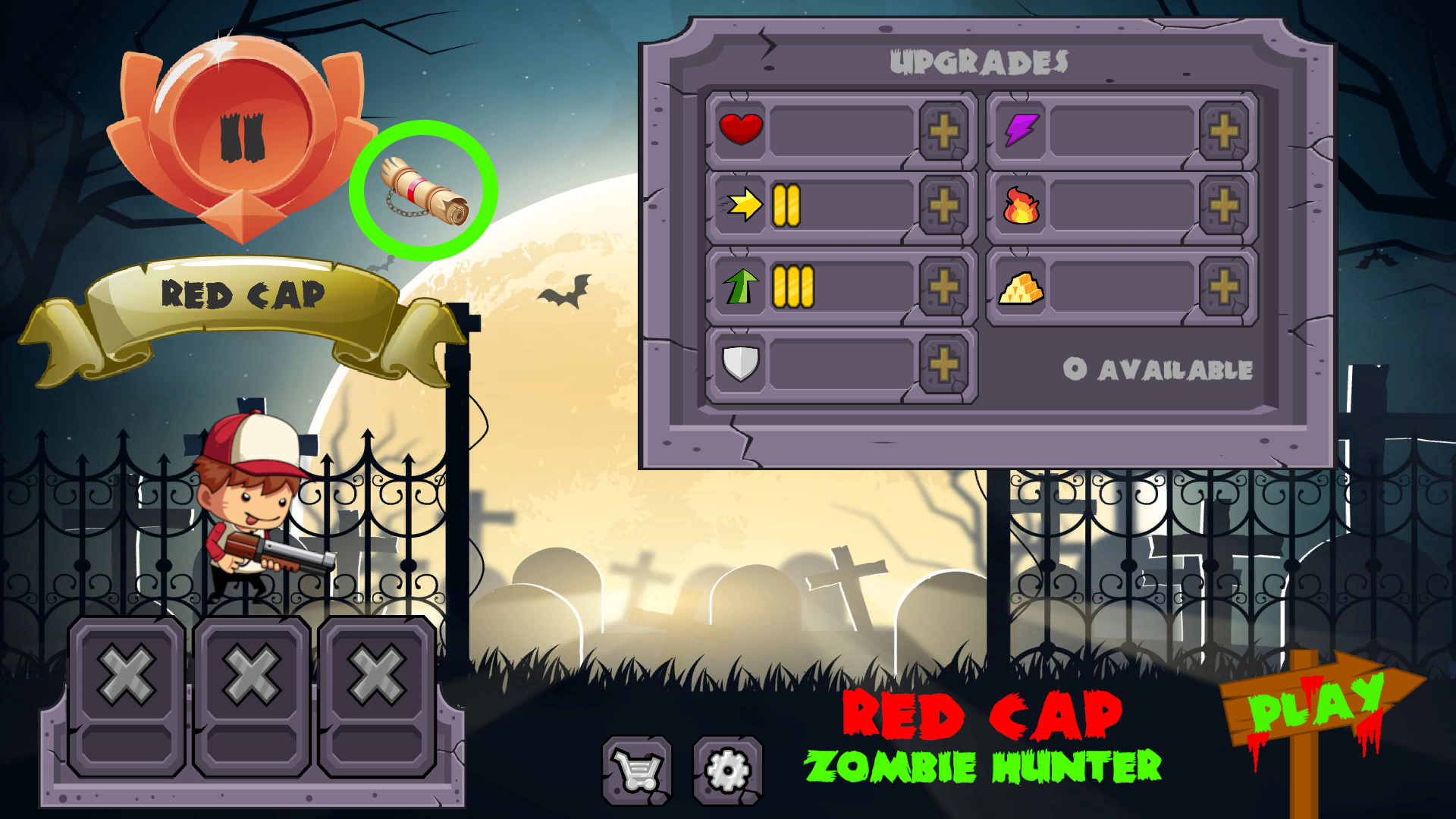
From the home screen just click over the old parchment (green circle) to see your roadmap where the results of each level you have passed are found:
In your roadmap just click over the photographic camera icon and a screenshoot will be taken:
You'll find those pictures (*.PNG format) in the "redcap" folder of your game insallation directory.
Source
Changelog.gg summarizes and formats this update. How we read updates.