What changed
0 fixes1 addition0 changes0 removals
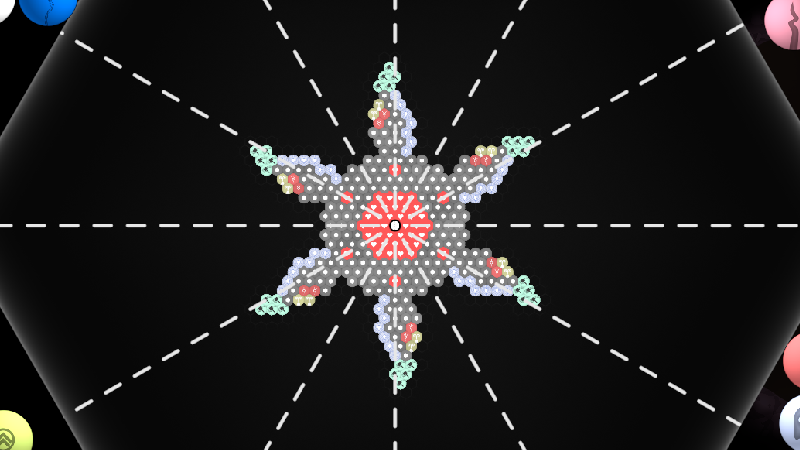
addedYou can now access the Primordialis beta branch by right clicking the game in your steam library > Properties > Betas then set Beta Participation to the beta branch. The beta branch will have previews of upcoming updates. The beta will receive updates more frequently, but some things may not be fully tested. Currently the beta branch has a couple new cell types, additional symmetry modes in the editor, and several balance changes and bug fixes. You can see the full patch notes in game by clicking on the build name in the lower left corner of the menu.
Primordialis changes
addedYou can now access the Primordialis beta branch by right clicking the game in your steam library > Properties > Betas then set Beta Participation to the beta branch. The beta branch will have previews of upcoming updates. The beta will receive updates more frequently, but some things may not be fully tested. Currently the beta branch has a couple new cell types, additional symmetry modes in the editor, and several balance changes and bug fixes. You can see the full patch notes in game by clicking on the build name in the lower left corner of the menu.
You can now access the Primordialis beta branch by right clicking the game in your steam library > Properties > Betas then set Beta Participation to the beta branch. The beta branch will have previews of upcoming updates. The beta will receive updates more frequently, but some things may not be fully tested. Currently the beta branch has a couple new cell types, additional symmetry modes in the editor, and several balance changes and bug fixes. You can see the full patch notes in game by clicking on the build name in the lower left corner of the menu.