
Full notes
Full POOLS update
Read the full published notes in a cleaner layout. The original post stays linked below.
Repeated intro
Hello, PC & PCVR players, you haven’t been forgotten! The VR experience has gotten a complete graphics overhaul. The new version of VR mode on PC is now much more performant so if you’ve had any issues running it before, now is a good time to give it a new try. On flatscreen mode we decided to roll back to using Unity’s own SSGI instead of the previously implemented GI solution. This leads to the lighting looking a bit different in some areas. The decision was made because of unsolved compatibility issues on some systems and to make the project easier to maintain. If any of you prefer the look or feel of the earlier version of POOLS either in flatscreen or VR, we will leave it up to be downloaded from Steam (instructions at the end of this message). Personally we prefer the look and performance of the latest update though! Along with this update we want to wish happy holidays and new year to all of you who celebrate! Thank you so much for supporting us! Full changelog:
What changed
- Compatibility
- Performance
- Gameplay
- Security
- UI and audio
- Fixes
VR: Complete performance overhaul with URP rendering pipeline
Updated lighting to Unity’s SSGI instead of HTrace WSGI
Updated Unity engine version (Fixes CVE-2025-59489 Unity Runtime Vulnerability)
Added barefoot footstep sounds for all missing surface types
Fixed dods diver achievement activating in a wrong spot
- Chapter 0Fixed a bug where VR player up direction would sometimes have unintentional rotation applied on startup
- Chapter 0Fixed a bug where player could get stuck in a room with lots of chairs and a speaker
- Chapter 0Disabled auto save in few places in where you could get stuck by loading auto save
- Chapter 0Fixed level restart not working properly sometimes (fixes number of the beast achievement)
- Chapter 2Fixed several lighting artifacts on lowest lighting settings
- Chapter 3Added invisible colliders to help prevent moving through some railing objects
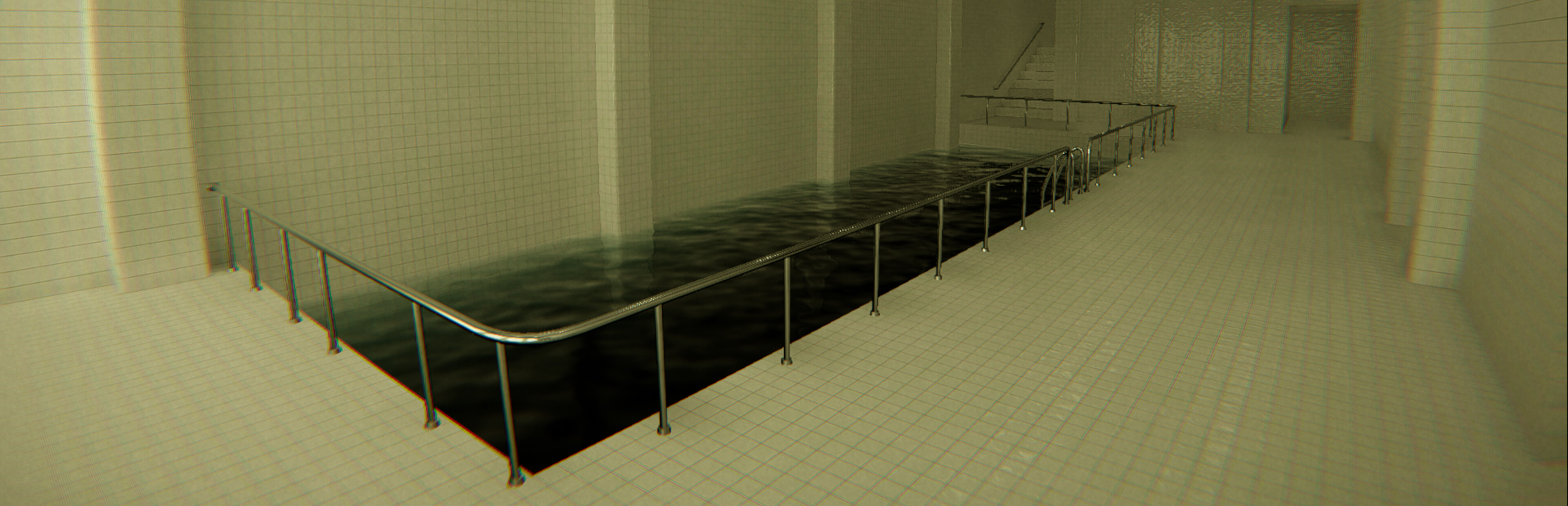
- Chapter 3Fixed pool glitching near start of ch3, if you go under the metal railing and walk the stairs down
- Chapter 4Updated materials to some objects
- Chapter 4Fixed invisible water at the start
- Chapter 5Fixed footstep sounds when walking over glass windows
- Chapter 5Fixed a bug where player would jerk upwards when stepping on the bottom part of a ladder in flatscreen mode
- Chapter 6Updated audio for the hallway event
Fixed audio volume setting not loaded correctly sometimes
Fixed water dripping sounds being dependant on frame rate and not working correctly with crouch
Fixed black lines in duck texture
- VRFixed a bug where snap and smooth turn rotation pivot position was not perfectly centered to the head position
- VRAdded more detailed colliders, and hand touch sounds for different materials
- VRFixed a bug where an invisible teleport snap anchor would be created in the game world at position (0, 0, 0)
- VRAdded water dripping effects on camera lens
- VRAdded recovery logic for if a VR hand model gets stuck within the environment
- VRFixed incorrect footstep sounds on glass floors (Ch2)
- VRFixed footsteps sounds repeatedly playing when standing still on an escalator
- VRFixed a bug where crouching activated water dripping sound even on dry land
VR: Fixes to waterslides, to prevent getting stuck
How to access the previous version
Right click the game in Steam and open the “Properties” window
Open Betas-tab
Choose "pools-old" from the dropdown menu
Steam will now download an update
You can switch between the versions from the “Beta participation” drop down menu whenever you like
Source
Changelog.gg summarizes and formats this update. How we read updates.