
Full notes
Full Polyville Canyon update
Read the full published notes in a cleaner layout. The original post stays linked below.
Repeated intro
Hello everyone!
What changed
- UI and audio
Polyville Canyon changes
Small update this time, but important for some of you!
You can now scale the UI to roughly 25% of the maximum default size. Visit the Settings > General tab and use the slider to adjust your UI scale.
Being a solo developer with limited access to many different kinds of machines and monitors, I am hopeful that it's all well supported with no issues, but please let me know if you have an odd resolution, or something is not quite right and I will look into it as soon as I can!
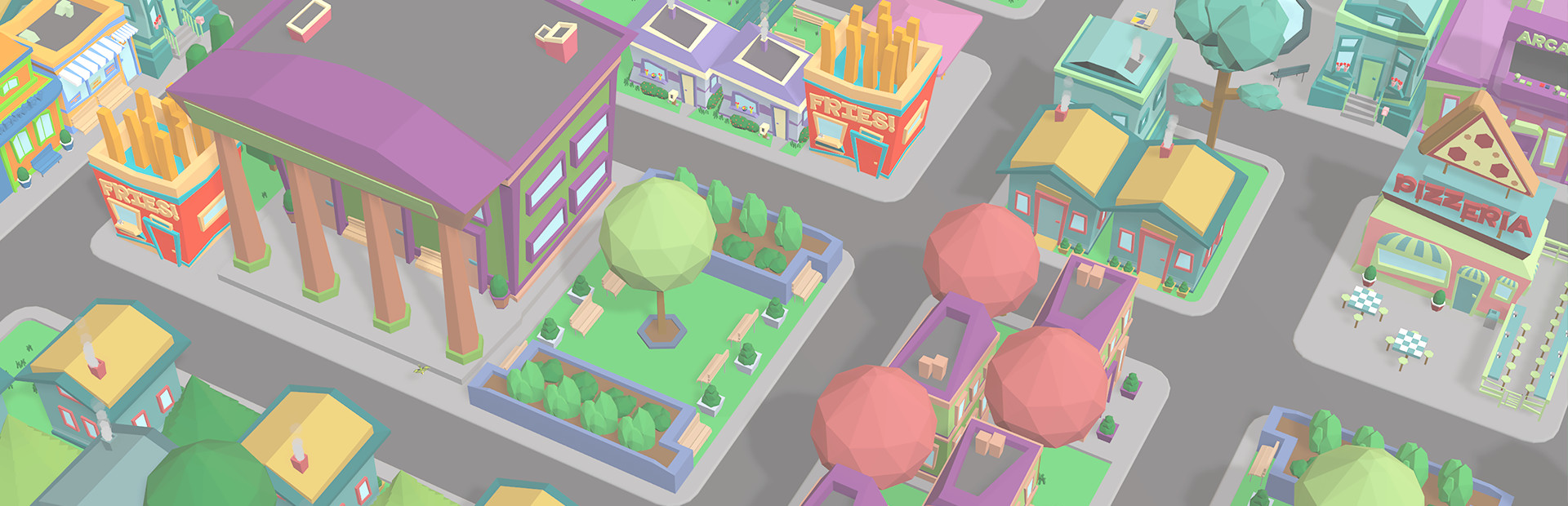
Otherwise, enjoy the less-cluttered view of your Polyville towns!
Thanks for playing! Tim @ Henagames
Source
Changelog.gg summarizes and formats this update. How we read updates.