What changed
0 fixes1 addition1 change0 removals
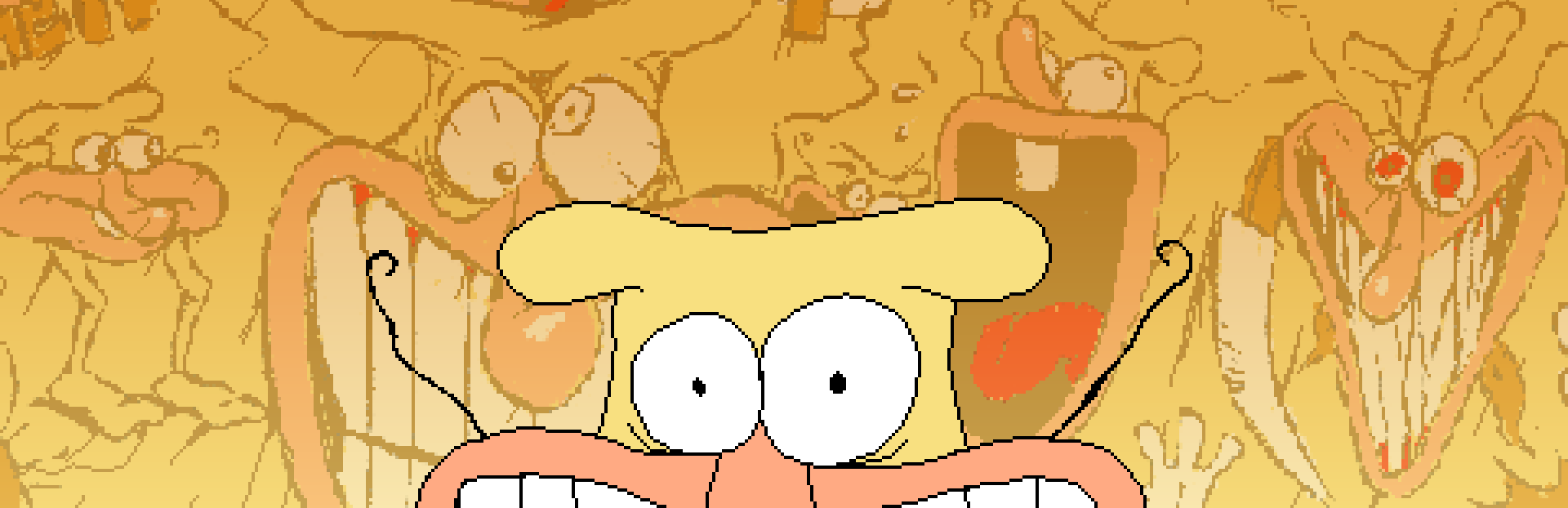
addedThe long-awaited Noise Update is finally here! Bringing you The Noise in all his glory in the form of a pseudo New Game+, revisiting the events of Pizza Tower through the eyes of the yellow gremlin, with perhaps a few twists along the way.
changedP.S: If you had any mods installed before this or modified the files in any capacity you MIGHT get a crash. If you do have one please delete (not uninstall) all the files in your installation folder, then right click the game and go under Properties -> Installed Files and then click the Verify Files button.
Pizza Tower changes
addedThe long-awaited Noise Update is finally here! Bringing you The Noise in all his glory in the form of a pseudo New Game+, revisiting the events of Pizza Tower through the eyes of the yellow gremlin, with perhaps a few twists along the way.
changedP.S: If you had any mods installed before this or modified the files in any capacity you MIGHT get a crash. If you do have one please delete (not uninstall) all the files in your installation folder, then right click the game and go under Properties -> Installed Files and then click the Verify Files button.
The long-awaited Noise Update is finally here! Bringing you The Noise in all his glory in the form of a pseudo New Game+, revisiting the events of Pizza Tower through the eyes of the yellow gremlin, with perhaps a few twists along the way.
No patch notes for this one.
P.S: If you had any mods installed before this or modified the files in any capacity you MIGHT get a crash. If you do have one please delete (not uninstall) all the files in your installation folder, then right click the game and go under Properties -> Installed Files and then click the Verify Files button.