
HomeGamesUpdatesPricingMethodology
Steam News23 February 20264mo ago

Pixel art size

TL;DR: Pixel art size tutorial. Study Plan drawing performance improvement. Easter egg: Jungle PICO-8 cartridge.

Full notes

Full Pixel Art Academy: Learn Mode update

Read the full published notes in a cleaner layout. The original post stays linked below.

What changed

0 fixes4 additions3 changes0 removals
  • Performance
  • Gameplay
  • Events
  • Maps
changedStudy Plan drawing performance improvement.
changedAfter you've acquired the simplification and smooth curves interests, you will now unlock a new goal about pixel art size.
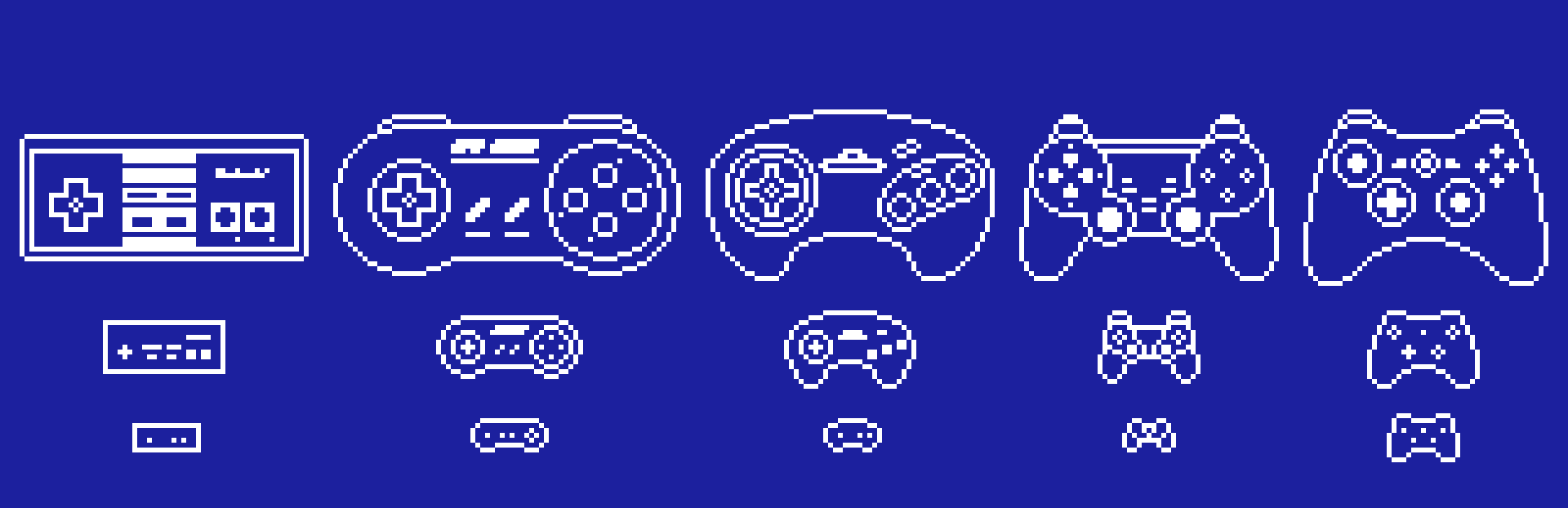
addedEvery pixel art image depends on the size of the canvas within which it is created. The new tutorial on the topic goes over the basic principles (size of the pixels and smallest representable details) and introduces a new readability analysis tool.
changedI'm reusing the image recognition capabilities from the Quick Draw program from the Simplification goal, so don't expect too much, but it's good enough to not just let you proceed without any resemblance of what you need to draw.
addedI'll try to add some more features into this system with the next update, where you will have the challenge of drawing any of the ~100 possible subjects as an icon.
addedHere's the latest devlog going over the new tutorial:

Pixel Art Academy: Learn Mode changes

changedStudy Plan drawing performance improvement.
changedAfter you've acquired the simplification and smooth curves interests, you will now unlock a new goal about pixel art size.
addedEvery pixel art image depends on the size of the canvas within which it is created. The new tutorial on the topic goes over the basic principles (size of the pixels and smallest representable details) and introduces a new readability analysis tool.
changedI'm reusing the image recognition capabilities from the Quick Draw program from the Simplification goal, so don't expect too much, but it's good enough to not just let you proceed without any resemblance of what you need to draw.
addedI'll try to add some more features into this system with the next update, where you will have the challenge of drawing any of the ~100 possible subjects as an icon.

TL;DR:

  • Pixel art size tutorial.

  • Study Plan drawing performance improvement.

  • Easter egg: Jungle PICO-8 cartridge.

After you've acquired the simplification and smooth curves interests, you will now unlock a new goal about pixel art size.

Every pixel art image depends on the size of the canvas within which it is created. The new tutorial on the topic goes over the basic principles (size of the pixels and smallest representable details) and introduces a new readability analysis tool.

I'm reusing the image recognition capabilities from the Quick Draw program from the Simplification goal, so don't expect too much, but it's good enough to not just let you proceed without any resemblance of what you need to draw.

I'll try to add some more features into this system with the next update, where you will have the challenge of drawing any of the ~100 possible subjects as an icon.

Here's the latest devlog going over the new tutorial:

I was also able to squeeze in a few optimizations to the Study Plan app (panning around the map should be much smoother now) and there's even an easter egg in the PICO-8 app after you're done drawing the animals in one of the new lessons (for the rules, check out here).

I hope you will enjoy how I explain things in this tutorial and as always I appreciate any feedback and/or bug reports.

See you in the next update! —Retro

Source

Steam News / 23 February 2026

Open original post

Changelog.gg summarizes and formats this update. How we read updates.