
Full notes
Full Pixel Art Academy: Learn Mode update
Read the full published notes in a cleaner layout. The original post stays linked below.
What changed
- UI and audio
- Gameplay
Pixel Art Academy: Learn Mode changes
TL;DR:
Shape language tutorial.
Filled rectangle/ellipse tool by clicking again on the ruler.
Redesigned look of picking up references.
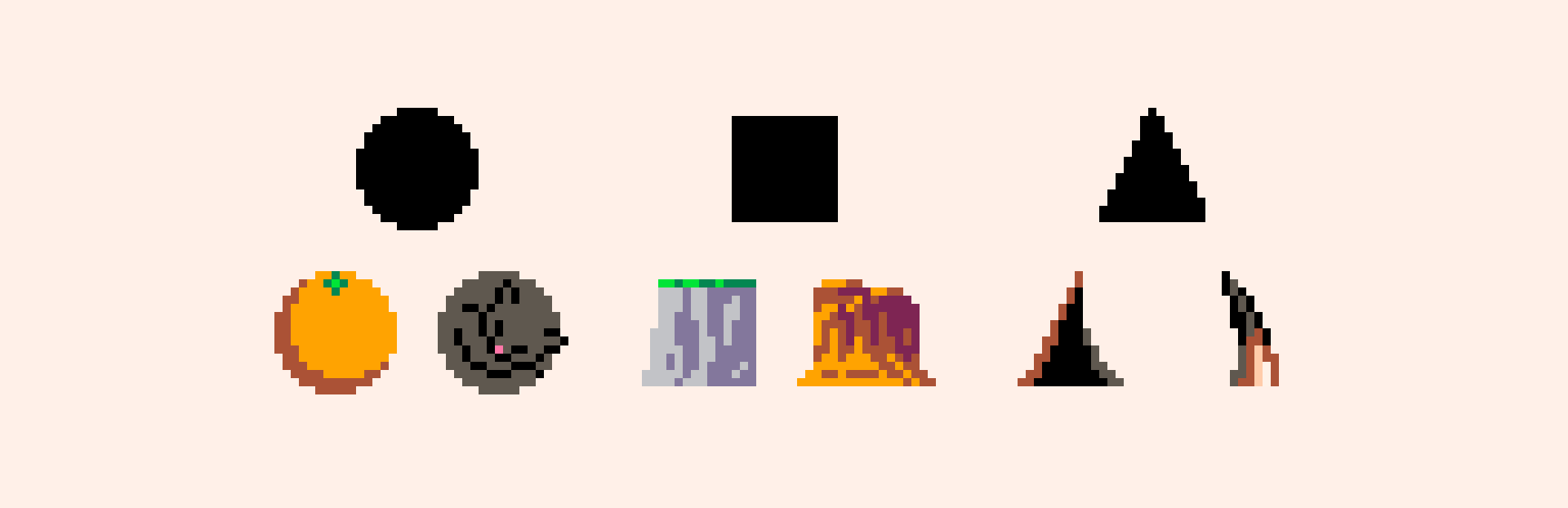
You can now unlock the first tutorial in the Design fundamentals course (as soon as you complete the Elements of art: shape). In Shape language, you'll learn from 12 different games, how they use circles, squares, and triangles as the building blocks for their characters.
To aid you with drawing all the shapes, you can now click again on the rectangle or ellipse tool to get the filled variant.
I've also improved the display of references with better drop shadows, which should make exploring all the game cartridges more pleasant.
As always, I go behind the scenes in my devlog.
I hope you will enjoy this learning-from-examples approach. Soon you should be able to put this knowledge into practice as well.
See you then! —Retro
Source
Changelog.gg summarizes and formats this update. How we read updates.