
Full notes
Full Pixel Art Academy: Learn Mode update
Read the full published notes in a cleaner layout. The original post stays linked below.
What changed
- Events
- Gameplay
- UI and audio
Pixel Art Academy: Learn Mode changes
TL;DR:
Artworks section will appear after you complete the pixel art evaluation challenge.
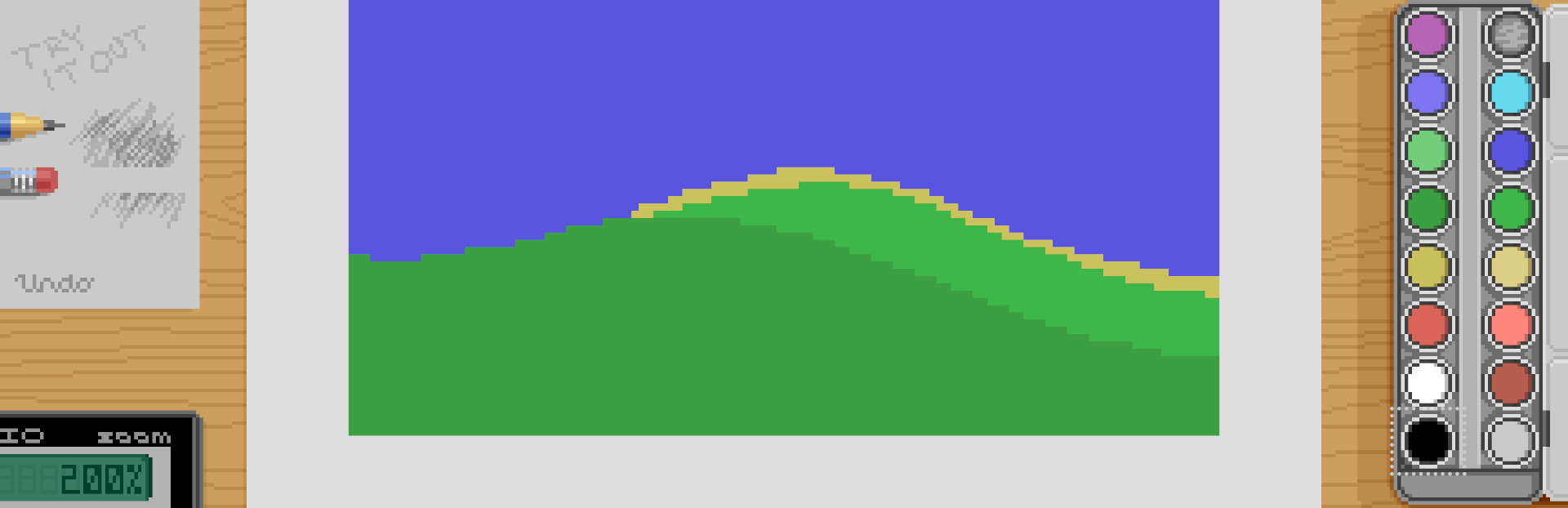
Create custom artworks with up to 16 colors.
Basic, monoramp, system, and modern palettes.
Fullscreen artwork preview.
Export the image as a PNG at varying scales.
Many of you have been asking for the ability to create your own artworks inside the game, so I enabled this feature.
This is not meant as a replacement for dedicated drawing software—the game's built-in editor is too barebones for that. Still, if you want to play around with the game's tools and pixel art evaluation, you will now unlock the Artworks section after completing the fan art challenge.
Creating an artwork comes with a neat little interface for selecting color palettes.
The current limitation of the editor is having palettes with up to 16 colors, but once I add the color element of art tutorial, this should be increased.
You can preview your artwork fullscreen by clicking on it in the clipboard.
And when you're happy with your work, you can export it at various magnification levels.
The game will then create a PNG file (or a ZIP if you select multiple scales).
All of this is very limited, but since I thought it was a good feature request, I figured I'd add it sooner rather than later, and it can become more full-featured as the game's future tutorials add more capabilities to the editor.
Here's also the devlog showcasing all this:
That's enough quality-of-life updates for now though. I'm looking forward to getting back to creating new learning content with the next development sprint.
Best, Retro
Source
Changelog.gg summarizes and formats this update. How we read updates.