
Full notes
Full Pipistrello and the Cursed Yoyo update
Read the full published notes in a cleaner layout. The original post stays linked below.
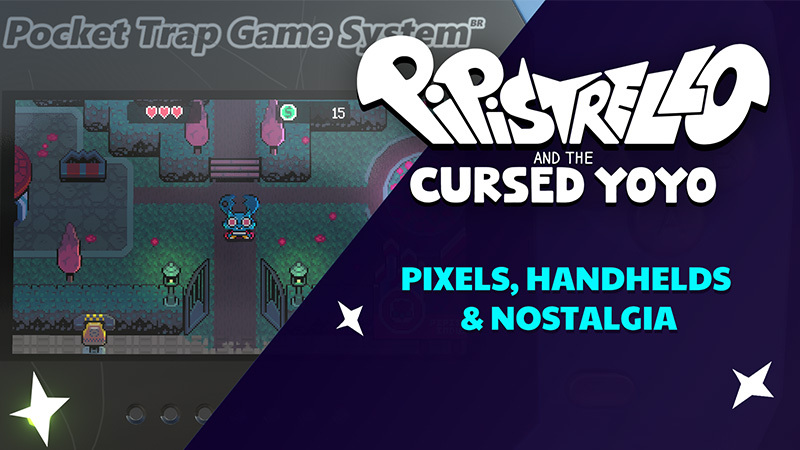
Coming in close to launch we want to show off all the (what we think are cool) display options in Pipistrello! We grew up playing Nintendo handheld games and love the experience. Some of us had cracked screens, dead pixels, and who could forget the horrible glare of trying to play back then if there was any sunlight!
We thought it’d be fun to bring back some of those experiences in Pipistrello-warts and all! Don’t worry, it’s all optional. Let’s take a look!
For starters, you can play the game in its entirety in “handheld/3D Console” mode!
And if you’re feeling extra nostalgic, there’s an option to play with the glass screen on. There are different handhelds you can get too! One might be in perfect condition…and one might be slightly cracked!
Next up, we’ve got a few options for screen filters.
LCD, Pixel Perfect, or LCD+Pixel Perfect
Finally, you can adjust the pixel scale and the font! The two font options are Pixel Perfect and Double Resolution.
That’s all for this quick update, we hope you enjoy the viewing options in Pipistrello! Launch is just around the corner!
Source
Changelog.gg summarizes and formats this update. How we read updates.