
Full notes
Full Peek update
Read the full published notes in a cleaner layout. The original post stays linked below.
What changed
- Gameplay
- UI and audio
Peek changes
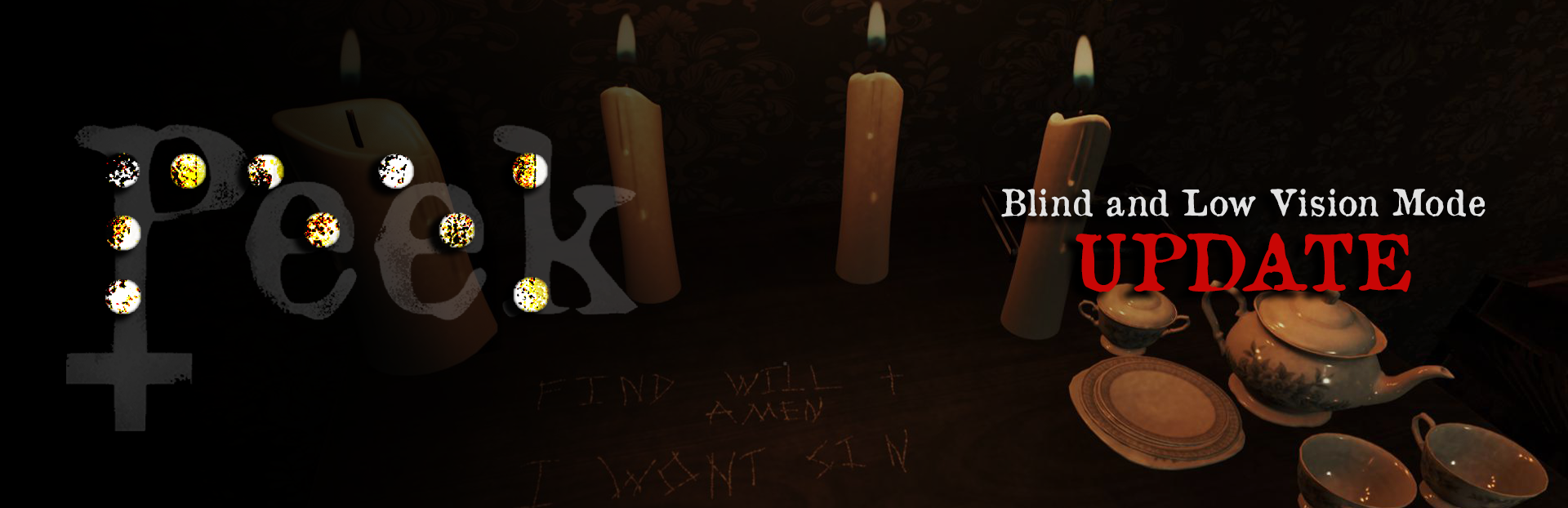
A major free update is now available for Peek, introducing Blind and Low Vision Mode!
I am excited to announce the release of this new mode, which is a separate audio-driven version of Peek’s ritual campaign and is designed to be playable without relying on visuals. Large-text prompts are also included for low-vision players who would like to follow along visually.
Press V from the title screen to enter Blind and Low Vision Mode.
Features
Keyboard-only navigation and interaction
Spoken menus and phase instructions
A dedicated Training sequence
Spoken grid-square readouts
Narrated relic selection, placement, and removal
Validation and correction feedback
Brief and Verbose narration settings
Toggleable automatic grid readouts
Large low-vision text prompts
Spoken story and phase narration
Blind and Low Vision Mode is not simply an accessibility layer placed over the standard game, which still relies on visuals. It is a separate, parallel mode that recreates the same puzzles, levels, and story through audio, narration, and keyboard controls.
The mode is available in both the full game and the free demo.
Headphones are recommended for the clearest spatial-audio experience, although ordinary stereo speakers can also be used.
Shaped by Community Feedback
This was my first time building a mode specifically for blind and low-vision players, and the folks in the AudioGames.net community were invaluable in providing feedback and encouragement throughout the process.
Testing led to clearer correction instructions, improved relic-removal guidance, and better handling of placements after unsuccessful ritual attempts.
Thank you to everyone who tested the demo, reported issues, and explained where the experience was clear or where it still needed improvement.
Essential Controls
These controls are also explained and repeated within the game itself.
V: Enter Blind and Low Vision Mode from the title screen (and also toggle Brief and Verbose narration during gameplay)
WASD or arrow keys: Move across the ritual grid
Q / E: Select a relic
Enter: Place a relic
Backspace / Delete: Remove an unsealed relic
Hold Space: Begin, validate, retry, or continue
H: Contextual help
G: Controls guide
T: Rules
R: Relic reference
C: Current-square status
Tab: Full grid status
Z: Toggle automatic grid readouts
Escape: Go back or quit
Blind and Low Vision Mode is now fully available in both versions of Peek, but I am still open to feedback and would love to hear from the community.
Thank you for playing. I am incredibly excited to release this mode and make Peek playable by more people!
All the best,
-Loyal Mussy
Andy
Source
Changelog.gg summarizes and formats this update. How we read updates.