
Full notes
Full Painted Legend: Knights of Ink & Paper update
Read the full published notes in a cleaner layout. The original post stays linked below.
What changed
- Gameplay
- Workshop
- Fixes
- UI and audio
Painted Legend: Knights of Ink & Paper changes
Changelist:
Added an additional menu with mod information
Added the ability to enable and disable individual mods
Added the ability to switch between local mods ("mods" folder) and Workshop mods
Added more variables to expand mod functionality and impact
Added a BAT file in the game folder for launching the game in debug mode
Fixed critical and minor bugs
To open the list of installed mods, click the button with the box and gear icon in the top-right corner of the main menu. This section now contains a full mod management menu with a mod list, settings, and detailed information.
In the tile list at the center, all installed mods are displayed (either from the Workshop or from the local "mods" folder). Clicking on any mod will now show its information, which is stored inside the "mod_info.txt" file located in the mod folder. You can also enable or disable each mod individually.
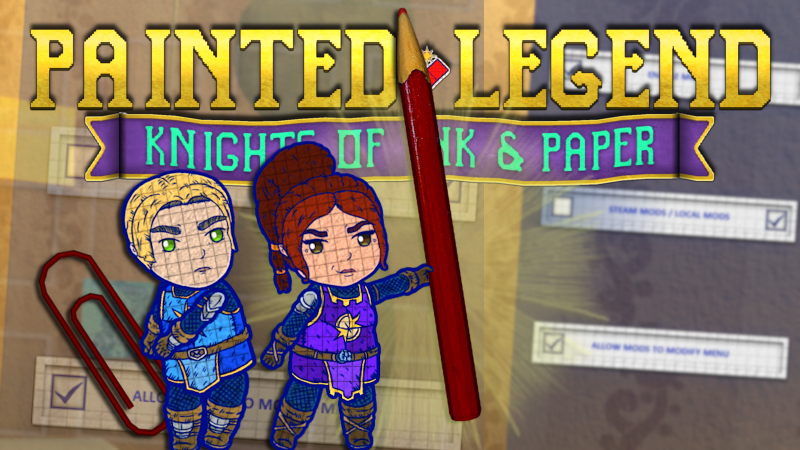
The settings panel on the right allows you to manage mods globally. You can completely disable all mods, allow them to run scripts in the main menu, and choose which mod directory the game will scan on the next launch (Steam Workshop or the local "mods" folder).
The mod loading requirements have also changed. A mod must now contain 3 required files:
[mod.js] - the mod code file
[mod_info.txt] - the mod information file containing the required information line by line
[mod_logo.png] - the mod icon image in 128×128 resolution
Source
Changelog.gg summarizes and formats this update. How we read updates.