
In this update8
Full notes
Full P.A.C.K. :: Post Apocalyptic Cleaning Kit update
Read the full published notes in a cleaner layout. The original post stays linked below.
What changed
- Gameplay
- UI and audio
- Store
- Maps
- Performance
- Fixes
P.A.C.K. :: Post Apocalyptic Cleaning Kit changes
Howdy Folks!
I’m super excited to announce that the Upgrade Update (Version 0.5) is now available! A huge thank you to the testers who helped track down issues and provided valuable feedback in the experimental branch. There are some big changes and additions in this update, so let’s break it all down.
Important Note: In order to get the most out of this update, it is strongly recommended that you replay the game from the beginning. You can reset your level and player progress by clicking the'Reset All Progress'button in the settings menu from the main menu.
Upgrades
As the name of the update implies, you now have the ability to upgrade your cleaning robot's various attributes. Upon completing a level, all of your acquired resources will be converted into Upgrade Scrap.
This new resource is used to purchase upgrades from the new escape menu, which also provides a more detailed breakdown of your level progress.
When playing with friends, all resources, upgrade scrap, and purchased upgrades are shared among all players.
New Map
Also included in this update is a brand new level to restore. The “Lost Chapter” Bookstore provides a new set of challenges and story elements.
Additional Changes
Sprinting
I’ve added the ability for the cleaning bot to sprint. There is a new setting that allows you to change whether you need to hold the sprint button or if it acts as a toggle.
Repair Interaction
When repairing objects, you are now required to hold the interaction key. The new Repair Speed upgrade decreases repair times.
User Manual
I’ve completely replaced the existing tutorial pop-up with a new User Manual. The User Manual will appear during a new playthrough, but it can be accessed at any time from the escape menu.
Cleaning Highlight Visual
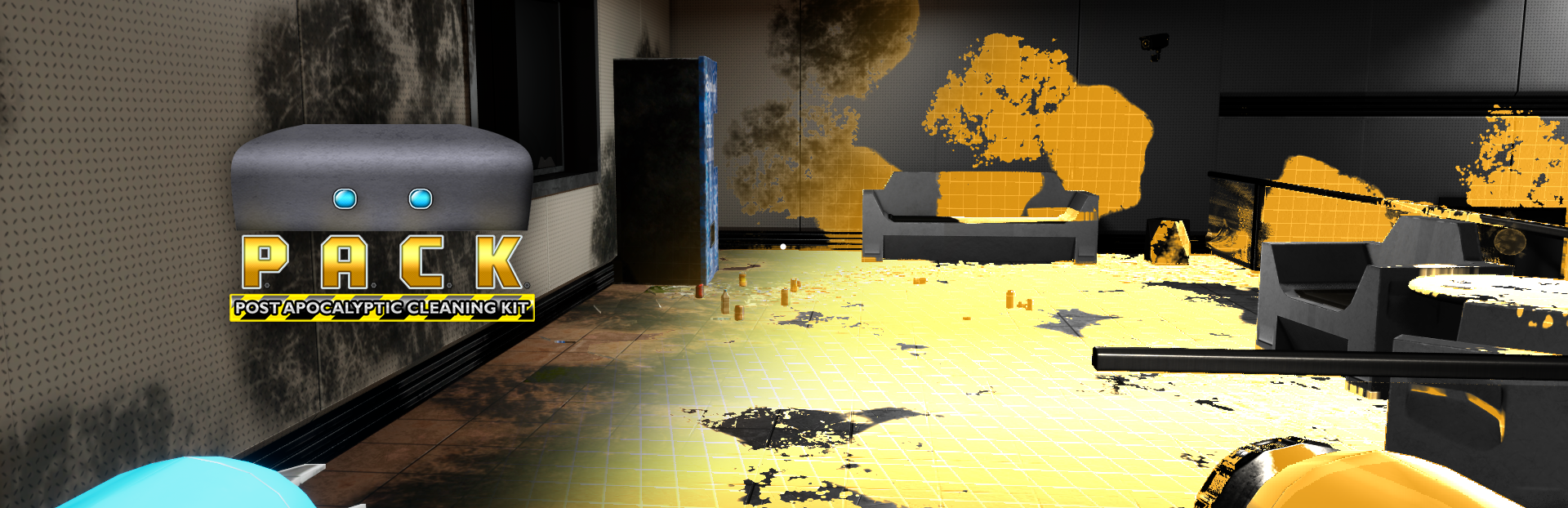
I’ve overhauled the cleaning radar highlight visual to make cleanable objects stand out more in all lighting environments. This will make hunting down those last few cleanables a breeze.
User Interface
I’ve updated the visuals and fonts used in the user interface throughout the game. It’s a relatively minor change, but it improves readability and makes the UI pop a bit more.
There are many more changes, tweaks and fixes so be sure to check out the full patch notes below.
Patch Notes
New Content
Added Upgrade Scrap item which is used to purchase upgrades. All acquired resources at the end of a level get converted into upgrade scrap.
New cleaning highlight visuals.
In game menu completely overhauled to provide better level progression info and is now also the place where you can acquire upgrades.
Added "Lost Chapter" Bookstore map
Levels in level selection are now locked by default. The first level and any level that has a cleaning percentage greater than zero are unlocked by default. Once all repairs are complete and a level at least 80% cleaned the next level will automatically become unlocked.
Completely reworked save game system to better handle existing and new data. While you should still be able to load existing save games, there may be some oddities. It is recommended to start a fresh game by using the Reset All Progress button.
Added a Reset All Progress button to the settings menu. It is located at the bottom left, but is only visible when accessing settings from the main menu.
Repair interaction now requires button hold instead of button press.
Added player sprint. Default key is shift.
Added Sprint Toggle setting which defaults to true. This determines whether the sprint key toggles sprint on/off or must be held to sprint.
Added new flashlight intensity logic to make the flashlight intensity more consistent across levels
Various minor tweaks/changes to improve performance.
Mutation Map
Road barriers are now destructible objects and required for level complete
Major decrease to the washable grime/dirt in Mutation level. This change is to improve fun and balance this level with others while still being a bit more challenging.
User Interface
Added User Manual which replaces existing tutorial screen. User manual will appear on a fresh start, but can also be accessed from the new escape menu in game.
Updated font used in all interfaces to improve readability.
Updated various UI elements for consistency and clarity.
Tool graphic at lower right of HUD now changes color when tool is in use
Fixes
Fixed: Missing localization data for resource types.
Fixed: Missing ceiling textures in bedroom closets of Frost Residence.
Fixed: Floating vehicle mount after deconstructing vehicle in Mutation map.
Fixed: Misaligned wall camera in Trapped map.
Fixed: Floating CCTV wall camera in Infinity Robotics map.
Fixed: Last loaded level not loaded and validated correctly. This could cause the current map selection to not show correctly.
Fixed: Target Frame Rate setting set to unlimited by default. Now defaults to 60.
Fixed: Some cleanable/repairable elements not detected via radar beep when nearby
Fixed: Skeletons not providing any resources
Fixed: Skeletons can't be destroyed using secondary washer mode AKA "aww, can't laser skeletons"
Fixed: Black flickering that appears on some objects when deconstructing
Source
Changelog.gg summarizes and formats this update. How we read updates.